Staying comfortable at your desk can be a daily challenge, especially during warm months or in buildings with unpredictable heating and cooling. The debate of desk fan vs tower fan office setups is a hot topic: both aim to keep you cool as you work, but which one is better for your workspace? In this guide, we’ll look at how each fan type performs for UK offices, including factors like noise, airflow, energy use and practical desk setups.
In This Article
- Why Office Cooling Feels Different at a Desk
- Desk Fan vs Tower Fan Office: Quick Verdict
- Airflow, Noise and Personal Comfort
- Space, Stability and Cable Management
- Power Use and Running Costs
- Best Choice for Home Offices, Shared Offices and Bedrooms
- Features Worth Paying For
- What I Would Buy at Each Budget
- Mistakes That Make Any Fan Annoying
- Frequently Asked Questions
Why Office Cooling Feels Different at a Desk
Office cooling isn’t just about lowering the room temperature; it’s about how air moves around you as you work. Sitting at a desk often means remaining in one spot for hours, surrounded by monitors, paperwork, and sometimes even warm electrical equipment. Unlike open-plan living rooms or bedrooms, office spaces can trap heat, especially if windows don’t open fully or if you share the room with others.
The Health and Safety Executive notes that there’s no legal maximum temperature for workplaces, but employers must ensure conditions are reasonable (HSE workplace temperature guidance). What feels comfortable for one person at their desk may be uncomfortable for another, especially if you’re near a window or next to radiators.
Fans help by moving air, creating a cooling effect even when the actual temperature hasn’t dropped. The type of fan you choose can affect not just your comfort, but your productivity and even your desk posture. Some people find that a well-placed breeze helps them focus, while others are distracted by whirring fans or cold drafts. If you’re already thinking about improving your setup, check out this guide to Footrests for Better Desk Posture.
Desk Fan vs Tower Fan Office: Quick Verdict
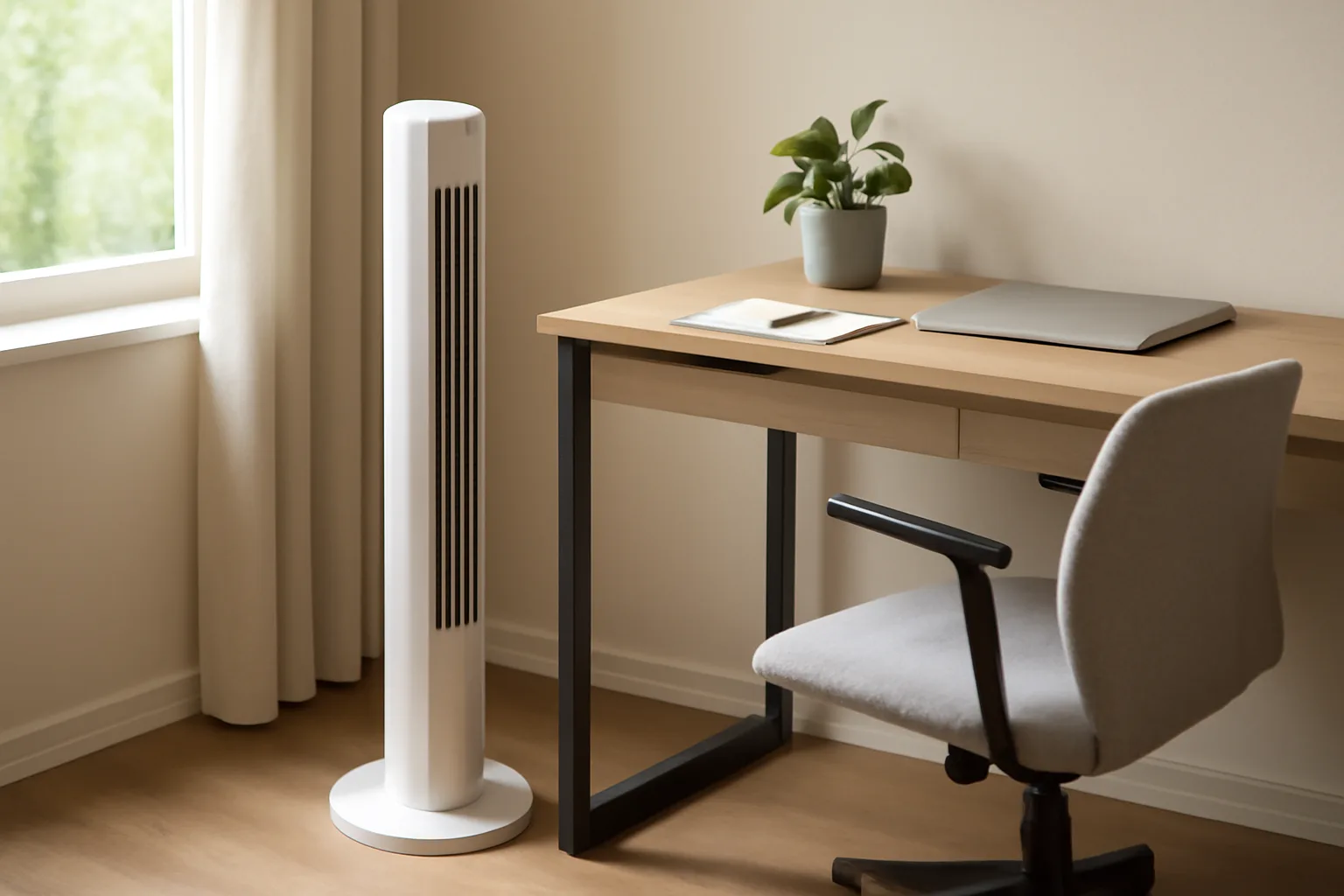
Both desk fans and tower fans can make your office more comfortable, but they serve different needs. Desk fans are compact and direct, providing strong airflow to a small area—perfect if you like a personal breeze and have limited floor space. Tower fans are taller and designed to circulate air across a wider section of the room. They’re usually quieter and have more settings, but take up more floor space.
If you work alone or need focused cooling at your desk, a desk fan is often the go-to. For bigger rooms or shared offices, tower fans can keep the whole space feeling fresher without creating strong drafts. Your choice might come down to space, noise tolerance and how much control you want over airflow.
In short: choose a desk fan for targeted, personal cooling and a tower fan for larger or shared office spaces. But there are more details to consider—let’s dig into them.
Airflow, Noise and Personal Comfort
Direct vs Diffused Airflow
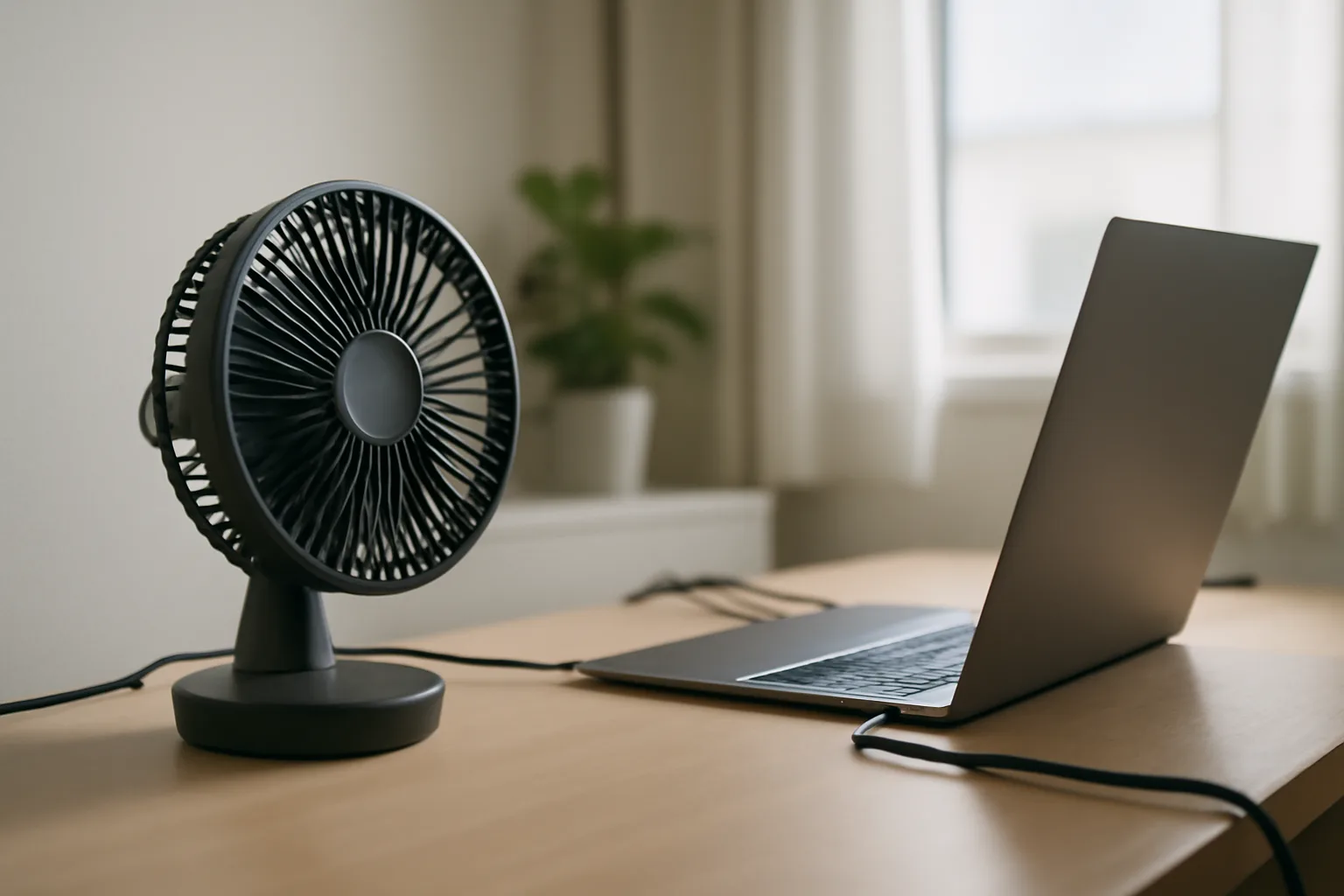
Desk fans usually have a circular blade and grille, pushing air in a direct stream. This is great for cooling down quickly or for drying out a muggy spot, but it can feel too intense if pointed at your face for hours. You can angle them to avoid papers flying everywhere, but they’re best at cooling one person at a time.
Tower fans use a vertical column to distribute air along a wider path. Instead of a blast, they send a curtain of moving air across several feet. This makes them ideal for cooling a whole room or providing a gentle background breeze. If you’re sensitive to drafts or share your office, a tower fan is less likely to annoy colleagues.
Noise Levels
Noise can be a dealbreaker. Desk fans, especially cheaper models, can be quite loud on higher settings. The sound of the spinning blades, combined with vibration on your desk, may distract you during calls or focused tasks. Higher-end desk fans are quieter, but still produce more noticeable whirring compared to most tower fans.
Tower fans are engineered for quiet operation, especially on low or medium settings. Many have a ‘sleep’ or ‘night’ mode, making them suitable for bedrooms or conference calls. You might hear a gentle hum, but it’s rarely intrusive. If background noise is a big concern, a tower fan is usually the better choice.
Comfort for Long Hours
Personal comfort isn’t just about temperature. For some, a focused breeze helps prevent drowsiness and improves concentration. For others, it dries out eyes or skin. Adjustable speeds and oscillation (side-to-side movement) help tailor the experience, but if you’re sensitive to airflow, a tower fan’s gentler distribution is often easier to live with all day.
If you use multiple screens or have a specific monitor setup, airflow can affect screen glare, dust build-up, or even your posture—see our tips on How to Position Monitors to Avoid Neck Pain.
Space, Stability and Cable Management
Desk Footprint and Floor Space
Desk fans are compact and sit on your desk or a shelf nearby. They’re ideal for cramped home offices or shared desks where floor space is at a premium. However, they do take up some of your precious work surface, which can interfere with paperwork, mugs, or monitor stands.
Tower fans stand on the floor, typically taking up a rectangle about the size of a shoebox. They’re tall but slim, and can usually be tucked beside a filing cabinet or under a window. If your desk is already crowded, a tower fan can keep your workspace clear.
Stability and Safety
Desk fans can be knocked over easily, especially if you have pets or lots of cables around. Their lightweight design makes them portable but less stable. Some models have weighted bases, but you’ll still need to be careful. Tower fans are heavier and more stable, less likely to fall over unless bumped hard.
Cable Tidy and Power Sockets
Both types require plugging in, and trailing cables can be a nuisance. Desk fans need a socket near your desk, which can mean running an extension lead if your office isn’t well-wired. Tower fans often have longer cables, but you’ll need to plan where the cord runs to avoid trip hazards. Good cable management is essential to keep your space tidy—especially if you’re using other desk accessories like Best Monitor Arms 2026: Single & Dual Setups.
Power Use and Running Costs
Typical Power Consumption
Fans are generally low-energy compared to air conditioning, but there’s still a difference in running costs. Desk fans typically use between 20-40 watts, depending on size and speed. Tower fans use more, often between 40-70 watts, but they can cool a larger area.
If you run a fan for 8 hours a day during summer, the extra electricity adds up. For a desk fan, that might mean less than £1 per week. A tower fan might cost double that, but if it cools several people, it could be more efficient per person.
Energy-Saving Features
Look for fans with timers or eco-modes. Some tower fans have sensors to adjust speed based on room temperature. These features can help keep running costs low and avoid wasting energy when you step away from your desk.
Noise and Energy
It’s tempting to crank up the fan when you’re hot, but higher speeds use more power and make more noise. If you can, run the fan on a lower setting for background comfort and only increase speed when you really need a blast of cool air.
Best Choice for Home Offices, Shared Offices and Bedrooms
Home Offices
If you work from home in a small room, a desk fan is often enough. You can point it exactly where you want it, and tuck it away when not needed. For larger home offices or garden rooms, a tower fan will circulate air better, especially if you move around the room or have others sharing the space.
Shared Offices
In shared workspaces, tower fans are usually less disruptive. They provide background cooling without creating a wind tunnel effect for anyone in the line of fire. Desk fans can cause disputes if someone doesn’t like the breeze or the noise. If you do go for a desk fan, use one with variable speed and oscillation to avoid annoying your colleagues.
Bedrooms and Multi-Use Spaces
Tower fans are a safe bet for bedrooms because they’re quieter and can double as white noise machines. Many have remote controls and timers, letting you set them to run before bed and switch off automatically. Desk fans can be used at night, but only if the noise doesn’t disturb your sleep.
Other Considerations
If you have children or pets, tower fans are usually safer—fingers and paws can’t reach the blades as easily. Always follow safety guidelines, and check the HSE display screen equipment workstation checklist for tips on maintaining a comfortable and safe workspace.
Features Worth Paying For
Variable Speed and Oscillation
Basic fans have two or three speed settings, but pricier models often offer more control. Variable speed lets you fine-tune the airflow, while oscillation spreads the breeze across a wider area. Both are useful for adapting to changing temperatures or sharing with others.
Timers and Remote Controls
Tower fans often come with remote controls and programmable timers. These are handy if you want to start the fan before entering the room, or set it to switch off automatically. Desk fans rarely have remotes, but some have simple timers.
Air Purification and Ionisers
Some tower fans include HEPA filters or ionisers to help trap dust and allergens. This can be a bonus in stuffy offices or if you suffer from hay fever. Be aware that filter replacements add to the cost and maintenance.
Build Quality and Design
Cheap fans can be flimsy, with rattling parts that get worse over time. It’s worth spending extra for a fan with a sturdy base, smooth controls and a design that’s easy to clean. If you care about aesthetics, both desk and tower fans now come in a range of finishes to suit modern offices.
What I Would Buy at Each Budget
Under £20
At this level, you’ll mostly find basic desk fans. Look for one with at least two speed settings, a tilt function, and a safety grille. Avoid the smallest USB fans—they rarely move enough air to be useful in a warm office.
£20–£50
This range gives you a choice of quality desk fans and entry-level tower fans. For a small office, a well-reviewed desk fan with adjustable speed and oscillation is a solid pick. For shared or medium rooms, basic tower fans start at this price. Check reviews for noise and build quality.
£50–£100
Here you’ll see premium desk fans—some with brushless motors for quieter running—and tower fans with remotes, timers and better airflow. If you have allergies or want less dust, consider a tower fan with a built-in filter. Brands like Honeywell, Meaco and Dimplex are popular in the UK.
Over £100
At this budget, you can get advanced tower fans with multiple modes, high-end air filtration, and smart controls (e.g., app integration or voice control). Some desk fans in this range offer designer looks and ultra-quiet motors. For most office users, this is the territory of ‘nice to have’ rather than ‘need to have’—but if you want the best, it’s here.
Mistakes That Make Any Fan Annoying
Poor Placement
Putting a fan in the wrong spot can make it useless or irritating. Desk fans should be close enough to reach you, but not so close that they scatter paper or dry your eyes. Tower fans need space to work—don’t wedge them behind chairs or under desks.
Ignoring Noise
Some fans sound fine in a shop but become distracting in a quiet office. Always check reviews for noise, and if possible, test before buying. High-pitched or rattling sounds are the most likely to become irritating over time.
Skipping Cleaning
Fans collect dust quickly, especially in offices with lots of electronics. Dirty blades reduce airflow, spread allergens, and make the fan noisier. Clean your fan every few weeks, following the manufacturer’s instructions.
Overlooking Safety
Loose cables, unstable bases and lack of safety grilles can all cause accidents. Make sure your fan can’t be pulled over by pets or children, and avoid running cables across walkways. If you use an extension lead, don’t overload it.
Not Reading the Manual
Modern fans can have hidden features—like night modes, timers or filter alerts—that make them easier to live with. Take five minutes to read the manual so you get the most from your fan.
Frequently Asked Questions
Q1: Is a desk fan or tower fan better for a small UK office? A desk fan is usually better for a small UK office if you want direct, personal cooling and have limited floor space. If you prefer a gentler breeze or share your office, a compact tower fan may be worth considering.
Q2: Are tower fans quieter than desk fans? Tower fans are generally quieter, especially on low or medium settings. They’re designed to provide background cooling without loud whirring or vibration, making them ideal for calls or focused work.
Q3: Do fans actually lower the room temperature? Fans don’t lower the air temperature; they move air to help your body cool itself. The cooling effect comes from increased evaporation of sweat and the movement of air across your skin.
Q4: How much does it cost to run a fan in the UK? Running a typical desk fan costs less than £1 per week if used eight hours per day. Tower fans cost slightly more, but still much less than air conditioning. Look for models with timers to save energy.
Q5: Can I use a fan all day while working from home? Yes, but it’s best to use a lower speed for background comfort and take breaks if you feel too cold or develop dry eyes. Clean your fan regularly to avoid dust build-up.
Q6: What’s the safest fan type if I have children or pets? Tower fans are safer for homes with children or pets, as their blades are hidden and less accessible. Always follow safety guidelines and keep cables tidy to prevent accidents.