You’re standing in IKEA staring at a £59 Lagkapten desk, wondering whether it’s actually any different from the £800 solid oak slab you saw online last night. The honest answer: yes, it is different — but whether that difference matters depends entirely on how you use your desk and how long you plan to keep it.
In This Article
- What Counts as Budget and Premium
- Build Quality and Materials
- Stability and Wobble
- Surface Quality and Durability
- Weight Capacity
- Cable Management
- Standing Desks: Budget vs Premium
- Aesthetics and Finish
- Warranty and Longevity
- The Real Cost Per Year
- Who Should Buy Budget
- Who Should Buy Premium
- Our Recommendations by Budget
- Frequently Asked Questions
What Counts as Budget and Premium
Before comparing, let’s define the categories for UK buyers:
Budget (Under £200)
- £40-80: IKEA basics (Lagkapten, Linnmon), Amazon flat-pack desks. Particle board with melamine or vinyl wrap
- £80-120: Better IKEA options (Bekant frame with Lagkapten top), Argos home office range, Amazon mid-tier
- £120-200: Entry-level dedicated office desks from Currys, John Lewis basics, or direct-to-consumer brands
Mid-Range (£200-500)
- The sweet spot for most home workers. Solid construction, better materials, typically from brands like FlexiSpot, Fully, or IKEA’s IDÅSEN range
- Standing desk converters and entry-level motorised sit-stand desks fall here
Premium (£500+)
- £500-1,000: Solid wood tops, quality steel frames, brands like UPLIFT, Fully Jarvis, Autonomous
- £1,000-2,000: Herman Miller, Steelcase, high-end standing desks with all the extras
- £2,000+: Custom-built, designer pieces, or fully kitted-out premium standing desk setups
The HSE’s guidance on display screen equipment sets minimum standards for workplace furniture, including desk height and space requirements. Whether a £60 desk or a £600 desk meets those standards depends on the specific model, not the price tag.
Build Quality and Materials
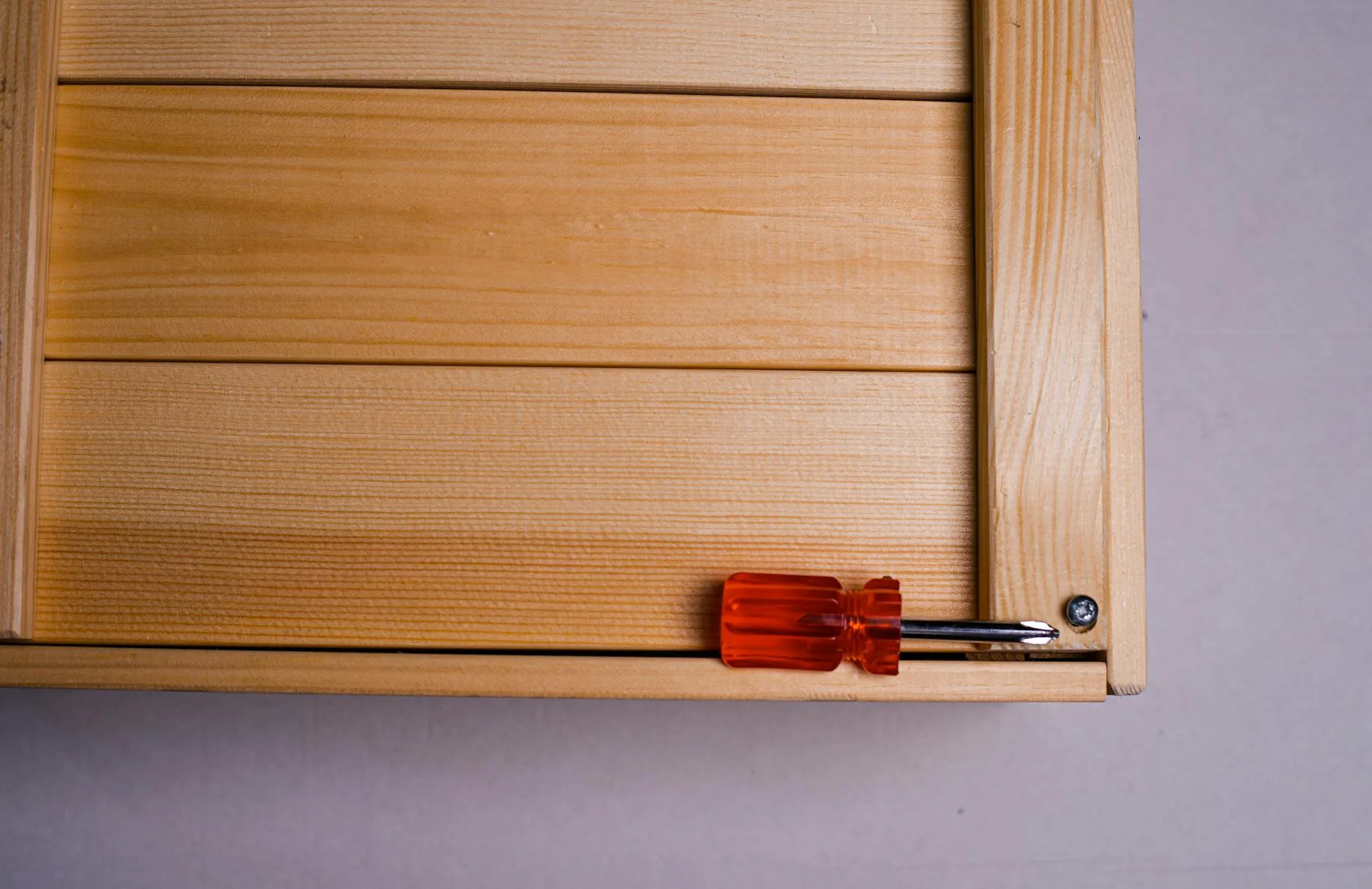
This is where you feel the difference most. Pick up a £50 desk and a £500 desk side by side and the gap is immediately obvious.
Particle Board vs MDF vs Solid Wood
- Particle board (budget): compressed wood chips with a thin veneer or melamine wrap. Light, cheap, and structurally adequate — until it gets wet. A single water spill that soaks through the edge banding causes irreversible swelling. Most IKEA desktops are particle board with a quality wrap
- MDF (mid-range): denser and more uniform than particle board. Better screw-holding strength, smoother surface, heavier. Takes moisture slightly better but still not waterproof
- Solid wood (premium): real timber — oak, walnut, birch, bamboo. Naturally moisture-resistant, can be sanded and refinished, develops character over time. Weighs noticeably more (a 140×70cm oak top weighs 25-30kg vs 8-10kg for particle board)
- Bamboo (mid-premium): technically a grass, but functions like hardwood. Lighter than oak, very hard-wearing, sustainable. Popular in the standing desk world — brands like Fully and FlexiSpot use it for their premium tops
Our desk materials guide goes into the technical details of each material type.
Frame and Legs
Budget desks use thin steel tube legs (typically 25mm diameter) or particle board legs. They’re adequate for light loads but flex under pressure.
Premium desks use heavier gauge steel (40-50mm) or solid wood frames. The difference in rigidity is stark — press down on the centre of a budget desk and it bows. Press down on a premium steel frame desk and nothing moves.
Hardware
Budget desks use cam locks and dowels (the standard flat-pack connectors). They’re designed for one assembly — take the desk apart and reassemble it, and the connections loosen permanently.
Premium desks use bolts, threaded inserts, or mortise-and-tenon joints. These can be disassembled and reassembled without losing structural integrity. If you move house regularly, this matters.
Stability and Wobble
Wobble is the single most complained-about issue with budget desks, and it’s the reason many people eventually upgrade. If you are exploring this area, our guide on Best Monitors for Video Editing on a Budget covers the essentials.
Why Budget Desks Wobble
- Thin legs with small footpads that don’t grip the floor
- No crossbars or stretchers connecting the legs for lateral stability
- Lightweight construction that resonates when you type
- Uneven floors (common in older UK homes) that budget desks can’t adjust for
How Premium Desks Avoid It
- Heavier frames with lower centres of gravity
- Crossbars and back panels that triangulate the structure
- Adjustable feet with proper levelling mechanisms
- Wider stance — premium desk frames typically extend wider than budget ones
After spending months working at different desks, we’ve found that wobble is the thing that drives people to upgrade more than anything else. You don’t notice it for the first week. By month three, every time your screen shakes while you type, it chips away at you.
The Standing Desk Wobble Problem
Wobble gets worse as desks get taller. A standing desk at 110cm height amplifies every vibration. Budget standing desks at standing height can wobble so much that your webcam shakes during video calls. Premium standing desks use heavier columns, wider bases, and sometimes crossbars to counteract this. If you’re buying a standing desk, this is the area where spending more pays off most.
Surface Quality and Durability
Scratch and Heat Resistance
Budget melamine surfaces scratch easily. Sliding a keyboard without a desk mat leaves marks within months. They also show heat rings from coffee mugs — a coaster is mandatory, not optional.
Solid wood surfaces scratch too, but the scratches add character and can be sanded out. Lacquered or oiled wood handles heat better than melamine but still benefits from coasters.
Bamboo is the most resistant to scratches of any common desk material. After a year of daily use with no desk mat, our bamboo desk surface shows virtually no wear.
Edge Quality
Budget desks have edge banding — a thin strip of PVC or ABS glued to the raw edges of the board. This peels off over time, especially at the front edge where your wrists rest. Once it starts peeling, it catches on skin and clothing.
Premium desks have solid edges — either the natural edge of the timber or a thick, machined edge that’s part of the surface material. These don’t peel and feel substantially nicer under your forearms.
Weight Capacity
Why It Matters More Than You Think
A typical home office setup weighs more than people expect:
- Monitor: 5-10kg
- Monitor arm: 2-4kg
- Laptop: 1.5-2.5kg
- Keyboard, mouse, peripherals: 1-2kg
- Desk lamp: 1-3kg
- Books, notebooks, general clutter: 2-5kg
- Coffee mugs, water bottles: 1-2kg
That’s 15-30kg of static load, concentrated in the middle and back of the desk.
Budget Desk Limits
Most budget desks are rated for 30-50kg. That sounds like plenty, but the rating assumes even distribution across the entire surface. A monitor arm clamped to the back edge concentrates 10-15kg on a single point — and budget particle board can crack under that concentrated load.
Premium Desk Limits
Premium desks typically handle 80-150kg. More importantly, solid wood and thick MDF handle concentrated loads much better. A monitor arm clamp won’t indent or crack a solid oak desktop.
Cable Management
An overlooked difference that affects daily life.
Budget Desks
Most budget desks have no cable management at all. No grommets, no cable trays, no routing channels. You’ll need to add aftermarket solutions: adhesive cable clips (about £5), an under-desk cable tray (about £15-25), and grommet holes drilled yourself if you want them. You might also find our Corner Desks: Pros, Cons & Best Layouts guide useful here.
Premium Desks
Better desks include built-in grommets, integrated cable trays, and sometimes even cable channels routed into the frame. The UPLIFT V2 has cable management built into the frame. Herman Miller desks have concealed cable troughs. These details seem minor until you’re chasing a USB cable through a tangle of wires at 9am on a Monday.
Standing Desks: Budget vs Premium
The gap between budget and premium is largest in the standing desk category, because you’re adding electric motors and a lifting mechanism to the equation.
Budget Standing Desks (£200-400)
- Single motor — slower lift speed (about 25-30mm per second), louder, lower weight capacity
- 2-stage legs — maximum height around 120cm, minimum around 70cm. Adequate for most people under 185cm
- Basic controls — up/down buttons, maybe one memory preset
- Brands: FlexiSpot EN1, IKEA BEKANT (£400, technically mid-range), Maidesite
- The trade-off: they work, but the wobble at standing height is noticeable, and the motor whine gets tiresome
Premium Standing Desks (£500-1,200)
- Dual motor — faster (38-45mm per second), quieter, higher weight capacity (100-150kg)
- 3-stage legs — wider height range (60-130cm), accommodating very short and very tall users
- Memory controller — 3-4 presets, sometimes with digital height display
- Anti-collision detection — the desk stops if it hits something while moving
- Brands: UPLIFT V2, Fully Jarvis, Autonomous SmartDesk, FlexiSpot E7
- The trade-off: the dual motors and heavier frame make a real difference to stability and speed. This is one category where spending more is almost always worth it
Our standing desk review covers the top models in each price bracket.
Aesthetics and Finish
Budget Aesthetics
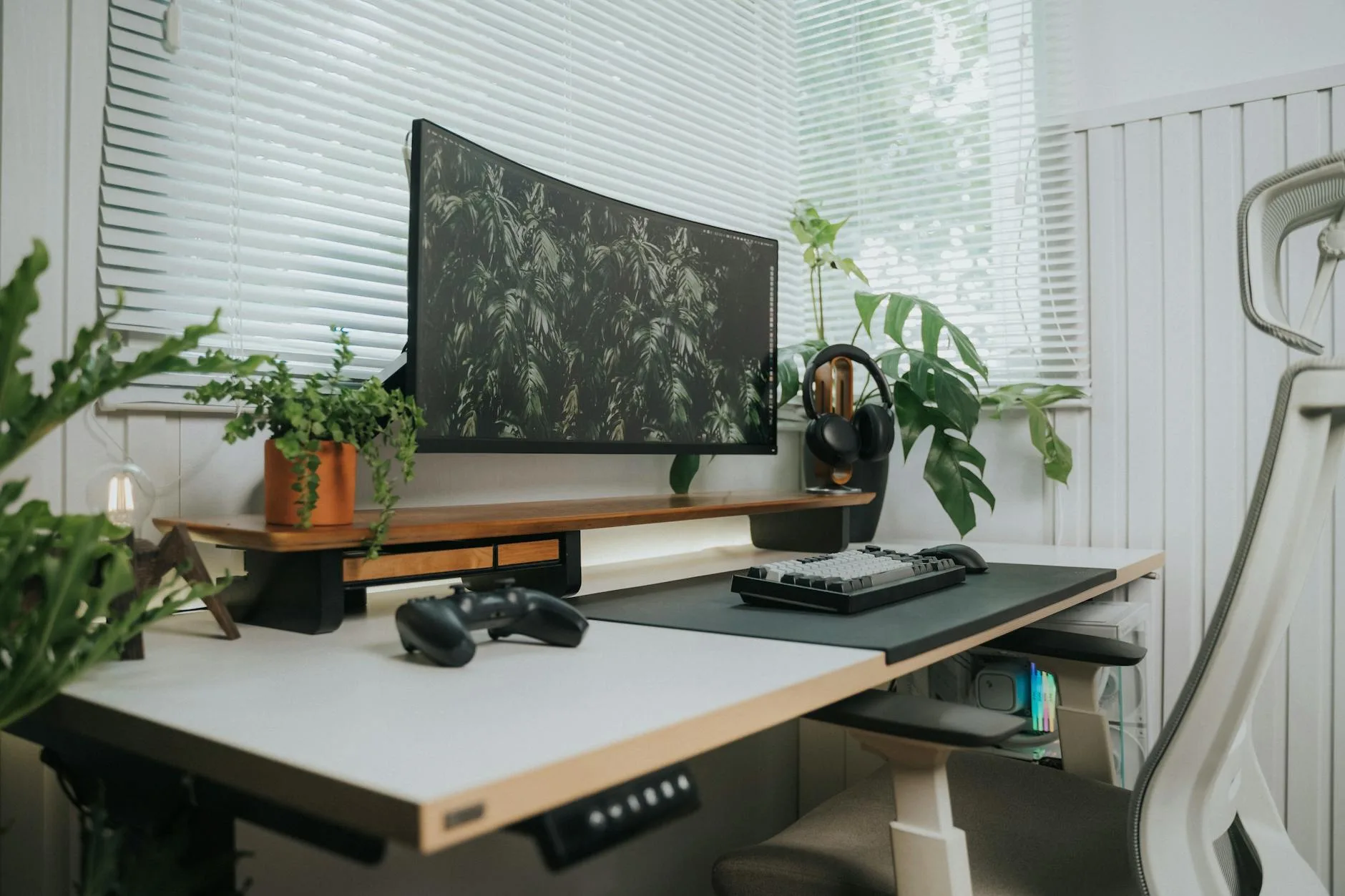
Budget desks look fine on day one. The melamine surface is uniform, the edges are clean, and from across the room you wouldn’t know it was £60. Up close, the seams show — edge banding doesn’t match perfectly, screw holes are visible, and the surface has a plasticky sheen.
Over time, the aesthetics degrade. Edge banding peels. The surface shows scratches. Sticker residue from labels refuses to come off cleanly. After 2-3 years, most budget desks look tired.
Premium Aesthetics
Solid wood desks age gracefully. Oak darkens and develops warmth. Walnut gains depth. Even bamboo develops a patina that most people find attractive. The grain pattern is unique to each desk — it’s furniture with character, not just a surface to put things on.
The finish quality matters too. A properly oiled oak top feels warm under your hands. A lacquered surface feels smooth and substantial. There’s a tactile pleasure in using a premium desk that particle board simply cannot replicate.
Warranty and Longevity
Budget: 1-2 Years, Replace Every 3-5
Budget desks typically come with 1-2 year warranties. IKEA offers better (25 years on some ranges) but the physical lifespan of particle board is about 3-5 years of daily office use before it starts looking worn, the edge banding goes, and the structural joints loosen.
Premium: 10-15 Years, Keep for Decades
Premium desk warranties range from 10 years (UPLIFT, Fully) to 15 years (Herman Miller) to lifetime (some bespoke makers). Solid wood desks are generational furniture — a well-made oak desk will outlast your career. We’ve seen second-hand solid wood desks from the 1970s that still function perfectly.
The warranty also covers different things. Budget warranties typically cover manufacturing defects only. Premium warranties often cover the motor (on standing desks), the frame, the surface, and the lifting mechanism separately.
The Real Cost Per Year
This is the calculation that changes most people’s thinking:
Budget Desk: £60, Replaced Every 4 Years
- Cost per year: £15
- Over 10 years: £150 (2-3 desks, plus the hassle of disposing of old ones and building new ones)
- Hidden costs: aftermarket cable management (£20-30), desk mat to protect surface (£15-25), possible monitor arm compatibility issues
Mid-Range Desk: £350, Kept for 8 Years
- Cost per year: £44
- Over 10 years: £440 (likely 1-2 desks)
- Hidden costs: minimal — usually better built-in features
Premium Desk: £800, Kept for 15+ Years
- Cost per year: £53
- Over 10 years: £530 (one desk, still going strong)
- Hidden costs: essentially none — cable management, quality surface, everything built in
The premium desk costs more per year than budget, but the difference is marginal — about £38/year between budget and premium. For something you use 8+ hours a day, 5 days a week, that’s roughly 10p per working hour.
Who Should Buy Budget
Budget desks make sense when:
- You’re a student — you need a surface for a laptop and books, you’ll move in a year, and your budget is for textbooks not furniture
- It’s a secondary desk — a craft table, kids’ homework station, or guest room desk that gets occasional use
- You’re testing the waters — you’re new to working from home and want to see if you stick with it before investing
- Space is temporary — you’re in rented accommodation and plan to move within a year
- Budget is tight — a £60 desk that works is infinitely better than no desk. Don’t let anyone tell you otherwise
Our Budget Picks
- IKEA Lagkapten + Adils legs: about £40-55 for a full desk. The most popular budget desk in the UK for a reason — adequate, light, easy to build
- IKEA Bekant: about £200-250 (borderline mid-range). Better build quality, steel frame, adjustable feet
- Amazon Basics desk: about £60-80. Functional, nothing special, arrives in two days
Who Should Buy Premium
Premium desks make sense when:
- You work from home full-time — 40+ hours a week on a desk justifies spending more. Your back, wrists, and sanity will thank you
- You use heavy peripherals — dual monitors, monitor arms, a desktop tower. Budget desks can’t handle the concentrated weight
- You care about your workspace — your desk is the centrepiece of your office. If a nice desk makes you enjoy working, that has real value
- You plan to keep it long-term — if you’re settled in your home and won’t move for years, the cost-per-year maths favours premium
- You need a standing desk — the budget-to-premium gap is biggest here, and standing desk wobble directly affects your ability to work comfortably
Our Premium Picks
- UPLIFT V2: about £600-900 depending on top material. Our top pick for standing desks. Excellent stability, quiet motors, 15-year warranty
- Fully Jarvis: about £500-750. Slightly cheaper than UPLIFT, comparable quality, good bamboo top option
- Herman Miller Renew: about £1,200+. If budget is no object and you want the best static desk. Build quality is on another level
- John Lewis solid oak desk: about £400-600. Not a standing desk, but beautifully made and stocked locally for easy returns
For a deeper look at how to set up any desk ergonomically without spending a fortune, see our ergonomic home office guide.
Frequently Asked Questions
Is a £60 IKEA desk good enough for working from home? For a laptop and occasional use — yes. For full-time home working with a monitor, keyboard, and peripherals — it’ll work but you’ll notice the limitations within a few months. The surface scratches, the wobble becomes distracting, and the lack of cable management creates clutter. It’s a starting point, not an endpoint.
How much should I spend on a desk for a home office? If you work from home full-time, £300-600 gets you a desk that will last 8-15 years and keep you comfortable. Under £200 is fine for casual use. Over £800 is luxury territory — nice to have but not necessary for most people.
Are standing desks worth the extra money? If you alternate between sitting and standing throughout the day, a standing desk reduces back pain and improves energy levels for many people. Budget standing desks work but wobble at height. Spending £500+ on a dual-motor standing desk is one of the clearest cases where premium justifies itself.
Can I upgrade a budget desk instead of replacing it? Partially. You can add a cable management tray, desk mat, monitor arm (if the surface supports it), and adjustable feet. But you cannot fix fundamental issues like thin legs, particle board edges, or lightweight frames. At a certain point, upgrades cost more than just buying a better desk.
Do premium desks hold their resale value? Solid wood desks and quality standing desks hold value well. A used UPLIFT V2 or Fully Jarvis sells for 50-70% of retail on Facebook Marketplace or Gumtree. Budget desks have essentially zero resale value — most end up in a skip.