Your monitor sits on your desk. Your eyes look down at it. Your neck tilts forward. Eight hours later, you’ve got a headache and a knot between your shoulder blades that no amount of stretching seems to fix. This has been happening for months, and you’ve been ignoring it because it feels like such a minor thing. It isn’t minor. And the fix costs less than a round at the pub.
A desk shelf riser — also called a monitor riser, desk stand, or monitor shelf — is one of those unglamorous accessories that makes an outsized difference to how comfortable your desk setup feels. It lifts your screen to the right height, often adds a bit of storage underneath, and stops you developing the hunched posture that working from home has inflicted on half the UK workforce.
But they’re not all the same. Walk into a shop or search Amazon and you’ll find everything from a £12 plastic shelf to a £150 bamboo unit with USB charging and built-in wireless chargers. Some of them are great. Some of them are a waste of money. Here’s how to figure out which one you actually need.
Why Monitor Height Matters More Than You Think
This isn’t just about comfort — it’s basic ergonomics that physiotherapists and occupational health specialists have been banging on about for decades. The Health and Safety Executive’s guidance on display screen equipment makes clear that screen height is a key factor in preventing musculoskeletal problems at work.
When your monitor is too low (which it almost definitely is if it’s sitting directly on a desk), you tilt your head downward. Even a few degrees of tilt puts extra load on your neck and upper back. Over the course of a working day, that adds up. Over weeks and months, you’re looking at chronic neck pain, tension headaches, and potentially issues with your thoracic spine.
The correct position is simple: the top of your screen should be roughly at eye level, with the screen tilted slightly back (about 10-20 degrees). When you look straight ahead, your eyes should hit the top third of the monitor. This keeps your head in a neutral position and your neck muscles relaxed.
For most people sitting at a standard desk (about 72-75cm high), this means raising the monitor by somewhere between 8cm and 15cm. That’s exactly the range most desk shelf risers cover.
What About Monitor Arms?
Monitor arms are the other solution, and they’re arguably better — they give you precise height, tilt, and rotation adjustment, and they free up desk space completely. A good one like the Ergotron LX (about £120-140 from Amazon UK) or the Amazon Basics equivalent (about £30-40) is worth considering.
But arms have drawbacks: they need a thick enough desk edge to clamp to (at least 20mm), they don’t work well with very heavy monitors, and they offer zero storage. If you want the height adjustment and a shelf to stash your keyboard, a notebook, or a charging phone underneath, a riser is the better choice.
Many people end up with both — an arm for precise screen positioning and a riser for additional storage and organisation. No rules against doubling up. If you’re also considering a sit-stand setup, be aware of the common standing desk mistakes that can undermine even the best accessories.
Types of Desk Shelf Riser
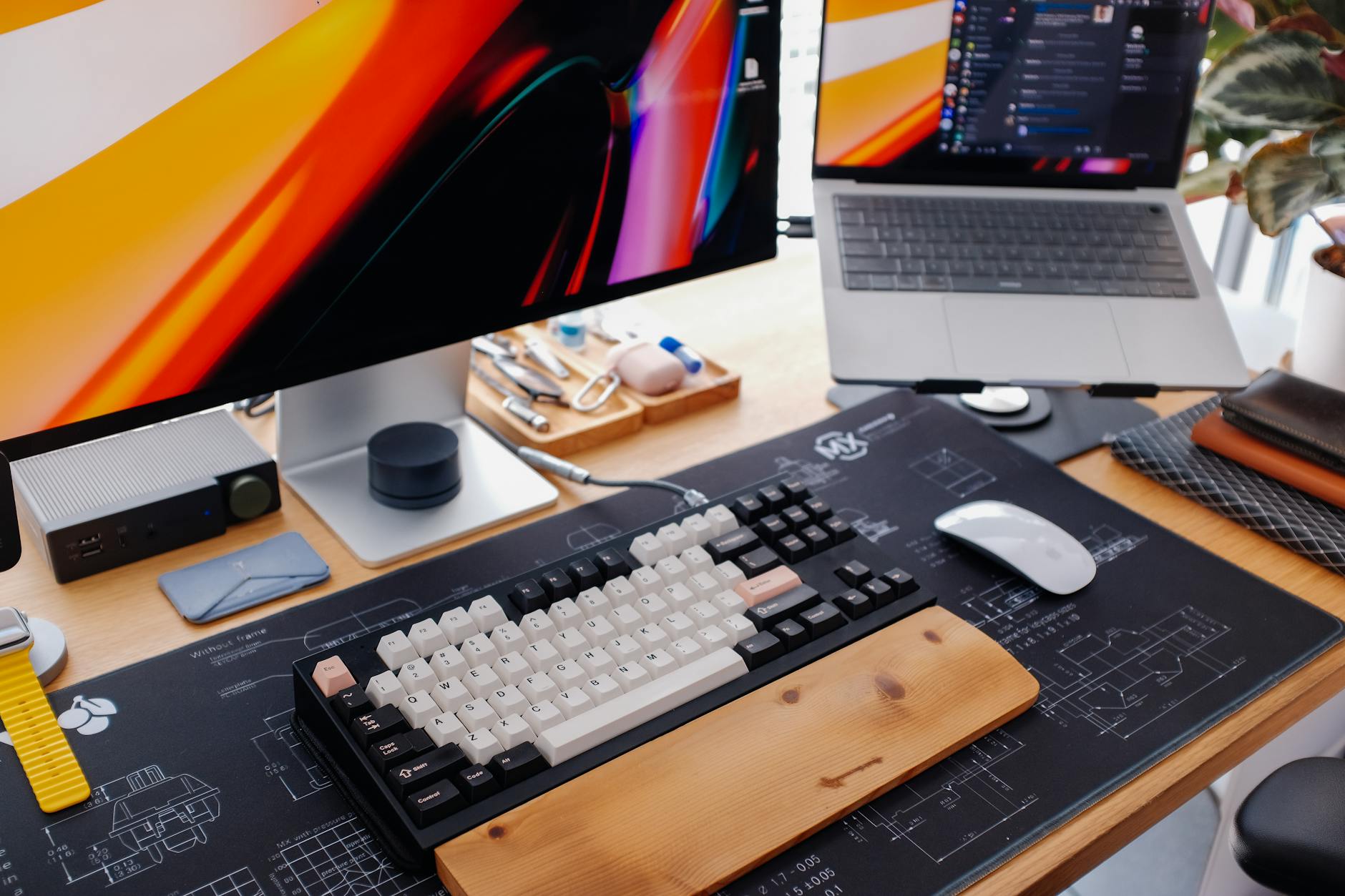
Not all risers are built the same way, and the type you choose depends on what you need beyond just lifting a screen.
Flat Shelf Risers
The simplest type. A flat platform on legs or solid sides, creating a shelf with open space underneath. Usually between 8cm and 15cm tall.
Pros: Cheap, simple, loads of options. The space underneath fits a keyboard, phone, small notebook, or a charging stand.
Cons: Fixed height — what you buy is what you get. No drawers or compartments.
Best for: People who just want their monitor higher and a tidy space to push their keyboard under when not typing.
Good option: The BONTEC Monitor Stand Riser (about £17-22 on Amazon UK) is a solid choice in this category. It’s made from wood composite with a black or white finish, holds up to 20kg, and has adjustable width sections so it accommodates different monitor bases. Nothing fancy, but it does the job well.
Riser Shelves with Drawers
Same basic concept as a flat riser, but with one or two small drawers built into the front. These are useful for hiding away stationery, cables, or the USB sticks and adapters that somehow multiply on any desk. If you are exploring this area, our guide on Best Standing Desks 2026: UK Tested for Home Offices covers the essentials.
Pros: Added storage without extra desk clutter. Looks tidier.
Cons: Drawers are usually shallow (3-5cm deep) — don’t expect to fit much beyond pens, sticky notes, and small accessories. The drawers also reduce the usable space underneath the shelf.
Good option: The SONGMICS Monitor Riser with Drawers (about £25-35 on Amazon UK) is one of the better-selling options. It comes in bamboo or black MDF, has two small drawers, and holds up to 30kg on top. The bamboo version looks particularly nice.
Adjustable Height Risers
These have legs or risers that can be set to different heights, usually with 2-4 predefined positions. Some use stackable legs; others have a gas-spring mechanism.
Pros: Flexibility to get the exact height you need. Useful if you switch between sitting and standing (with a standing desk) and need the monitor at different heights for each position.
Cons: The adjustment mechanisms vary wildly in quality. Cheap ones wobble at the taller settings. The gas-spring models are sturdier but cost more.
Good option: The Leitz Ergo Adjustable Monitor Stand (about £35-50 from Amazon UK or John Lewis) is well-made and adjusts through 3 height positions. It’s part of Leitz’s ergonomic range and feels more robust than the budget options. John Lewis sometimes stocks it in-store too, so you can see it before buying.
Dual Monitor Risers
Wider platforms designed to hold two monitors side by side. These are typically 80cm to 100cm wide and need a correspondingly large desk.
Pros: Keeps both monitors at the same height on a single platform. Looks much cleaner than two separate risers.
Cons: Heavy, takes up a lot of desk space, and you need a desk that’s at least 120cm wide to use one comfortably. Also limits your ability to angle the monitors independently.
Good option: The VonHaus Large Monitor Riser (about £25-35 from Amazon UK) is 80cm wide with a tempered glass top that holds up to 40kg. It’s heavy and sturdy — no wobble even with two 27-inch monitors on top.
Premium/Designer Risers
These are the ones that look as good as they work — solid wood, bamboo, or even concrete. They cost more, but if your desk is in a living room or you care about aesthetics, the visual upgrade is real.
Good option: The Grovemade Desk Shelf (around £100-150, imported from the US) is beautiful — solid walnut or maple with a steel frame. It’s one of those objects that makes a desk look intentionally designed rather than thrown together. Shipping to the UK adds a bit, but they do deliver here. You might also find our Monitor Size Guide: What Size Do You Need for Your Desk? guide useful here.
Closer to home, the John Lewis & Partners Bamboo Monitor Stand (about £35-45) is a nice middle ground — it looks warm and natural, holds a reasonable amount of weight, and the bamboo is sustainably sourced. Not as refined as Grovemade, but a fraction of the price.
Materials: What’s Worth Paying For?
The material your riser is made from affects its look, durability, weight capacity, and price. Here’s what you’ll find.
MDF/Wood Composite
The majority of risers under £30 use MDF (medium-density fibreboard) wrapped in a melamine or laminate finish. It’s perfectly functional — stable, smooth, and available in various colours.
The catch: MDF is heavy, it chips easily if you knock it, and if the laminate coating gets scratched, the raw MDF underneath looks terrible and absorbs moisture. It also doesn’t feel premium — there’s a certain cheapness to the way it sounds when you tap it.
Worth it at: Under £25. Above that price, you should be getting better materials.
Bamboo
Bamboo has become the default “nice” material for desk accessories, and for good reason. It’s lightweight, strong, looks warm and natural, and is more sustainable than hardwood. Most bamboo risers in the £25-50 range use laminated bamboo panels that are surprisingly sturdy.
The catch: Bamboo can discolour in direct sunlight over time, and it needs occasional treatment with mineral oil to keep it looking fresh. Some cheaper bamboo products are poorly finished and can splinter at the edges.
Worth it at: £25-50. The sweet spot for looks and quality.
Solid Wood
Oak, walnut, beech — solid wood risers exist and they look stunning. They’re also heavy, expensive, and sometimes overkill for what is essentially a shelf.
Worth it at: Only if you’re also spending on a nice desk and want the materials to match. Expect to pay £60-150.
Metal
Steel or aluminium risers tend to be industrial-looking and extremely durable. They’re popular with people running heavier setups — ultrawide monitors, multiple screens, or heavy audio equipment.
Good option: The Rain Design mTower (about £45-50) is an aluminium stand that looks sleek and holds a surprising amount of weight. Apple users love it because it matches the MacBook/iMac aesthetic.
Glass
Tempered glass risers look modern and clean but show fingerprints and dust like nobody’s business. They’re sturdy enough for most monitors — the VonHaus one mentioned earlier holds 40kg — but they feel cold and clinical compared to wood or bamboo. We cover this in more detail in our Best Monitors for Home Office Work in 2026 piece.
Worth it if: You clean your desk regularly and like the minimalist look.
Getting the Height Right
This is the most important decision, and it depends on your specific setup. Here’s how to work it out.
Step 1: Find Your Eye Level
Sit at your desk in your normal working position with your chair properly adjusted. Look straight ahead. Get someone to measure the height from the desk surface to your eye level, or hold a ruler against the side of your head and note where your eyes are relative to the desk.
Step 2: Measure Your Monitor
Measure the height of your monitor’s screen area (not including the stand). Note where the top of the screen sits relative to the desk surface when the monitor is on its default stand.
Step 3: Calculate the Gap
If the top of your screen is, say, 10cm below your eye level, you need a riser that’s approximately 10cm tall. If it’s 5cm below, you need a 5cm riser — or you might get away with just adjusting your monitor’s built-in stand.
Common Heights and What They Suit
- 5-8cm: Best for people who already have their monitor on its stand and just need a small boost. Also good for laptop users who want to raise the screen slightly.
- 8-12cm: The sweet spot for most people using a standard 24-27 inch monitor on a 72-75cm desk. This is where the majority of risers sit.
- 12-15cm: Better for taller people (over 180cm) or those with smaller monitors that sit lower. Also works if you want maximum space underneath for a full-size keyboard.
- 15cm+: Getting into unusual territory. If you need this much lift, you might be better off with a monitor arm that can go higher, or checking whether your chair height is wrong.
What to Put Under a Desk Riser
Half the appeal of a riser is the space it creates underneath. Here’s what actually fits and works.
- Your keyboard and mouse — Push them under when you’re done for the day. Keeps the desk looking tidy and protects the keyboard from dust and cat hair.
- A phone charging stand — A vertical wireless charger (about £15-20) sits neatly under most risers and keeps your phone visible but out of the way.
- A small USB hub — If your monitor riser has a USB passthrough, great. If not, a compact hub (like the Anker 4-port for about £10-12) tucks underneath perfectly.
- Stationery — Pens, notepad, sticky notes. The stuff you need occasionally but don’t want cluttering the main surface.
- A desk lamp base — Some compact desk lamps (like the BenQ ScreenBar, about £90-100) mount on top of the monitor, but if you prefer a freestanding lamp, the base can live under the riser.
UK Product Picks: The Short List
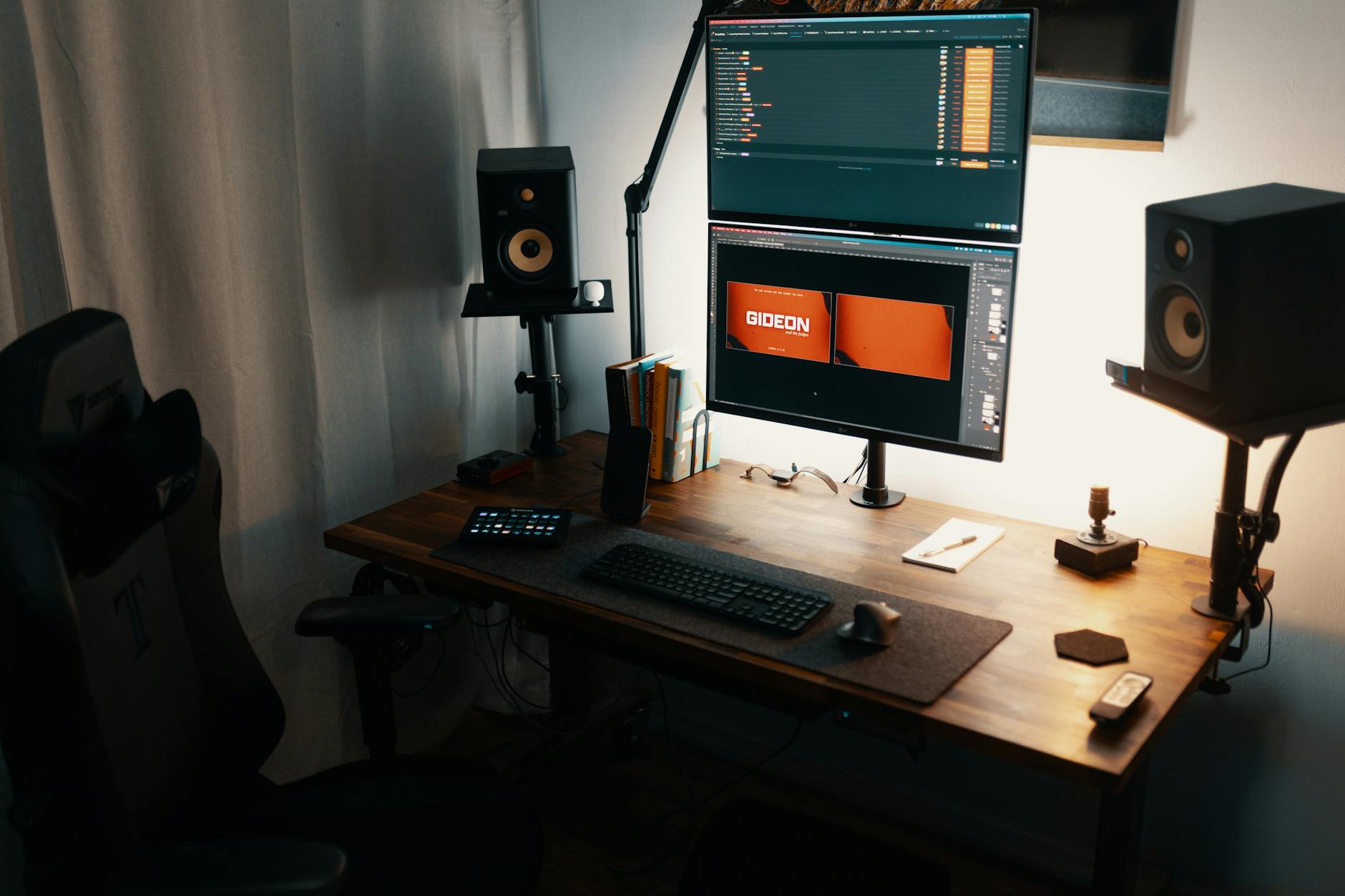
After going through dozens of options and testing several side by side over a period of weeks, here are the ones we’d actually recommend depending on your budget and priorities.
Budget: Under £25
BONTEC Monitor Stand Riser (about £17-22, Amazon UK) Simple, sturdy, adjustable width. Does exactly what it needs to do. The black finish is inoffensive and the build quality is fine for the price. This is the one to buy if you just want a riser and don’t care about aesthetics.
Mid-Range: £25-50
SONGMICS Bamboo Monitor Riser with Drawers (about £30-35, Amazon UK) Looks genuinely nice, the bamboo is well-finished, and the two small drawers are more useful than you’d expect. Holds up to 30kg. Our pick for most people — it hits the best balance of price, looks, and function. In our testing, the bamboo finish held up well after months of daily use with no visible wear.
John Lewis & Partners Bamboo Monitor Stand (about £35-45, John Lewis) Similar to the SONGMICS but without drawers. Slightly more refined-looking. Worth considering if you want to buy in-store or add it to a John Lewis furniture order to consolidate delivery.
Premium: £50+
Leitz Ergo Adjustable Monitor Stand (about £35-50, Amazon UK/John Lewis) Adjustable height is the key selling point here. If you switch between sitting and standing, or if you’re not sure exactly how high you need the monitor, this removes the guesswork. Well-made and stable at all heights.
Grovemade Desk Shelf (about £100-150, grovemade.com) For the aesthetics-obsessed. Solid walnut or maple with a steel frame. It transforms the look of any desk. Completely unnecessary from a functional standpoint, but if you appreciate well-crafted objects, you’ll love it.
Common Mistakes to Avoid
Buying Too Tall
More height isn’t always better. If the top of your screen ends up above your eye level, you’ll tilt your head back, which causes its own set of neck problems. Get the measurement right before you buy.
Ignoring Weight Capacity
Most risers state a weight capacity, and most people ignore it. A 27-inch monitor weighs about 5-7kg. An ultrawide weighs 8-12kg. A 32-inch can be 9-10kg. Add a laptop, a desk lamp, and a few books, and you might be pushing 20kg or more. Check the number and respect it — a collapsing riser is a broken monitor.
Forgetting About Depth
Your riser needs to be deep enough for the monitor’s base or stand to sit on it securely. If the base hangs over the edge, the whole thing is unstable. Measure your monitor’s footprint before ordering.
Going Cheap on a Glass Riser
Budget glass risers (under £15) sometimes use regular glass rather than tempered. If you must go glass, pay for tempered — it’s far less likely to break, and if it does, it shatters into small cubes rather than dangerous shards.
Expecting It to Fix Everything
A riser improves monitor height, but it won’t fix a bad chair, a desk that’s the wrong height, or poor lighting. Think of it as one piece of an ergonomic home office setup, not a magic bullet. If you’ve got persistent back or neck pain, look at your chair height, desk height, and screen distance as a complete system.
Final Thoughts
A desk shelf riser is one of the cheapest and most effective ergonomic upgrades you can make to a home office. For most people, spending £25-35 on a bamboo model with some storage underneath is the right call — it lifts your screen to the correct height, tidies up the desk, and looks decent doing it.
Don’t overthink it. Measure your current eye-to-screen-top gap, pick a riser that matches, and make sure it’s sturdy enough for what you’re putting on it. The SONGMICS bamboo riser is my top pick for the majority of buyers. If you want adjustability, get the Leitz. If you want to treat yourself, look at Grovemade.
Your neck will thank you within a week. That persistent headache might disappear entirely. And you’ll wonder why you spent years staring down at a screen when the fix cost less than a takeaway curry.
Frequently Asked Questions
What is the ideal desk depth for a home office? Between 60-80 cm works for most setups. You need space for a monitor at arm’s length plus keyboard and mouse. A monitor arm lets you use a shallower desk.
How much weight can a typical desk hold? Flat-pack desks manage 30-50 kg. Solid wood or steel-framed desks handle 80-100 kg or more. Check the manufacturer’s rating if you run multiple monitors.
Is a bigger desk always better? Not necessarily. A well-organised 120 cm desk often beats a messy 180 cm one. Measure your space and leave room for your chair to move freely.
What should I check first with How to Choose a Desk Shelf Riser? Start with the real use case, then check size, compatibility, running costs and maintenance. A product that looks good on paper can still be the wrong fit if it does not suit the room, routine or budget.
How do I avoid wasting money on How to Choose a Desk Shelf Riser? Avoid buying on one headline feature alone. Compare the practical details, read the warranty or returns terms, and choose the option that solves your main problem rather than the one with the longest specification list.