You’re squinting at monitor specs in Currys, trying to work out whether the £150 difference between two screens is actually worth it, and there it is: “IPS panel.” The one next to it says “VA.” The budget option is labelled “TN.” Nobody in the shop can explain the difference, and the product descriptions might as well be written in Klingon.
Here’s the thing — panel type matters more than resolution, refresh rate, or any other spec when it comes to how your monitor actually looks day-to-day. Pick the wrong one and you’ll spend the next three years annoyed by washed-out colours or terrible viewing angles. Pick the right one and you’ll forget your monitor exists, which is exactly what a good monitor should do.
In This Article
- What Panel Type Actually Means
- IPS Panels: The All-Rounder
- VA Panels: Contrast Kings
- TN Panels: Fast and Cheap
- Side-by-Side Comparison: IPS vs VA vs TN
- Which Panel Type for Office Work
- Which Panel Type for Creative Work
- Which Panel Type for Gaming
- Which Panel Type for Movies and Media
- Budget Picks: Best Monitors by Panel Type
- Common Myths About Panel Types
- How to Check Your Current Monitor’s Panel Type
- Frequently Asked Questions
What Panel Type Actually Means
Every LCD monitor creates its image using a layer of liquid crystals sandwiched between two sheets of glass with a backlight behind them. The panel type describes how those liquid crystals are arranged and how they move when electricity passes through them. It sounds like a tiny detail, but this arrangement controls everything you see: colour accuracy, contrast ratios, viewing angles, and response times.
The Three Main Technologies
- IPS (In-Plane Switching) — crystals rotate horizontally, parallel to the glass surface. This gives the widest viewing angles and the most accurate colours.
- VA (Vertical Alignment) — crystals tilt vertically, perpendicular to the glass when off. This blocks more light, creating deeper blacks and higher contrast.
- TN (Twisted Nematic) — crystals twist 90 degrees between the glass layers. The oldest and simplest technology, but also the fastest.
Why It Matters More Than You Think
I’ve been using monitors daily for work since about 2005 — everything from cheap TN panels at university to a decent IPS for photo editing. The single biggest quality-of-life upgrade was switching from a TN to an IPS for my home office. Same resolution. Same size. Completely different experience. Colours looked right, text was sharper at the edges of the screen, and I stopped tilting my head to see the bottom corners properly.
That said, VA has its place too, and TN isn’t dead. The right panel type depends entirely on what you’re doing — and that’s what we’ll break down.
IPS Panels: The All-Rounder
IPS is the most popular panel technology in 2026, and for good reason. It does most things well and very few things badly.
Colour Accuracy
IPS panels deliver the best colour accuracy of the three types. Most IPS monitors cover at least 99% of the sRGB colour space out of the box, and higher-end models hit 95%+ of the wider DCI-P3 gamut. If you care about colours looking “right” — whether that’s for design work, photo editing, or just not having your desktop wallpaper look weirdly yellow — IPS is where you want to be.
Viewing Angles
This is IPS’s headline advantage. You can sit off-centre by 45 degrees or more and the image barely shifts. No colour inversion, no contrast loss. If you’ve got a wide monitor on a desk that isn’t perfectly centred, or if two of you are looking at the same screen, IPS handles it without breaking a sweat.
The IPS Glow Problem
Nothing’s perfect. IPS panels suffer from “IPS glow” — a faint, silvery haze visible in dark corners of the screen, especially in dimly lit rooms. It’s most noticeable when you’re watching a dark film or playing a game with lots of shadows. Some panels are worse than others (it’s a quality-control lottery), and sitting directly in front of the monitor minimises it.
Response Times
Modern IPS panels have caught up massively with TN for response times. You’ll see specs quoting 1ms GtG (grey-to-grey) on gaming IPS monitors, though real-world measurements are usually closer to 4-6ms. For office work and general use, you will never notice this. For competitive gaming at 240Hz+, you might.
Price Range
Budget IPS monitors start around £120-150 for a 24-inch 1080p model. A solid 27-inch 1440p IPS — which is the sweet spot for most home offices — runs £200-350. Expect to pay £400+ for professional-grade colour accuracy with hardware calibration.
VA Panels: Contrast Kings
VA panels don’t get as much love as IPS, but they have one killer advantage: contrast ratio. If you use your monitor in a dark room or watch a lot of films, VA might actually be the better choice.
Contrast Ratio
A typical IPS monitor has a contrast ratio of about 1000:1. A typical VA panel? 3000:1, sometimes higher. What does that mean in practice? Blacks look properly black instead of grey. Dark scenes in films have depth and detail instead of looking like a muddy mess. Shadow detail in photos and games is richer and more nuanced. If you are exploring this area, our guide on Standing Desk Mistakes Everyone Makes (And How to Fix Them) covers the essentials.
After spending a week with a Samsung VA panel for testing, switching back to my IPS was noticeably disappointing for evening Netflix watching. The blacks were noticeably greyer.
Colour Accuracy
VA panels are decent on colour but not IPS-level. Most cover 95-100% sRGB, which is perfectly fine for everyday use. Where they fall short is in colour consistency — look at a flat grey screen on a VA monitor and you’ll often notice slight colour shifts towards the edges. Not a problem for spreadsheets, but a dealbreaker for colour-critical work.
Viewing Angles: The Weak Spot
Here’s where VA panels struggle. Move more than about 20-30 degrees off-centre and you’ll notice black levels rising (blacks become grey) and colours shifting. It’s called “VA black crush” — dark shades near black merge together, losing detail. If you sit directly in front of your monitor and don’t move much, you’ll never notice it. If you use an ultrawide or sit close to a large screen, the edges may look slightly different from the centre.
Response Times and Smearing
VA panels have traditionally been the slowest of the three types, particularly for dark transitions (black to grey). This causes a visible “smearing” effect in fast-moving dark scenes — think a dark character running across a dark background. Modern VA panels have improved, and Samsung’s latest panels are impressively quick, but it’s still VA’s biggest technical weakness.
Price Range
VA monitors tend to sit between TN and IPS in price. A decent 27-inch 1440p VA panel costs £180-300. Samsung and AOC dominate this segment. Curved VA monitors are particularly popular because the curve reduces the viewing angle problem at the screen edges.
TN Panels: Fast and Cheap
TN is the oldest LCD technology still in production. It’s fallen out of favour for general use, but it still has two clear advantages: speed and price.
Speed: The One Thing TN Does Best
TN panels offer the fastest native response times — often 1ms GtG in real-world testing, not just marketing specs. For competitive gamers playing Counter-Strike 2, Valorant, or other fast-paced shooters at 240Hz or 360Hz, TN still offers the least motion blur and ghosting. It’s a marginal advantage over modern fast IPS, but at the highest levels of competitive play, marginal matters.
Price: The Budget Champion
A 24-inch 1080p TN monitor can be had for £80-100 from Amazon UK. If you need a second screen for Slack, email, or spreadsheets and you couldn’t care less about colour accuracy, TN saves you £40-70 compared to IPS equivalents. That adds up if you’re kitting out an office with multiple screens.
The Downsides Are Real
- Terrible viewing angles — shift your head 15 degrees and colours invert. Seriously, the bottom of a TN screen looks different from the top if you’re sitting close.
- Washed-out colours — even the best TN panels can’t match a budget IPS for colour accuracy. Everything looks slightly faded.
- Limited to 8-bit colour — most TN panels use 6-bit + FRC (frame rate control) to simulate 8-bit colour, which causes subtle banding in gradients.
Who Should Still Buy TN?
Almost nobody in 2026. If you need a dirt-cheap secondary monitor purely for text, a TN panel saves a few quid. If you’re a semi-professional esports player chasing every millisecond of response time, the fastest TN 360Hz panels still edge out IPS. For everyone else, the price gap has narrowed enough that IPS is the smarter buy.
Side-by-Side Comparison: IPS vs VA vs TN
Here’s how the three technologies stack up across the specs that actually matter:
Colour Accuracy
- IPS: Excellent — 99%+ sRGB standard, best for colour work
- VA: Good — 95-100% sRGB, slight inconsistency at edges
- TN: Poor — washed out, limited gamut, 6-bit + FRC common
Contrast Ratio
- IPS: ~1000:1 typical
- VA: ~3000:1 typical — the clear winner
- TN: ~1000:1 typical
Viewing Angles
- IPS: Excellent — 178° both directions with minimal shift
- VA: Moderate — noticeable shift beyond 30°, black crush at edges
- TN: Poor — visible colour inversion beyond 15°
Response Time (Real-World)
- IPS: 4-6ms typical, 1-2ms on fast gaming panels
- VA: 6-10ms typical, with dark transition smearing
- TN: 1-3ms typical — the fastest
Price (27-inch 1440p)
- IPS: £200-350
- VA: £180-300
- TN: £150-250 (limited selection at 1440p)
Best For
- IPS: Office work, creative work, general use, gaming
- VA: Movies, dark rooms, immersive gaming, curved monitors
- TN: Competitive esports, budget secondary screens

Which Panel Type for Office Work
For spreadsheets, documents, emails, and general productivity, IPS is the no-brainer. Here’s why:
Text Clarity at All Angles
You shift around in your chair throughout the day. You lean back, lean forward, glance at the screen from the side while reaching for your coffee. With IPS, the text looks identical from every position. With TN, the bottom toolbar can look faded when you’re sitting upright, and VA’s edge darkening is distracting on large screens.
Multi-Monitor Setups
If you’re running dual monitors — and you should be, it’s the single biggest productivity boost per pound you can buy — the off-axis viewing angles become critical. Your secondary screen is always viewed at an angle. IPS handles this perfectly. TN makes the side monitor nearly unusable for anything with colour.
Eye Comfort Over Long Days
IPS panels tend to have more uniform brightness across the screen, which reduces eye strain during long working sessions. If you pair an IPS monitor with a height-adjustable stand (which every monitor should have, frankly), your eyes will thank you at 5pm. And if you’re building a proper home office setup, having the right ergonomic home office layout matters just as much as the screen you’re staring at.
Our pick for office work: The Dell P2723QE (about £320 from Dell direct or Currys) is a 27-inch 4K IPS with a USB-C hub built in. Plug in your laptop with one cable and everything works — power, display, USB ports. We’ve covered USB-C monitors in detail if you want the full breakdown of what USB-C connectivity actually gives you. It’s the best office monitor under £400 and I’ve recommended it to everyone who’ll listen.
Which Panel Type for Creative Work
If you’re editing photos, designing graphics, or doing any colour-sensitive work, this is where panel choice becomes critical. You might also find our Best Standing Desks 2026: UK Tested for Home Offices guide useful here.
Photo and Video Editing
IPS is essential for colour-critical work. You need accurate colours and consistent viewing across the screen. A VA panel’s edge inconsistency means a gradient that looks smooth in the centre might show banding at the edges. TN is out of the question — you can’t make colour decisions on a panel that changes colour when you move your head.
The Professional Step-Up
For serious creative work, look for IPS panels that are factory-calibrated with a Delta E (colour accuracy measurement) under 2.0. The BenQ PD2706U (about £450 from Amazon UK) covers 95% DCI-P3, comes factory-calibrated, and includes a built-in KVM switch. If you’re freelancing and need to justify the cost: a £450 monitor that displays colours accurately is cheaper than repeatedly printing work that doesn’t match what you saw on screen.
The OLED Question
Worth mentioning: OLED monitors are entering the market at £700+ (like the LG 27GR95QE) and offer perfect blacks with IPS-beating colour accuracy. They’re fantastic but expensive, with burn-in risk for static office elements like taskbars and toolbars. For most people in 2026, a good IPS panel is still the practical choice. OLED is the future, but not the present for work monitors.
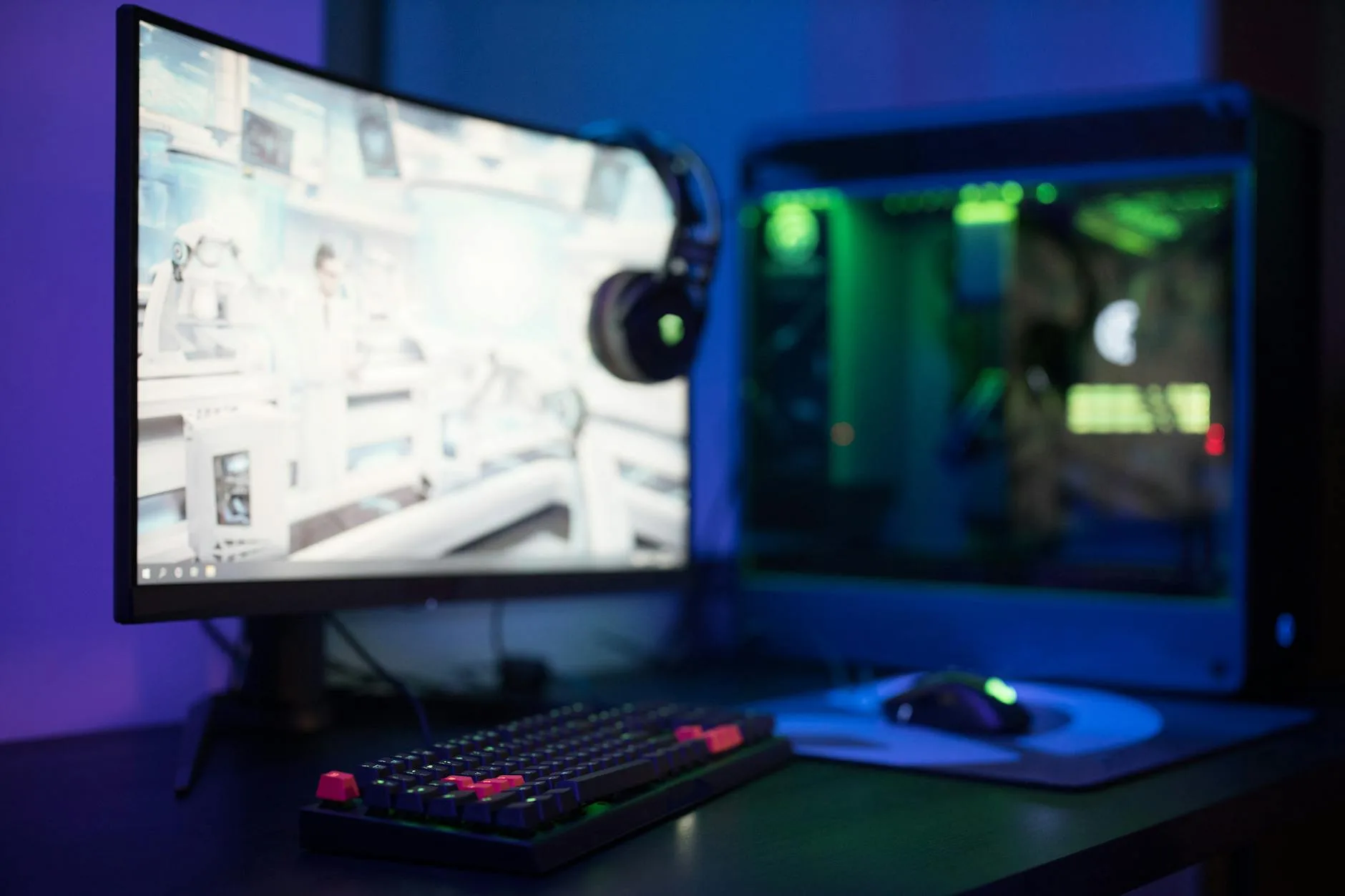
Which Panel Type for Gaming
Gaming monitors are where the panel type debate gets most heated — and where marketing specs are most misleading.
Casual and Story-Driven Gaming
If you play single-player games, RPGs, or anything where you want the world to look beautiful, IPS is the best balance. Colours are vibrant, viewing angles mean your full-screen ultrawide looks consistent, and modern IPS gaming panels (like the LG 27GP850-B at about £280) offer 1ms response times that handle everything short of competitive esports beautifully.
Atmospheric and Horror Games
VA panels really shine here. Games with lots of darkness, shadow, and atmosphere — think Resident Evil Village, Alan Wake 2, or any horror game — look noticeably better on VA thanks to those deep blacks. The Samsung Odyssey G7 (about £350 at Currys) is a 1440p 240Hz VA panel that’s become a cult favourite for exactly this reason.
Competitive Esports
For Counter-Strike, Valorant, Overwatch, or any game where every millisecond counts, TN panels still hold a marginal speed advantage. But the gap has narrowed so much that most pros have switched to fast IPS. The ASUS VG259QM (about £270, 280Hz IPS) is the panel the majority of professional players actually use. Unless you’re competing at the highest level, fast IPS beats TN for competitive gaming too.
Which Panel Type for Movies and Media
The Case for VA
If your monitor doubles as a TV replacement for Netflix, YouTube, and films, VA panels have a genuine argument. That 3000:1 contrast ratio means dark scenes in films actually look dark instead of a hazy grey. Letterbox bars on widescreen content look properly black. Subtitles pop against the dark background.
Why Most People Still Choose IPS
The catch is that VA’s smearing in dark transitions can be visible in fast-moving dark scenes — exactly the kind of content you’d choose VA for. It’s a frustrating trade-off. If you watch mostly bright content (cooking shows, YouTube, sports), IPS wins. If you watch dark dramas and films in a dim room, VA wins. There’s no perfect answer, which is why curved VA monitors with faster panels (like the Samsung G5 series) try to offer the best of both worlds.
Sound Matters More Than Panel Type
Here’s something most monitor guides won’t tell you: for movies and media, investing in a decent pair of desktop speakers (even £50 ones like the Creative Pebble Plus) will improve your experience more than picking the perfect panel type. The same applies to your desk accessories — the stuff around your monitor matters just as much as the panel inside it. Built-in monitor speakers are universally terrible.
Budget Picks: Best Monitors by Panel Type
Best Budget IPS: AOC 27G2SP (about £170)
A 27-inch 1080p IPS with 165Hz refresh rate. Not the sharpest at 1080p on a 27-inch screen, but the IPS colour accuracy and response times make it excellent value for gaming and office use. Available at Amazon UK and Currys.
Best Budget VA: Samsung C27F396 (about £140)
A curved 27-inch 1080p VA panel. The curve helps with VA’s viewing angle issues, and the contrast ratio makes it lovely for films. Not fast enough for competitive gaming, but a solid choice for general use and media. John Lewis and Amazon UK stock it.
Best Budget TN: BenQ Zowie XL2411K (about £200)
If you must have TN for esports, this is the one the pros use. 24-inch 1080p 144Hz with genuine 1ms response. No USB-C, no HDR, no frills — just raw speed. Available at Scan.co.uk and Amazon UK.
Best Overall Value: LG 27GN800-B (about £230)
A 27-inch 1440p IPS with 144Hz and 1ms response. This is the monitor I recommend most often because it does everything well at a reasonable price. Covers 99% sRGB, great viewing angles, fast enough for gaming, sharp enough for office work. It’s the monitor equivalent of a good all-season tyre — not the absolute best at anything, but confidently good at everything.
Common Myths About Panel Types
“IPS is always better than VA”
Not true. For dark room viewing and high contrast, VA is objectively superior. IPS glow can be properly annoying in a dark room — it’s a real limitation, not just a spec-sheet footnote.
“TN panels look terrible”
They don’t look great, but high-end TN panels (like the BenQ Zowie range) are decent when viewed straight-on. The colour accuracy issues only become obvious when you put a TN next to an IPS. If a TN is all you’ve ever used, you might not notice until you see the difference.
“Response time numbers are comparable between brands”
They’re not. Monitor manufacturers measure response times differently, cherry-pick the best transitions, and sometimes use aggressive overdrive settings that cause visible overshoot (inverse ghosting). A “1ms” IPS and a “1ms” TN don’t necessarily perform identically. Trust independent reviews from sites like Rtings over manufacturer claims.
“Panel type matters less than it used to”
This one is actually partly true. The gaps between panel types have narrowed considerably since 2020. IPS response times have improved, VA viewing angles are better, and even TN colour accuracy has inched forward. But the fundamental trade-offs remain, and panel type is still the single most important spec after resolution and size.
How to Check Your Current Monitor’s Panel Type
Not sure what you’ve got? Here’s how to find out:
- Check the sticker on the back of your monitor for the exact model number
- Search that model number on DisplaySpecifications.com — it lists panel type for virtually every monitor sold in the UK
- Alternatively, look up the model on Rtings.com if they’ve reviewed it
Quick Visual Tests
If you can’t find the model number:
- Tilt your head down so you’re looking up at the screen from below. If the image inverts or goes very pale, it’s TN.
- Display a pure black image in a dark room. If you see silvery glow in the corners, it’s IPS. If the blacks look properly deep, it’s VA.
- Open a web page with lots of white space and look at the screen from 45 degrees to the side. If the image barely changes, it’s IPS. If it noticeably darkens or shifts, it’s VA or TN.
Frequently Asked Questions
Is IPS or VA better for a home office? IPS is better for most home offices. The wider viewing angles, better colour accuracy, and more uniform brightness make text easier to read and colours more reliable across the screen. VA only wins if you work in a very dark room and want deeper blacks.
Do VA panels still have smearing problems in 2026? Some do, particularly in dark transitions. Samsung’s latest VA panels have improved noticeably, but budget VA monitors can still show visible smearing in fast-moving dark scenes. If smearing bothers you, look for VA panels with response times under 5ms GtG.
Can I use a TN monitor for photo editing? You can, but you shouldn’t. TN panels lack the colour accuracy and consistency needed for any colour-sensitive work. Even a budget IPS monitor will give you far more reliable colours than the best TN panel.
What does GtG mean in monitor specs? GtG stands for grey-to-grey — it measures how quickly pixels can change from one shade of grey to another. Lower is better, but be aware that manufacturers measure this differently. A 1ms GtG from one brand might not be faster than a 4ms GtG from another. Independent reviews are more reliable than spec sheets.
Are curved monitors always VA panels? Most curved monitors are VA because the curve helps compensate for VA’s viewing angle limitations. However, curved IPS monitors exist (like the LG 34WN80C ultrawide). The curve is a design choice, not a panel technology requirement.