You’re staring at a corner of your bedroom — maybe 120cm wide, wedged between the wardrobe and the window — and somehow this needs to become your office. No spare room, no garden shed, no luxury of shutting a door at 5pm and walking away. Welcome to the reality of working from home in a UK flat, where “office space” means whatever you can carve out of a room that’s already doing two other jobs.
The good news? A home office small flat setup doesn’t need to be miserable. Some of the most productive workspaces I’ve seen fit into spaces you’d think were hopeless — alcoves, hallway nooks, even repurposed wardrobes. The trick isn’t having more space. It’s being ruthless about what actually needs to be on (and around) your desk.
Start With What You Actually Need
Before you buy a single thing, sit down and list everything you use during a work day. Not what you think a home office should have — what you genuinely reach for. For most people, that’s a laptop, a monitor (optional but strongly recommended), a keyboard, a mouse, a notebook, and a cup of tea. That’s it.
The biggest mistake people make in small flats is trying to recreate a traditional office. You don’t need a filing cabinet. You don’t need a printer shelf. You don’t need a full-size desk with three drawers. All of that eats floor space you can’t afford to lose.
The essentials for a small flat office:
- A desk or work surface — 100-120cm wide is enough for most setups
- A decent chair — your back doesn’t care how small your flat is
- Good lighting — a desk lamp if natural light is limited
- Cable management — crucial in tight spaces where every wire shows
- A power strip — ideally mounted under the desk, not trailing across the floor
If you’re working from a laptop and need a docking station to connect peripherals, that changes your desk requirements slightly — you’ll want at least one USB-C port accessible and a bit more surface area for a monitor.
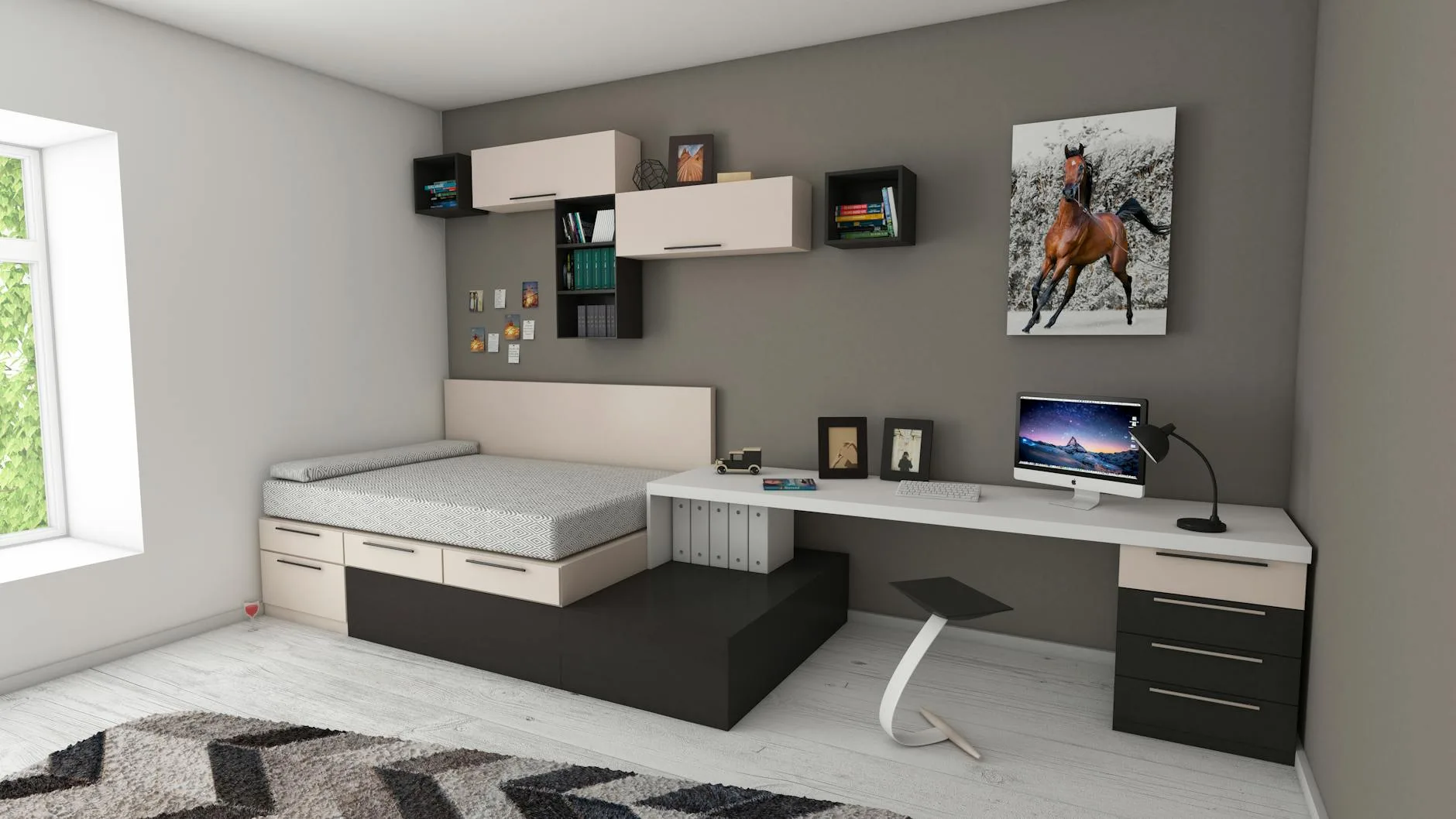
Choosing the Right Desk for a Tiny Space
This is where most people either overspend or under-think. You don’t need a standing desk or an L-shaped behemoth. What you need is something that fits the space, holds your kit, and doesn’t make the room feel like a storage unit.
Wall-mounted fold-down desks are brilliant for studio flats. Brands like IKEA (the Norberg or Björkudden) give you a work surface that disappears when you’re done. Expect to pay about £30-80. The downside? You’re packing up every evening, which gets old if you have a multi-monitor setup.
Narrow desks (60cm deep or less) work well in bedrooms and living rooms. The IKEA Micke (about £75) and the Argos Home range both do compact desks that feel solid enough for daily use. If you want something nicer, John Lewis stocks a few options in the £150-250 range — check the John Lewis office desk range for a full breakdown.
Console tables and ladder desks are worth considering if your office doubles as your living room. They look like furniture rather than office equipment, which matters when your desk is three feet from your sofa. Habitat and Made.com do attractive options from about £120.
The corner option: If you have a dead corner, use it. A corner shelf or small triangular desk can turn wasted space into a functional workspace. Just make sure it’s deep enough to fit a laptop screen comfortably — anything under 45cm deep becomes frustrating fast.
Whichever desk you choose, think carefully about the material. In a small space, a lighter-coloured wood or white finish opens the room up, while dark finishes can make a cramped area feel cave-like. According to HSE home workstation guidelines, this is worth keeping in mind.
The Chair Situation (Don’t Skip This)
The temptation in a small flat is to use a dining chair, a stool, or whatever’s already there. If you’re working from home full-time, this is a false economy. Your back will punish you within a month.
The problem is that full-size office chairs are huge. An average task chair takes up about 65cm x 65cm of floor space, plus room to roll back. In a small flat, that’s significant.
Compact office chair options:
- The IKEA Markus (about £200) — tall back, small footprint, adjustable. The most popular budget ergonomic chair in the UK for a reason
- Mesh-back task chairs from Argos (£80-150) — look for ones with adjustable seat height and lumbar support at minimum
- The Branch Daily Chair (about £300) — slim profile, good build quality, doesn’t dominate a room
If you really can’t fit a wheeled office chair, look at ergonomic dining-style chairs with good lumbar support. The key non-negotiables are adjustable height and proper back support. Everything else is nice-to-have.
For a deeper dive into what makes a good desk chair for comfort without spending a fortune, we’ve covered the full range of options.
Lighting Makes or Breaks a Small Office
In a large home office, you can get away with mediocre lighting because there’s usually a window somewhere doing the heavy lifting. In a small flat, your desk might face a wall, sit under a shelf, or be tucked into a corner that natural light barely reaches.
Rule of thumb: If you have to squint at your screen, your lighting is wrong.
Natural light first. Position your desk perpendicular to the window if possible — light coming from the side reduces screen glare without putting the window behind you (which causes headaches on video calls). If your only option is facing a wall, a daylight desk lamp becomes essential.
Desk lamps: Look for LED lamps with adjustable colour temperature (warm for evenings, cool daylight for focused work). The BenQ ScreenBar (about £90-110) clips onto your monitor and lights your desk without taking any surface space — perfect for tiny setups. Budget alternatives from Amazon UK start around £25-40.
Ambient light matters too. A single harsh desk lamp in an otherwise dark room causes eye strain faster than you’d think. Add a second light source — a floor lamp, wall-mounted light, or even an LED strip behind your monitor — to reduce contrast.
Storage Solutions That Don’t Eat Floor Space
Floor space is premium in a small flat. Every centimetre of storage needs to go vertical.
Wall-mounted solutions:
- Pegboard above your desk — IKEA’s SKÅDIS system (about £25-40 for a full setup) holds supplies, headphones, cables, and even small shelves. Takes zero desk space
- Floating shelves — one or two above your desk for books, reference materials, or a plant. Keep them narrow (15-20cm deep) so they don’t feel oppressive
- Magnetic strips — originally for kitchen knives, but brilliant for holding scissors, pens, and small metal tools
Under-desk storage:
- Cable management trays — a £10-15 mesh tray screwed under the desk gets every cable off the floor
- Small drawer units on wheels — slide them under the desk when not in use, pull them out when you need access
- A hook for your bag or headphones — sounds trivial, but keeping the floor clear makes a small space feel noticeably bigger
The one-in-one-out rule: In a small office, every new item needs to earn its place. If you add something, something else should go. This sounds extreme until you’ve lived with a cluttered 120cm desk for a month.
Making the Space Feel Like Yours (Without Clutter)
A workspace doesn’t need to be sterile to be functional. But in a small flat, decoration needs to be deliberate — one framed print, one small plant, maybe a mug you actually like using. Not twelve motivational postcards and a succulent graveyard.
What actually helps:
- A small plant — a pothos or snake plant needs minimal light and barely any space. There’s genuine research (from the University of Exeter, among others) showing that plants in workspaces improve concentration
- A personal item or two — a photo, a postcard, something that makes the space feel like it’s yours rather than a WeWork hot desk
- A desk mat — sounds cosmetic, but it defines your workspace visually. When your desk is in your bedroom, having a clear boundary between “work surface” and “everything else” helps your brain switch modes
What doesn’t help:
- Motivational posters (you’ll stop reading them in a week)
- Excessive desk accessories you don’t actually use
- RGB lighting (your bedroom is not a gaming cave — unless it is, in which case, carry on)
Separating Work and Life in One Room
This is the hardest part of working in a small flat, and no amount of clever furniture fixes it entirely. When your office is your bedroom, your brain never fully leaves work mode — unless you create deliberate boundaries.
Physical boundaries:
- A room divider or curtain — even a simple tension rod with a curtain between your desk and bed makes a psychological difference. IKEA does tension rods from about £5
- A desk that packs away — fold-down desks, laptop stands that store in a cupboard, or a simple rule of closing the laptop lid at 5pm and putting it in a drawer
- Face your desk away from the bed — if your desk faces your pillow, you’ll think about work at midnight. Turn it around
Ritual boundaries:
- A specific “start work” routine (make a coffee, sit down, open the laptop — in that order, every day)
- A specific “end work” routine (close everything, put devices away, change your lighting)
- If possible, different lighting for work hours vs. evening — cooler light during the day, warmer light after
These sound like productivity-guru nonsense, but they truly help. Your brain needs signals, especially when the physical environment doesn’t change between “work” and “rest.”
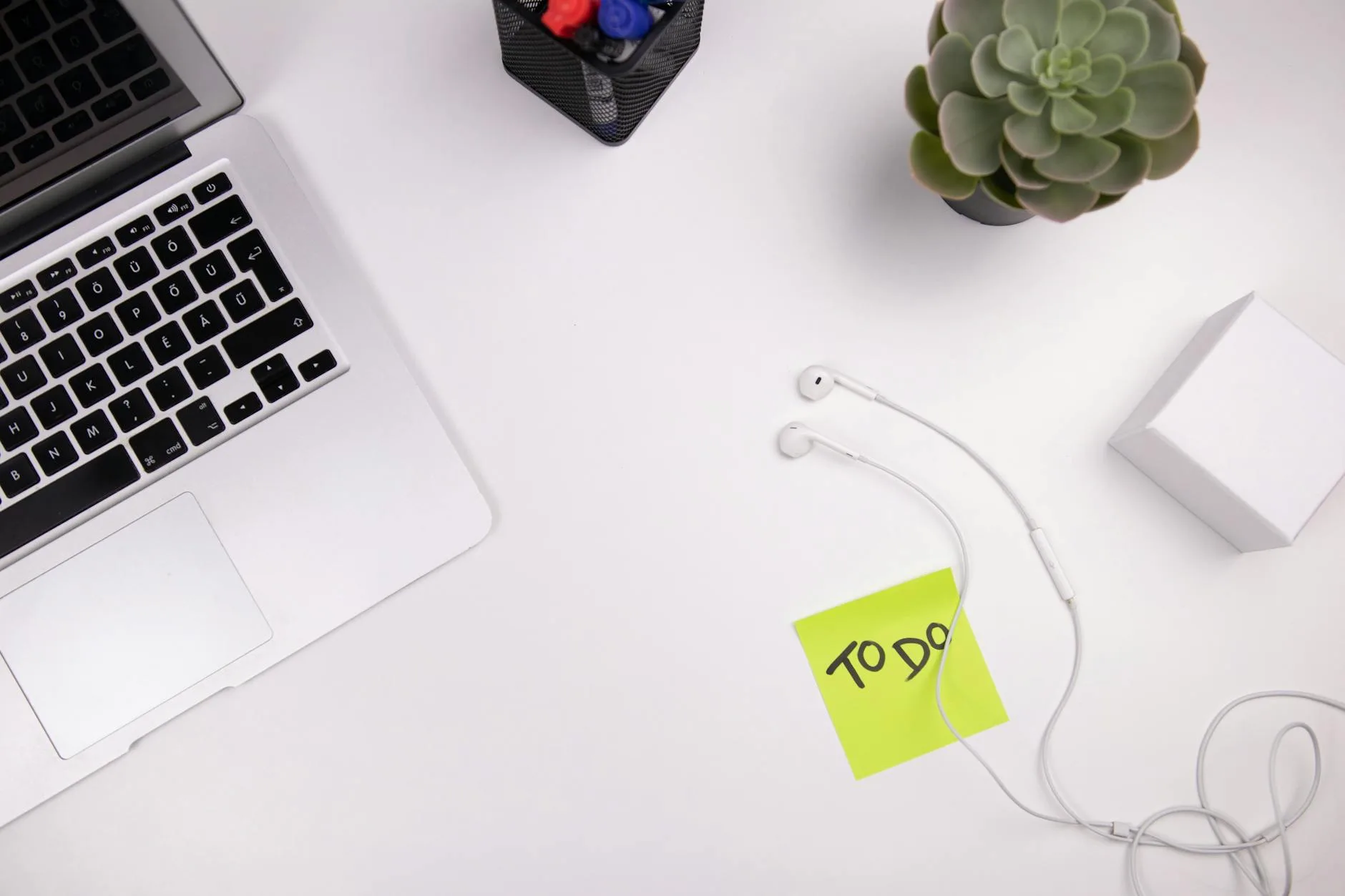
Setting Up the Tech in a Small Space
If you’re running a laptop with an external monitor, a keyboard, and a mouse, you’ve already got four cables minimum (power, USB-C or HDMI, and two peripherals). In a small flat, visible cables make the space feel chaotic.
Cable management essentials:
- A desk cable tray (£10-15) mounted underneath to catch everything
- Velcro cable ties over plastic zip ties — you’ll rearrange things more often than you think
- A USB hub or dock so you have one cable to the laptop instead of four
If you’re considering adding a monitor, a USB-C monitor simplifies the setup considerably — one cable handles video, data, and power. In a small flat, fewer cables is always the right answer.
Wi-Fi considerations: Small flats rarely have Wi-Fi problems (you’re close to the router), but if your desk is in a bedroom and the router is in the hallway, a USB Wi-Fi adapter or a short ethernet cable along the skirting board gives you more reliable connections for video calls.
Budget Breakdown: What a Small Flat Office Actually Costs
You can set up a functional home office in a small flat for under £300 if you’re sensible about it. Here’s a realistic breakdown:
- Desk: £50-150 (compact desk from IKEA, Argos, or Amazon UK)
- Chair: £80-200 (don’t go below £80 unless it’s truly temporary)
- Desk lamp: £25-90 (depending on whether you go basic LED or a screen bar)
- Cable management: £15-25 (tray, ties, and a hook or two)
- Monitor (optional but recommended): £120-250 for a solid 24″ or 27″ panel
- Peripherals: £30-60 (wireless keyboard and mouse combo)
- Storage/organisation: £20-50 (pegboard, shelves, or drawer unit)
Total: £250-825 depending on how much you already have and whether you add a monitor.
For those on a tighter budget, the ergonomic home office on a budget guide walks through how to prioritise spending when funds are limited.
Common Mistakes to Avoid
Buying furniture before measuring. Sounds obvious, but measure twice. That desk that looks compact online might be 140cm wide — which is 20cm more than your alcove. Measure the space, then shop.
Ignoring ventilation. A laptop, a monitor, and a human in a small room generate surprising heat. If your desk is in a corner with no airflow, you’ll be uncomfortable by lunchtime in summer. A small USB desk fan or keeping the window crackable solves this.
Overcomplicating the setup. You don’t need three monitors, a webcam on a boom arm, and a ring light — unless your job specifically requires it. Start minimal. Add things only when you actually need them.
Forgetting about noise. In a small flat, you’re probably close to neighbours, street noise, or a partner in the next room. A good pair of headphones (noise-cancelling if budget allows) is worth more than any desk accessory.
Not investing in the chair. I’ll say it again because it’s the most common mistake. The desk matters less than what you sit on. A £50 desk with a £200 chair beats a £200 desk with a dining chair every time.
Frequently Asked Questions
What is the minimum desk size for working from home? For a laptop-only setup, you can get away with a surface as small as 80cm x 45cm. If you’re adding an external monitor, keyboard, and mouse, aim for at least 100cm x 50cm. Anything smaller and you’ll constantly be shuffling things around, which gets frustrating quickly.
Can I claim home office expenses on my tax return? If your employer requires you to work from home (not just allows it), you can claim the flat rate of £6 per week through HMRC’s working from home allowance — no receipts needed. If your costs are higher, you can claim the actual proportion of bills used for work, but you’ll need records. Check gov.uk for the latest rules.
How do I reduce noise in a small flat office? Soft furnishings absorb sound — a rug under your chair, curtains, and even a bookshelf full of books all help. For outgoing noise (keyboard clicks during calls), a directional microphone or headset with noise cancellation helps more than treating the room acoustically.
Is a standing desk worth it in a small flat? A full-size standing desk is usually too large for a small flat, but a sit-stand desk converter (which sits on top of your existing desk) can work well in tight spaces. They start from about £100-150, and fold flat when you’re not standing. See our guide to sit-stand converters for options that suit smaller setups.
What is the best position for a desk in a small bedroom? Perpendicular to the window is ideal — you get natural light without glare on your screen and without the window behind you causing issues on video calls. Avoid facing the bed if possible, as it blurs the line between work and rest. If you have an alcove or unused corner, that’s your best bet for keeping the workspace visually separate.