If you’ve ever tried to set up a productive workspace at home or in the office, you’ve probably wondered about the curved vs flat monitor work debate. I faced this decision myself while upgrading my home office in a small London flat, and the choice wasn’t as obvious as I expected. Each type of monitor offers distinct advantages and drawbacks, depending on your work style, available space, and even your eye comfort over long hours. Let’s break down the real-world pros and cons, so you can decide which is the smarter fit for your daily workflow.
In This Article
- Curved vs Flat Monitor Work: What You Need to Know
- Understanding Monitor Curvature
- Ergonomics and Eye Strain
- Screen Size and Desk Space
- Productivity and Multitasking
- Aesthetics and Cable Management
- Cost and Value for Money
- Which Monitor Is Better for Specific Work Scenarios?
- Setting Up Your Workstation
- Frequently Asked Questions
Curved vs Flat Monitor Work: What You Need to Know
The curved vs flat monitor work debate often comes down to your daily tasks and workspace limitations. Curved monitors are designed to mimic the natural curvature of your eyes, providing a more immersive experience that can reduce distortion at the edges of wide screens. Flat monitors, meanwhile, are the classic choice, known for their versatility and ease of placement in nearly any environment.
In my own experience, I found that a curved monitor felt more natural when working with large spreadsheets and wide documents. However, in my compact home office, a flat monitor was much easier to position against the wall and pair with a secondary screen. Let’s explore the technical and practical differences, so you can make the right call for your setup.
Understanding Monitor Curvature
What Does Monitor Curvature Mean?
Monitor curvature is measured by the radius of the curve, such as 1800R or 1500R. The “R” stands for radius in millimetres. For example, a 1800R curved monitor would form a part of a circle with a radius of 1.8 metres. The smaller the number, the more pronounced the curve.
Why Does Curvature Matter for Work?
Curved monitors are designed to wrap the image slightly around your field of view. This can:
- Make large or ultrawide screens easier to view from edge to edge
- Reduce image distortion and colour shift at the sides
- Potentially enhance immersion for creative tasks or data visualisation
However, the benefits are most noticeable on screens 27 inches or larger. For smaller monitors, the curve may be barely perceptible.
UK Market Note
In the UK, many of the most popular curved monitors are 27 inches and above, with 34-inch ultrawide models becoming increasingly common in both home and office environments. If you’re considering a curved monitor for work, check the radius specification and try to view the model in person at a retailer such as Currys or John Lewis, as the degree of curvature can feel quite different depending on your desk depth and seating position.
Flat Monitors: The Traditional Standard
Flat monitors remain the most common choice for professional workspaces. They offer:
- Consistent viewing angles, especially for collaborative work
- Easier wall mounting and desk placement
- Simpler multi-monitor setups, as edges line up perfectly
If you frequently share your screen with colleagues or work in a tight space, a flat monitor may be the more practical option.
UK Workspace Trends
Many UK offices and home setups still favour flat monitors due to their space-saving design and compatibility with existing VESA mounts. If you’re renting or have limited ability to modify your workspace, flat monitors tend to be easier to fit into a variety of desk arrangements.
Ergonomics and Eye Strain
How Do Curved Monitors Affect Ergonomics?
One of the main selling points of curved monitors is their claim to reduce eye strain. The theory is that the curve matches the natural shape of the human eye, so your eyes don’t have to constantly refocus when glancing between the centre and edges of the screen.
In daily use, I’ve noticed that prolonged work sessions on a 34-inch curved monitor genuinely felt less fatiguing, especially when dealing with wide Excel sheets. There’s some anecdotal support for this, but it’s important to note that proper monitor positioning and regular breaks are still key for eye comfort. The Health and Safety Executive (HSE) provides guidance on display screen equipment and eye health here.
UK Health and Safety Guidance
The UK’s HSE recommends regular breaks and correct monitor positioning to reduce eye strain, regardless of monitor type. Employers are legally required to assess risks for display screen equipment (DSE) users. If you work from home, you are also encouraged to follow these guidelines to protect your vision and posture. For a practical checklist, see the HSE’s DSE guidance (PDF).
Flat Monitors and Eye Comfort
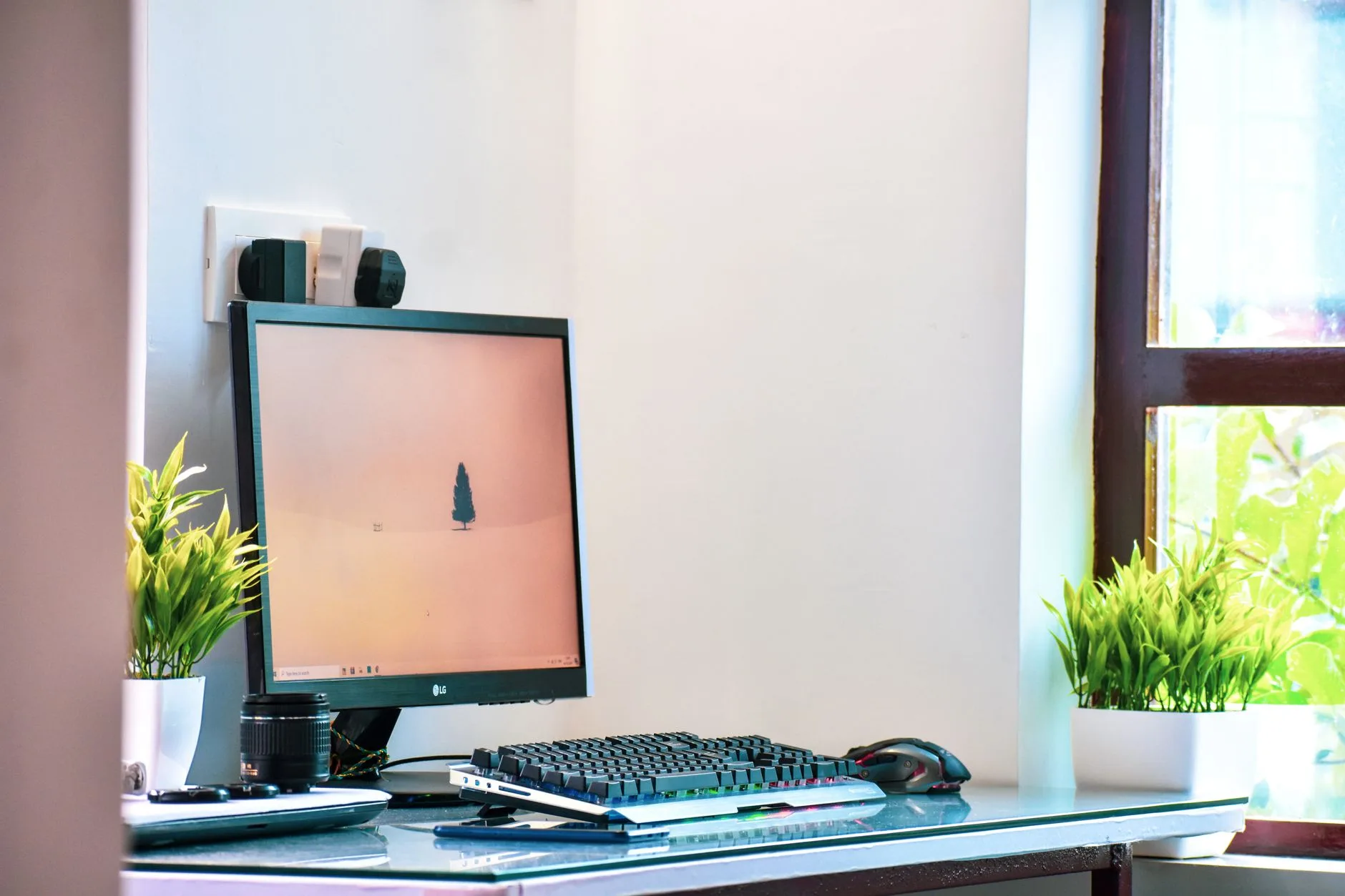
Flat monitors can also be comfortable for long work sessions, especially if you’re using a standard 24-27 inch display. The main ergonomic advantage is that they’re easier to position at the correct height and distance, crucial for reducing neck and back strain.
For both curved and flat monitors, follow the HSE’s DSE checklist for workstation setup:
- Place the monitor directly in front of you, about an arm’s length away
- Top of the screen should be at or just below eye level
- Tilt the screen to reduce glare
- Take regular breaks to rest your eyes
UK Employer Responsibilities
If you are an employer in the UK, you are required to provide a suitable workstation assessment for employees using display screens, including advice on monitor selection and positioning. Many businesses now offer DSE self-assessment tools to remote workers as well.
Does Curvature Prevent Glare?
Curved monitors can sometimes reduce reflections from ambient light, as the curve may deflect light away from your eyes. However, in my experience, this only makes a noticeable difference in rooms with strong side lighting. For most home offices, careful monitor placement and an anti-glare screen finish are more important factors.
UK Lighting Considerations
Many UK homes and offices have windows to the side of the desk, which can cause glare issues. Both curved and flat monitors benefit from adjustable blinds and anti-glare coatings. Some UK-specific monitor models include enhanced anti-reflective coatings designed for use in bright, naturally lit rooms.
Screen Size and Desk Space
Curved Monitors and Desk Requirements
Curved monitors tend to be larger and deeper than their flat counterparts. The curve means the screen “wraps” towards you, which can make the monitor stick out further on your desk. If you’re working in a compact space, such as a small flat, this can be a challenge.
When I tried to fit a 32-inch curved monitor on a standard 120cm IKEA desk, I found it left less room for paperwork and accessories. If you’re creating a home office in a small flat, you may want to check out these tips for maximising your workspace.
UK Desk Sizes
Many UK homes and flats use desks ranging from 100cm to 140cm in width. Before purchasing a curved monitor, measure your available desk depth. Some curved ultrawide monitors require at least 30-35cm of desk depth for comfortable placement, compared to 20-25cm for most flat monitors.
Flat Monitors: Flexible and Space-Saving
Flat monitors are generally more compact, with a slimmer profile that sits flush against the wall. This makes them easier to mount, and ideal for dual- or triple-monitor setups. If you need to run multiple screens for coding, design, or trading, a flat monitor setup is often simpler to arrange. For more ideas, see our guide to the best desks for multiple monitors.
Wall Mounting in UK Homes
Many UK renters prefer flat monitors because they can be mounted with minimal impact to walls, and some landlords restrict drilling for heavy mounts. Flat monitors are compatible with a wider range of desk clamps and risers, which is useful if you need to avoid permanent fixtures.
Sizing Up: What’s Best for Work?
- For single-monitor setups and immersive tasks (video editing, design, large spreadsheets): a 27-inch or larger curved monitor can be a great fit, provided you have the space.
- For multi-monitor setups, compact desks, or shared workspaces: flat monitors are usually easier to manage.
UK Power and Plug Considerations
UK monitors use a standard three-pin plug, and some curved models have larger power bricks. Check the power cable length and plug size to ensure you can reach your nearest socket without trailing cables across your workspace.
Productivity and Multitasking
Curved Monitors and Workflow
One of the main arguments in favour of curved monitors for work is enhanced focus and immersion. The wraparound effect can help you concentrate on the task at hand, blocking out distractions at the periphery. This is particularly noticeable with ultrawide models (21:9 aspect ratio or greater), which allow you to keep multiple windows open side by side.
I found that working on a 3440×1440 curved ultrawide made it much easier to compare documents and manage complex projects without constantly switching windows.
UK Office Software Support
Most modern office software, including Microsoft 365, Google Workspace, and Adobe Creative Cloud, supports ultrawide resolutions. However, some legacy UK government or NHS systems may not scale perfectly on ultrawide curved monitors, so check compatibility with your essential work applications.
Flat Monitors: Multi-Tasking Made Simple
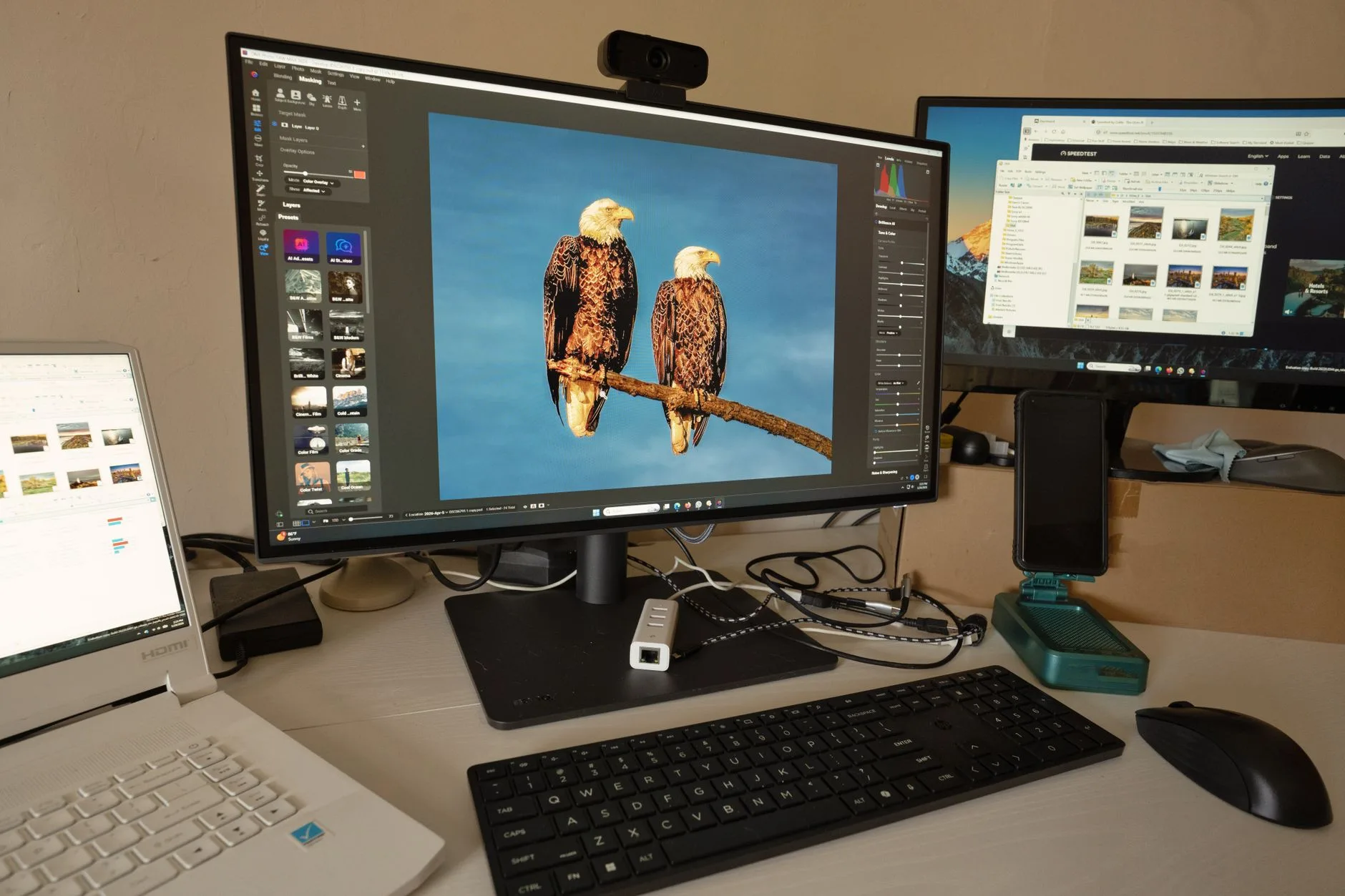
Flat monitors shine in multi-screen arrangements. If your work involves referencing several documents, coding, or monitoring data across different sources, flat screens allow you to “tile” your workspace more flexibly. You can align them seamlessly, and there’s no distortion at the edges where two monitors meet.
Productivity Boosters for Both Types
- Use virtual desktops to organise tasks
- Invest in USB-C monitors for single-cable connectivity (see USB-C Monitors: Everything You Need to Know)
- Consider a docking station for laptop users (How to Choose a Docking Station for Your Laptop)
- Use UK-specific power extension leads with surge protection to safely power multiple monitors and accessories
UK Tax Relief for Home Office Equipment
If you’re a UK employee working from home, you may be able to claim tax relief on the cost of monitors and other equipment required for your job. Check the latest HMRC guidance or consult your employer’s remote work policy.
Aesthetics and Cable Management
Curved Monitors: Sleek But Bulky
Curved monitors often look striking and modern, making a statement on your desk. However, their bulkier design can complicate cable management, especially if your desk sits flush against a wall.
UK Cable Management Tips
With the prevalence of plug sockets at skirting board level in UK homes, you may need longer cables or cable trunking to keep things tidy. Look for monitors with rear-facing ports for easier access, and consider UK-sold cable management kits for a neater finish.
Flat Monitors: Clean and Customisable
Flat monitors are typically easier to mount on arms or risers, helping you achieve a minimalist look. If you want to keep your workspace tidy, a flat monitor paired with a good desk shelf riser can help you store accessories and route cables efficiently.
UK Workspace Aesthetics
Many UK workers prefer a clean, uncluttered desk, especially in shared or open-plan flats. Flat monitors are easier to pair with compact desk organisers and shelves sold by UK retailers like Argos or IKEA.
Cost and Value for Money
Price Differences in the UK
Curved monitors are often more expensive than flat models of comparable size and resolution. For example, as of early 2024:
- A 27-inch flat IPS monitor from a major brand might cost £180-£250
- A similar-sized curved monitor could range from £230-£350
- Ultrawide curved monitors (34-inch+) often start at £400 and can exceed £1,000
UK Retailers and Warranty
When buying in the UK, check for VAT-inclusive pricing and UK-specific warranty terms. Retailers such as John Lewis, Currys, and Amazon UK usually offer at least a one-year warranty, with some offering extended cover. For business purchases, ensure you receive a VAT invoice if you plan to reclaim costs.
Is the Extra Cost Worth It?
For many office workers, the extra cost of a curved monitor may not be justified unless you need the immersive benefits for creative work, data analysis, or design. For general office tasks, a high-quality flat monitor often offers better value.
UK Second-Hand Market
The UK has a growing second-hand market for monitors, including curved models, on platforms like eBay, Gumtree, and Facebook Marketplace. Buying used can be a way to try a curved monitor at a lower cost, but check for dead pixels and warranty status before purchasing.
Which Monitor Is Better for Specific Work Scenarios?
Office and Admin Work
For classic office tasks (email, word processing, web browsing), a flat monitor in the 24-27 inch range is usually ideal. It’s easier to position, affordable, and takes up less desk space.
UK Office Standards
Many UK employers standardise on 24-inch flat monitors for hot-desking and shared office environments, as they are compatible with most desk layouts and adjustable arms.
Creative Work and Design
Graphic designers, video editors, and architects may benefit from a curved ultrawide display. The immersion and extra horizontal space make it easier to work with timelines, palettes, and large canvases. Just remember to calibrate your monitor for colour accuracy.
UK Creative Industry Preferences
UK creative professionals often opt for monitors with high colour accuracy (sRGB or Adobe RGB coverage) and hardware calibration support. Some curved monitors sold in the UK include factory calibration and colour certification, which can be important for print and digital design.
Data Analysis and Programming
If your work involves wrangling massive spreadsheets or monitoring multiple data streams, a curved ultrawide can boost productivity. However, many programmers prefer dual flat monitors for flexibility and vertical stacking.
UK Financial Sector Trends
In London’s financial sector, dual or triple flat monitor setups remain popular for traders and analysts, as they allow for rapid screen sharing and easy hardware swaps. Curved ultrawides are gaining ground for data visualisation roles.
Collaborative Work
Flat monitors are the better choice if you regularly share your screen with colleagues. Viewing angles are more consistent, and there’s no distortion for people sitting off to the side.
UK Meeting Room Setups
Many UK meeting rooms use flat monitors or large flat-panel displays for presentations, as they are easier for groups to view from different angles.
Small Spaces and Home Offices
If you’re working in a small flat or shared space, flat monitors are much easier to accommodate. They can be pushed right up against the wall or mounted above your desk, freeing up valuable room for other essentials.
UK Rental and Shared Accommodation
For renters or those in shared accommodation, flat monitors are easier to move and less likely to be damaged during transport. They also fit better on compact desks commonly found in UK student halls or shared houses.
Setting Up Your Workstation
Step-by-Step: Choosing and Positioning Your Monitor
- Assess your desk size and available space. Measure the depth and width to ensure your chosen monitor will fit comfortably without crowding your workspace.
- Decide on single vs multi-monitor setup. If you need multiple screens, flat monitors are often the easier route.
- Choose your monitor size and curvature. For immersive tasks and large screens (27 inches+), consider a curved monitor. For smaller desks or shared use, a flat monitor may be better.
- Select the right stand or mount. Curved monitors may require deeper stands, while flat monitors are compatible with more mounting options.
- Position your monitor for ergonomics. Follow HSE guidelines (see here) to set the monitor at the correct height and distance.
- Organise your cables and accessories. Use cable clips or a desk shelf riser to keep things tidy.
- Test your setup and adjust for comfort. Spend a few days working at your new station and tweak positioning as needed.
UK-Specific Setup Tips
- If you live in a rented flat, use adhesive cable clips and non-permanent monitor arms to avoid wall damage.
- For multi-monitor setups, check that your extension leads have surge protection, which is important in older UK buildings.
- If you work in a listed property or a flat with limited sockets, consider a USB-C monitor with a built-in hub to reduce cable clutter.
Accessories to Consider
- Monitor arms (check VESA compatibility)
- Desk risers or shelves for extra storage
- USB-C docks for easy laptop connectivity
- Anti-glare screen protectors
- UK power strips with individually switched sockets
Frequently Asked Questions
Are curved monitors better for your eyes than flat monitors? Curved monitors can reduce eye movement and fatigue, especially on large screens, but proper positioning and regular breaks are still crucial for eye health. The HSE’s DSE guidance offers tips for reducing eye strain.
Do curved monitors save desk space compared to flat monitors? Curved monitors often require more desk depth due to their shape. Flat monitors are generally more space-efficient, making them better for small home offices.
Is a curved monitor good for programming or coding? Many programmers prefer dual flat monitors for flexibility, but a curved ultrawide can also be effective for viewing multiple code windows side by side.
Can I wall-mount a curved monitor? Some curved monitors support wall mounting, but their shape can make mounting trickier and may affect viewing angles. Flat monitors are easier to mount flush against the wall.
Are curved monitors worth the extra cost for office work? For most general office tasks, a flat monitor offers better value. Curved monitors are worth considering if you work with large spreadsheets, creative software, or need an immersive display.
Which is better for a dual-monitor setup: curved or flat? Flat monitors are typically better for dual or triple-monitor setups, as their edges align seamlessly and avoid distortion at the join.