Most people try to fix desk posture by buying a new chair, when the cheaper win is usually adjusting the one they already own. Start with seat height, then seat depth, back support, armrests and foot position, in that order.
In This Article
- Adjust Office Chair Posture: The 60-Second Setup
- Set Chair Height Before Touching Anything Else
- Fix Seat Depth So Your Legs Are Supported
- Set the Backrest and Lumbar Support Properly
- Match Armrests to Your Desk, Keyboard and Mouse
- Use a Footrest or Cushion Only When the Chair Cannot Fit You
- When to Upgrade Your Chair Instead of Tweaking It
- Frequently Asked Questions
Adjust Office Chair Posture: The 60-Second Setup
To adjust office chair posture properly, work from the floor upwards. If your feet, knees and hips are wrong, the backrest and armrests will never feel quite right. You will keep fiddling with levers and still end up sliding forward by lunchtime.
Here is the quick setup:
- Sit right back in the chair. Your pelvis should touch the backrest, not hover on the front half of the seat.
- Set your feet flat. Feet flat on the floor is ideal; use a footrest if the desk forces the chair higher.
- Raise or lower the seat. Aim for relaxed shoulders, elbows roughly level with the desk, and no pressure under the thighs.
- Check seat depth. Leave a small gap behind your knees rather than jamming the seat edge into your legs.
- Bring the backrest to you. Lumbar support should meet the curve of your lower back, not push into your ribs.
- Set armrests last. They should support relaxed elbows without lifting your shoulders or blocking the desk.
The Health and Safety Executive’s DSE posture guidance says your chair and workstation should support a comfortable working posture, with forearms roughly horizontal and feet supported. That is a useful test because it stops you obsessing over one magic angle.
If your whole workstation is a mess, use this article for the chair, then compare it with our ergonomic desk setup checklist. Chair adjustment helps, but it cannot rescue a screen that is too low or a keyboard shoved too far away.
Set Chair Height Before Touching Anything Else
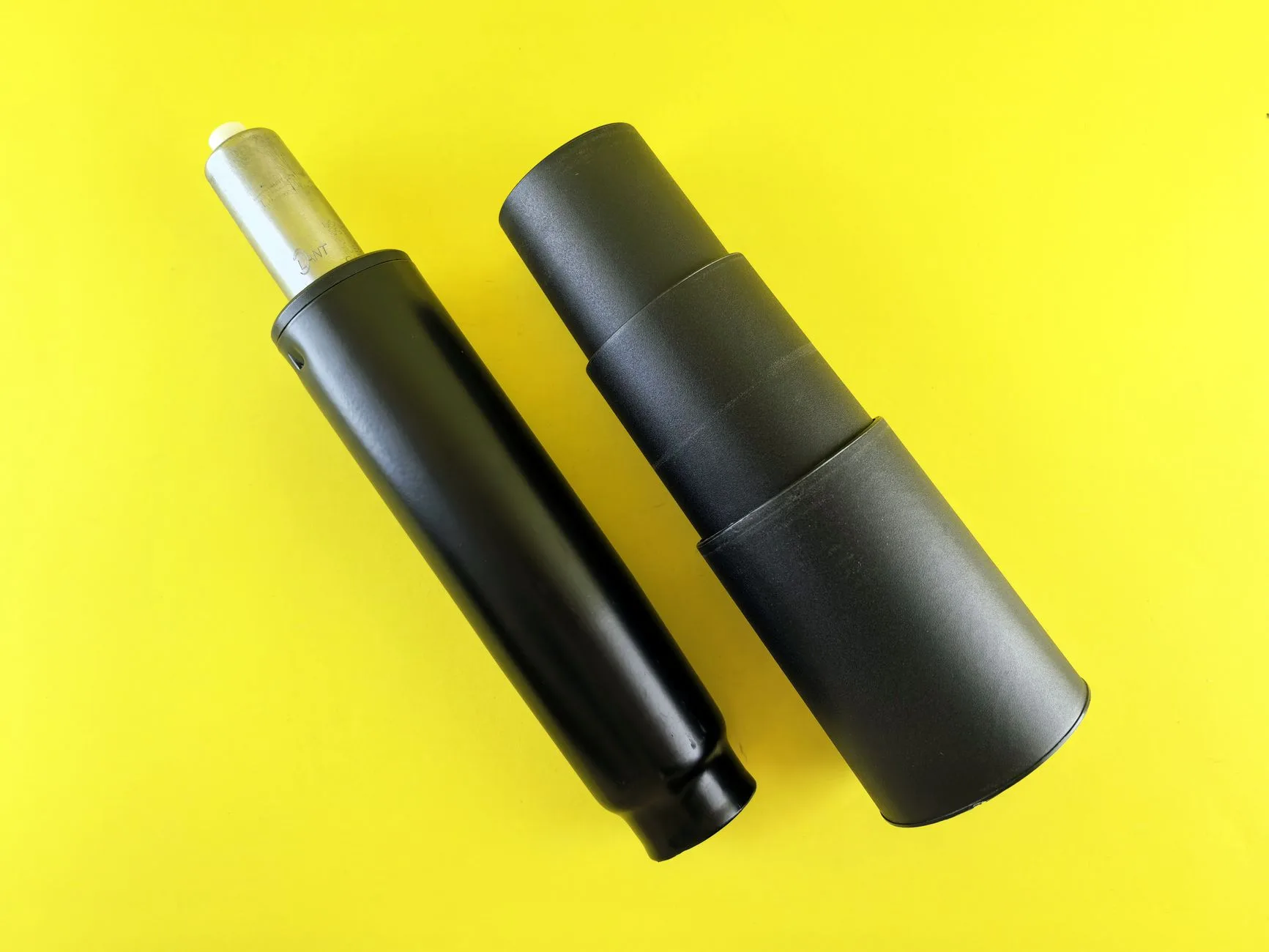
Chair height is the first setting because it decides how your body meets the desk. Get it wrong and every other adjustment becomes a compromise.
The Best Starting Height
Sit with your hips pushed back into the chair. Raise or lower the seat until:
- Your feet are supported: flat on the floor or flat on a footrest.
- Your knees sit around hip height: not forced high, not dangling.
- Your elbows meet the desk naturally: shoulders down, forearms relaxed.
- Your thighs are not crushed: the front edge of the seat should not press hard into them.
Do not chase a perfect 90-degree diagram. Real bodies vary, and many UK home desks are fixed at about 72-75cm high. If the desk is high and you are shorter, your chair may need to rise so your arms meet the keyboard properly. That is fine, but your feet then need support.
The Too-Low Chair Problem
A chair set too low usually creates three problems. Your elbows sit below the desk, your shoulders creep upwards when typing, and your wrists start bending back to reach the keyboard. It can feel comfortable for five minutes because the chair feels settled, then your neck complains later.
Raise the chair until typing feels easy. If your feet lift off the floor, add a footrest rather than dropping the chair back down and sacrificing your arms.
The Too-High Chair Problem
A chair set too high makes you perch. Your heels may lift, the seat edge presses under your thighs, and you may slide forward to find the floor. That sliding destroys back support because your lower back is no longer touching the backrest.
If lowering the chair makes your arms too low for the desk, the desk is the problem. A footrest is the cheap fix; a lower desk or keyboard tray is the better fix if you can change furniture.
Fix Seat Depth So Your Legs Are Supported
Seat depth is the adjustment people forget. Height gets all the attention, but depth decides whether the seat supports your thighs or shoves you into a slump.
The Simple Gap Test
Sit back fully, then check the gap between the front edge of the seat and the back of your knees. You want roughly two or three fingers of space. Less than that and the seat can press into the back of your legs. Much more than that and your thighs may not be supported enough, so you start sitting forward.
Some office chairs have a sliding seat pan. Pull the lever, move the seat forward or back, then lock it. Cheaper chairs often do not have this control, so you have to work with seat height, cushion choice and whether the chair actually fits your leg length.
When the Seat Is Too Deep
A too-deep seat is common on large executive chairs and some gaming chairs. You sit back, the backrest feels miles away, and the front edge presses behind your knees. The usual response is to sit forward, which makes the backrest pointless.
A lumbar cushion can help if the chair is only slightly too deep. Expect to pay about £15-35 for a memory-foam lumbar cushion on Amazon UK or Argos. It should fill a small gap behind your lower back, not push you so far forward that your thighs lose support.
When the Seat Is Too Short
A short seat pan is less common but still annoying, especially for taller users. Your lower back may feel supported, but your thighs are doing more work than they should. If you are tall, compare chair specifications before buying. A cheap compact chair may look tidy in a small flat and still be wrong for eight-hour workdays.
For tall users, our desk chair guide for tall people is more useful than guessing from product photos.
Set the Backrest and Lumbar Support Properly
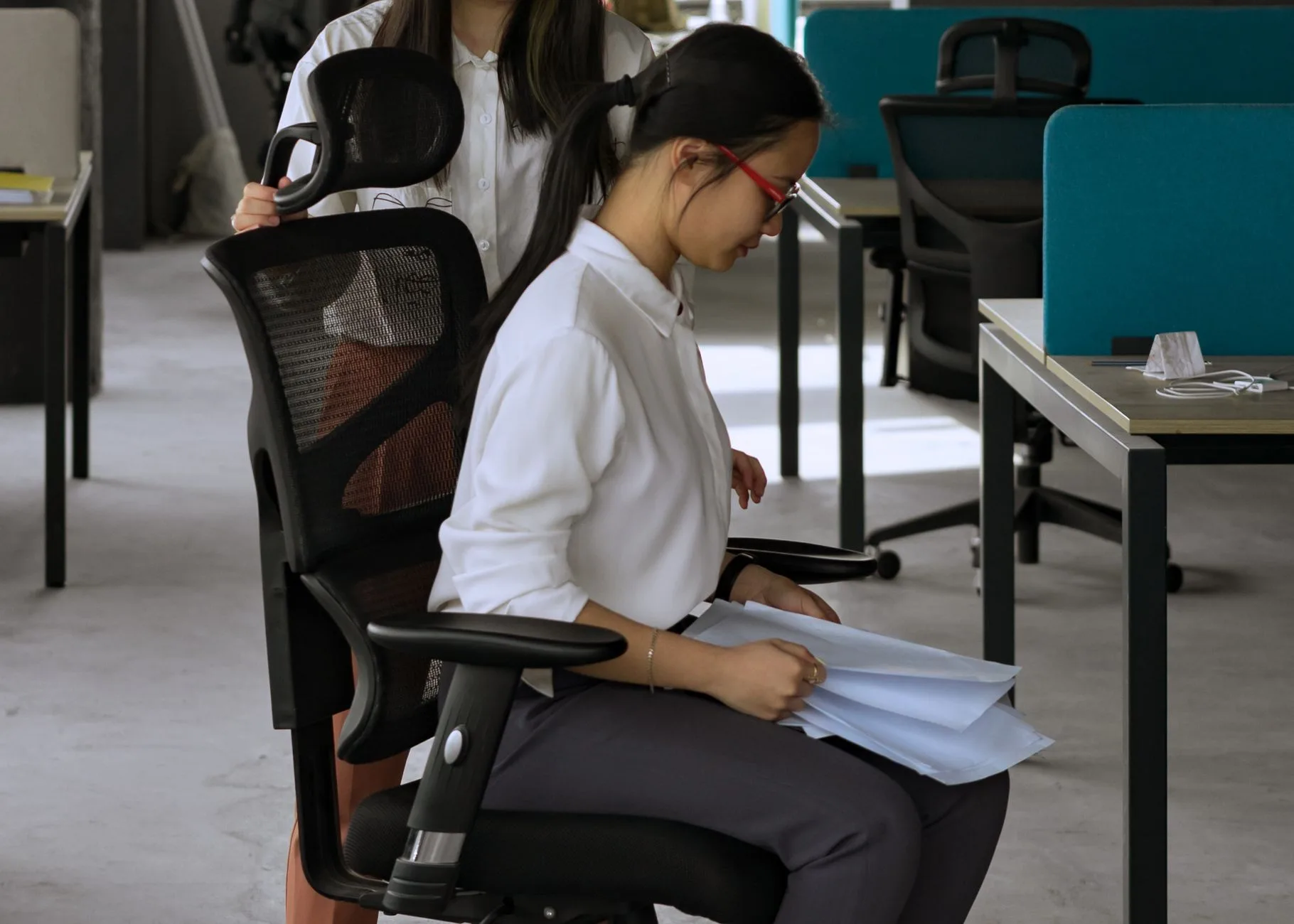
Your backrest is not there to pin you upright like a school photo. It should support the natural curve of your lower back while letting you move a little.
Find the Lumbar Point
Sit back and place your hand on the small of your back. That inward curve is where the lumbar support should meet you. If your chair has adjustable lumbar support, move it until it fills that curve without creating a hard pressure point.
If the support hits too high, it can push your ribs forward and make your lower back feel unsupported. If it sits too low, it may tilt your pelvis awkwardly. Small changes matter here. Move it, work for 10 minutes, then adjust again.
Recline Is Not Laziness
A slight recline can be more comfortable than forcing yourself bolt upright all day. Many task chairs let you set recline tension or lock the backrest. If the chair throws you backwards, tighten the tension. If it refuses to move with you, loosen it.
The aim is support plus movement. A rigid “perfect” posture that you hold for four hours is not a win. Your best sitting position is usually your next sitting position.
When a Back Cushion Helps
A cushion helps when the chair shape nearly fits you but leaves a gap. It is not a cure for a broken chair, a seat that is too deep by 8cm, or a backrest that wobbles.
Good back cushions are usually £20-45. Look for an adjustable strap, breathable cover and a shape that supports the lower back rather than a huge pillow that pushes your whole torso forward. If it makes you sit on the front edge of the chair, send it back.
For wider workstation comfort, see our guide to desk stretches to prevent back pain. Chair support matters, but movement still does half the job.
Match Armrests to Your Desk, Keyboard and Mouse
Armrests are useful only when they let your shoulders relax. If they lift your shoulders, push your elbows out, or stop you getting close to the desk, they are making the setup worse.
Set Armrest Height
Sit with shoulders relaxed and elbows near your sides. Raise the armrests until they just meet your forearms. You should not have to shrug to reach them. You should also be able to type and use the mouse without your wrists bending upwards.
If your armrests are too high, lower them or remove them if the chair allows it. Fixed armrests are one of the biggest problems on budget chairs because they are designed for the average buyer, not your desk height.
Bring the Chair Close Enough
Your chair needs to get close to the desk so your elbows can stay near your body. If armrests hit the desk edge first, you end up reaching forwards. That often leads to rounded shoulders and a neck that feels tight by mid-afternoon.
If you cannot lower the armrests, try setting them slightly behind the desk edge, or remove them. Armrests are optional; a relaxed typing position is not.
Coordinate With Monitor Position
Chair posture and monitor height are linked. If the chair is right but the screen is low, you will still drop your head. If you have neck pain at the desk, check our guide to positioning monitors to avoid neck pain after you finish the chair setup.
For most people, the top third of the screen should sit near eye level when you are sitting naturally. A monitor arm usually costs about £30-90, while a basic riser can be £15-40 from Amazon UK, IKEA or John Lewis. A stack of books works for testing, but it looks like you lost a fight with your bookshelf.
Use a Footrest or Cushion Only When the Chair Cannot Fit You
Accessories should solve a clear mismatch. They should not become a shopping basket of comfort gadgets because the chair is badly adjusted.
When a Footrest Is the Right Fix
Use a footrest when the desk forces your chair high enough that your feet no longer sit flat on the floor. This is common for shorter users, fixed-height kitchen tables and thick desktop setups.
Good options in the UK:
- IKEA DAGOTTO foot-rest: £15, basic and cheap, useful for testing whether a footrest solves the problem.
- Leitz Ergo Cosy Desk Foot Rest: £39.99 at Argos, softer and more comfortable if you work in socks or want a rocking option.
- Kensington or Fellowes adjustable footrests: usually about £25-60 at Argos, Amazon UK or office suppliers.
We have a fuller breakdown in our footrests for better desk posture guide, but the buying rule is simple: stable beats clever. If it slides away every time you move, it will annoy you into not using it.
When a Cushion Is the Right Fix
Use a cushion when the chair nearly fits but needs a little shape correction. A seat cushion can help if the chair is too firm or slightly low, while a lumbar cushion can fill a lower-back gap.
Prices worth knowing:
- Basic lumbar cushions: about £15-25 on Amazon UK.
- Better memory-foam back supports: about £25-45 from Argos, Amazon UK or office suppliers.
- Seat cushions: about £20-50, depending on foam quality and cover.
Do not stack cushions until you are sitting on a throne. If you need a seat cushion, lumbar cushion and footrest just to make the chair bearable, the chair probably does not fit.
When Accessories Are Hiding the Real Problem
The warning signs are easy to spot. Your shoulders still rise when typing. Your feet still hunt for support. Your lower back still misses the backrest. You keep changing position because nothing feels settled.
At that point, stop adding gadgets and reassess the chair, desk height and monitor position as one system.
When to Upgrade Your Chair Instead of Tweaking It
Adjusting a chair is worth doing first because it costs nothing. But some chairs are simply the wrong tool for daily desk work.
Upgrade If the Chair Lacks Core Controls
For a proper work chair, I want at least:
- Seat height adjustment: non-negotiable for desk fit.
- Back support: shaped or adjustable enough to meet your lower back.
- Seat depth that fits you: either adjustable or naturally right for your legs.
- Usable armrests: adjustable or removable, not fixed in the wrong place.
- Stable base and smooth castors: no wobbling, squeaking or tipping.
If your chair is a dining chair, a fashion chair, or a gaming chair with hard side bolsters, no adjustment guide will turn it into a good task chair.
What to Spend in the UK
You do not need to jump straight to a £1,000 chair. There is a sensible middle ground:
- Budget task chair: £80-150. Fine for occasional work, but check back support and armrest limits carefully.
- Better home-office chair: £180-400. This is the best zone for most people working several days a week.
- Premium ergonomic chair: £600-1,200+. Worth it if you sit all day and know the chair fits your body.
Current UK examples: the John Lewis Ollie High Back Ergonomic Office Chair was listed at £159.20, the John Lewis James Mesh Office Chair at £349, and the John Lewis Ryder High Back Ergonomic Office Chair at £399 when checked. Herman Miller chairs can cost far more; the Aeron was listed at £1,189.15 in graphite. Lovely chair, brutal receipt.
Before buying, measure your desk height and check the chair’s seat-height range. If you are replacing a chair because your old one could not go low enough or high enough, do not repeat the same mistake with a nicer fabric.
Final Chair Check
After every adjustment, work for 20 minutes and ask:
- Are my shoulders relaxed?
- Are my feet supported?
- Can I sit back without sliding forward?
- Can I type without reaching?
- Do I move naturally rather than holding one stiff posture?
If yes, your chair is doing its job. If not, make one change at a time. Random lever-pulling is how people accidentally make a £300 chair feel like a punishment device.
Frequently Asked Questions
What is the first thing to adjust on an office chair? Adjust seat height first. It decides foot support, knee position, elbow height and how well your chair matches the desk.
Should my feet be flat on the floor when sitting at a desk? Yes, unless you are using a footrest. Your feet should be supported so your thighs are not taking pressure from the seat edge.
Where should lumbar support sit on an office chair? Lumbar support should meet the inward curve of your lower back. If it presses into your ribs or pelvis, move it up or down.
Are armrests good or bad for posture? Armrests are good if they let your shoulders relax and do not block the desk. They are bad if they make you shrug or reach forwards.
Do I need a footrest for good desk posture? You need a footrest if your chair has to be raised for the desk and your feet no longer reach the floor comfortably. A basic £15-40 footrest is often enough.
When should I replace my office chair? Replace it when it lacks seat-height adjustment, cannot support your lower back, has the wrong seat depth, or forces you into pain no matter how you adjust it.