Standing desks are useful when they help you change position more often; they are a problem when they just swap too much sitting for too much standing. The real benefit is movement variety, better workstation control and fewer long static blocks, not some magic health upgrade that lets you ignore posture, breaks or a bad chair.
In This Article
- The Balanced Answer on Standing Desk Benefits and Risks
- The Benefits You Are Most Likely to Notice
- The Risks People Create by Using Standing Desks Badly
- How to Set a Standing Desk Up So It Helps
- A Sensible Sit-Stand Routine for a UK Workday
- What You May Need to Buy Alongside the Desk
- Who Should Be Careful or Skip One
- Frequently Asked Questions
The Balanced Answer on Standing Desk Benefits and Risks
The honest answer is that standing desks can help, but only if you use them as a movement tool. They are not a cure for back pain, weight gain, poor circulation or a badly arranged workstation. If you stand still for hours with the screen too low and your wrists bent upwards, you have just built a more expensive problem.
For UK home offices, the best use case is simple: sit for focused work, stand for short blocks, move between tasks, and adjust the desk so your keyboard, screen and mouse actually fit your body. That is why the HSE’s display screen equipment guidance talks about the whole workstation rather than treating one piece of furniture as the fix.
The key distinction
Standing is not automatically healthier than sitting. Changing position is the point. The NHS explains in its guide to why we should sit less that long periods of sitting are linked with reduced movement through the day, but the sensible response is to break up sedentary time, not to stand rigidly until your feet ache.
Our deeper Standing Desk vs Sitting Desk guide covers the evidence comparison. This article is narrower: the standing desk benefits and risks UK buyers should think about before turning a spare-room desk into a sit-stand setup.
My practical view
If you already take breaks, walk at lunch and have a decent chair, a standing desk is a useful upgrade. If you are hoping it will fix a messy routine, it probably will not. A £250 desk cannot compensate for eight hours of stillness, a laptop screen at chest height or a chair that makes you perch like you are waiting outside the head teacher’s office.
The Benefits You Are Most Likely to Notice
The best standing desk benefits are not dramatic. They are small improvements that compound across a workday: more movement, fewer awkward reaches, less slumping and a setup that can adapt to different tasks.
Easier posture changes
A sit-stand desk makes it easier to change position before you feel stiff. That matters because many desk aches come from staying in one posture too long, even if that posture looks technically correct.
When I use a standing desk well, the useful bit is not standing for hours. It is the prompt to reset. A call starts, the desk goes up. A writing block starts, the desk comes down. After lunch, stand for 20 minutes to avoid the slump. Nothing heroic.
Better screen and keyboard control
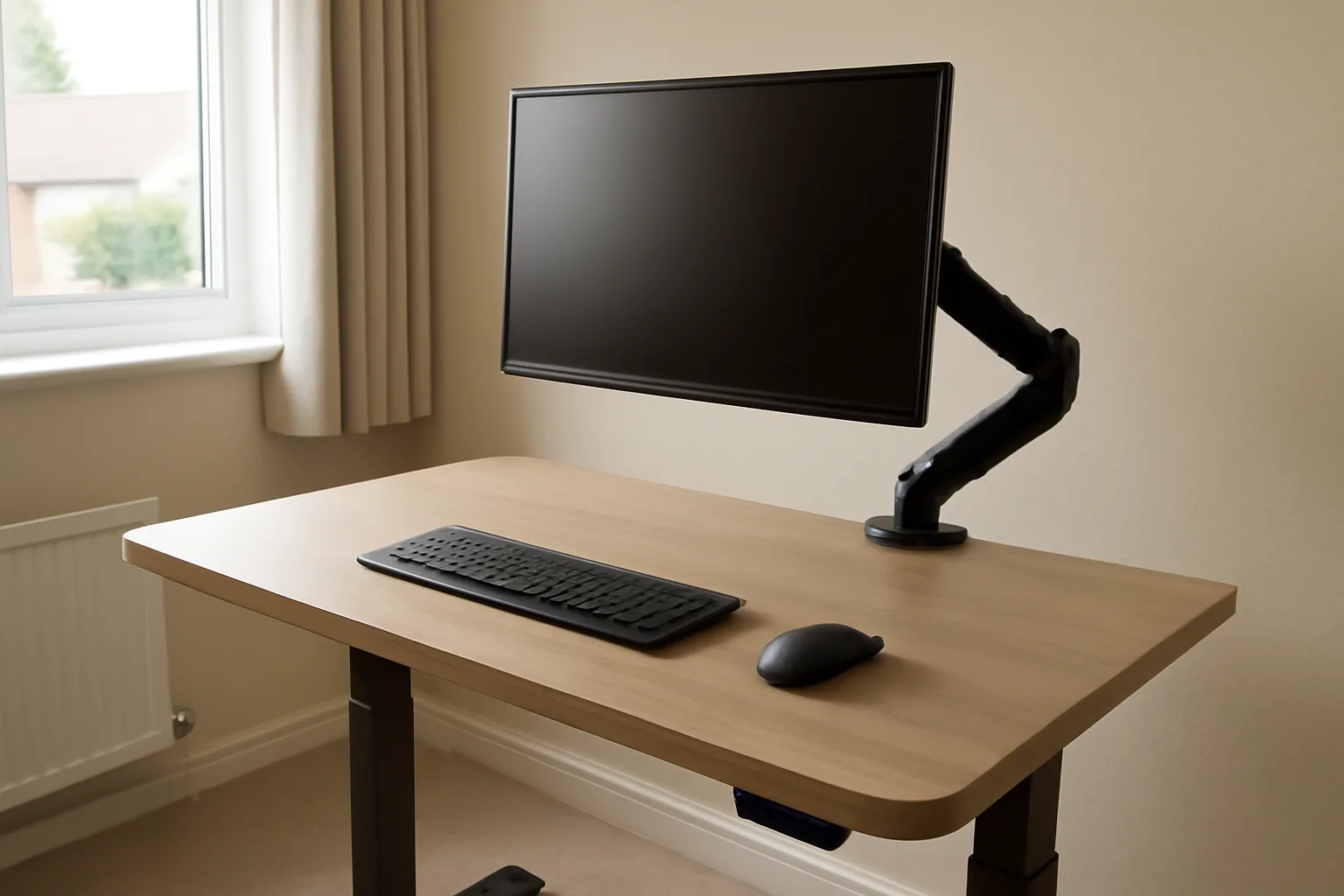
Height adjustment gives you more control than a fixed desk, especially if more than one person uses the same room. You can set the keyboard near elbow height and then use a monitor arm or riser to bring the screen up separately.
This links neatly with our How to Set Up Your Monitor at the Right Height guide. A standing desk with the monitor too low still encourages neck bend. The desk is only part of the chain.
More movement cues
Electric desks with memory buttons make movement frictionless. A basic up/down control works, but memory presets are better because you actually use them. The same applies to timer prompts. A free phone timer costs nothing; a dedicated desk reminder app may cost £0-£5; some desks include reminders in the handset.
The best routine is the one you will follow. If a preset button gets you standing twice before lunch, that is more useful than a perfect ergonomic theory you abandon by Tuesday.
More task variety
Some tasks suit standing better than others. Video calls, quick admin, reading notes, sorting Trello cards and short planning sessions often work well. Deep writing, spreadsheet work and detailed design review may be better seated.
That task split is where standing desks earn their keep. They let the desk match the job instead of forcing every job through one posture.
The Risks People Create by Using Standing Desks Badly
Most standing desk problems are not caused by the desk existing. They come from overuse, poor setup and treating standing as the goal.
Standing too long
Standing still for long blocks can leave your feet, knees, hips or lower back irritated. Some people also notice leg heaviness or swelling if they stand for too long without walking.
The fix is not complicated: stand for shorter blocks and move. Start with 15-20 minutes at a time, then sit before you feel uncomfortable. If you need a mat to survive the first hour, that is a clue that the hour is too long.
Setting the desk too high
The most common setup mistake is raising the desk until it feels like a bar table. Your shoulders lift, wrists angle upwards, and typing becomes tense. After a week, the desk gets blamed for aches it did not create.
At standing height, elbows should sit roughly at keyboard level, shoulders relaxed, wrists neutral and screen near eye height. If the desk and monitor cannot both be right, prioritise keyboard height and fix the screen with a monitor arm or riser.
Forgetting the chair still matters
A standing desk does not make the chair irrelevant. You still sit for large parts of the day, so chair height, lumbar support and seat depth matter. Our How to Adjust Your Chair for Perfect Posture guide is worth reading before you spend more money on desk accessories.
If the chair is poor, you may stand too much just to escape it. That is a workaround, not a solution.
Buying stability problems
Cheap standing desks can wobble, especially at full height with a monitor arm attached. Wobble encourages you to tense your hands, lean less naturally or stop using the standing mode.
Before buying, check the frame style, weight capacity and desktop depth. Our How Heavy Should a Standing Desk Be? piece explains why heavier frames and sensible loads matter more than glossy product photos.
How to Set a Standing Desk Up So It Helps
The setup goal is boring but important: neutral arms, comfortable screen height, stable equipment and cables that do not pull when the desk rises.
Set the sitting height first
Start seated. Adjust your chair so your feet are supported, knees are comfortable and shoulders are relaxed. Then set the desk so the keyboard and mouse sit near elbow height. If the desk cannot go low enough, you may need a footrest at about £15-£35 or a different chair height.
Only after the sitting setup feels right should you save a standing preset. Too many people set standing height first and then spend the rest of the day compromising the seated position.
Separate screen height from desk height
Your keyboard and screen rarely want to be at the same height. A monitor arm costs about £35-£90 for most UK home offices and is often the best accessory you can buy with a standing desk. A simple monitor riser can cost £15-£40, but it will not move with you as easily.
Laptop users need the same logic. Put the laptop on a stand at £20-£50, then use a separate keyboard and mouse at £15-£80 combined. Typing directly on a raised laptop is a fast route to awkward wrists.
Manage cables before the first full-height test
A standing desk needs cable slack. Check the power cable, monitor cable, laptop charger, dock, speakers and lamp before raising the desk fully. A basic cable tray costs about £15-£35; adhesive clips and Velcro ties are another £5-£15.
Do one slow test from lowest to highest with nothing fragile near the legs. Watch the cables. If anything tightens, fix it before work starts.
Keep the floor setup sensible
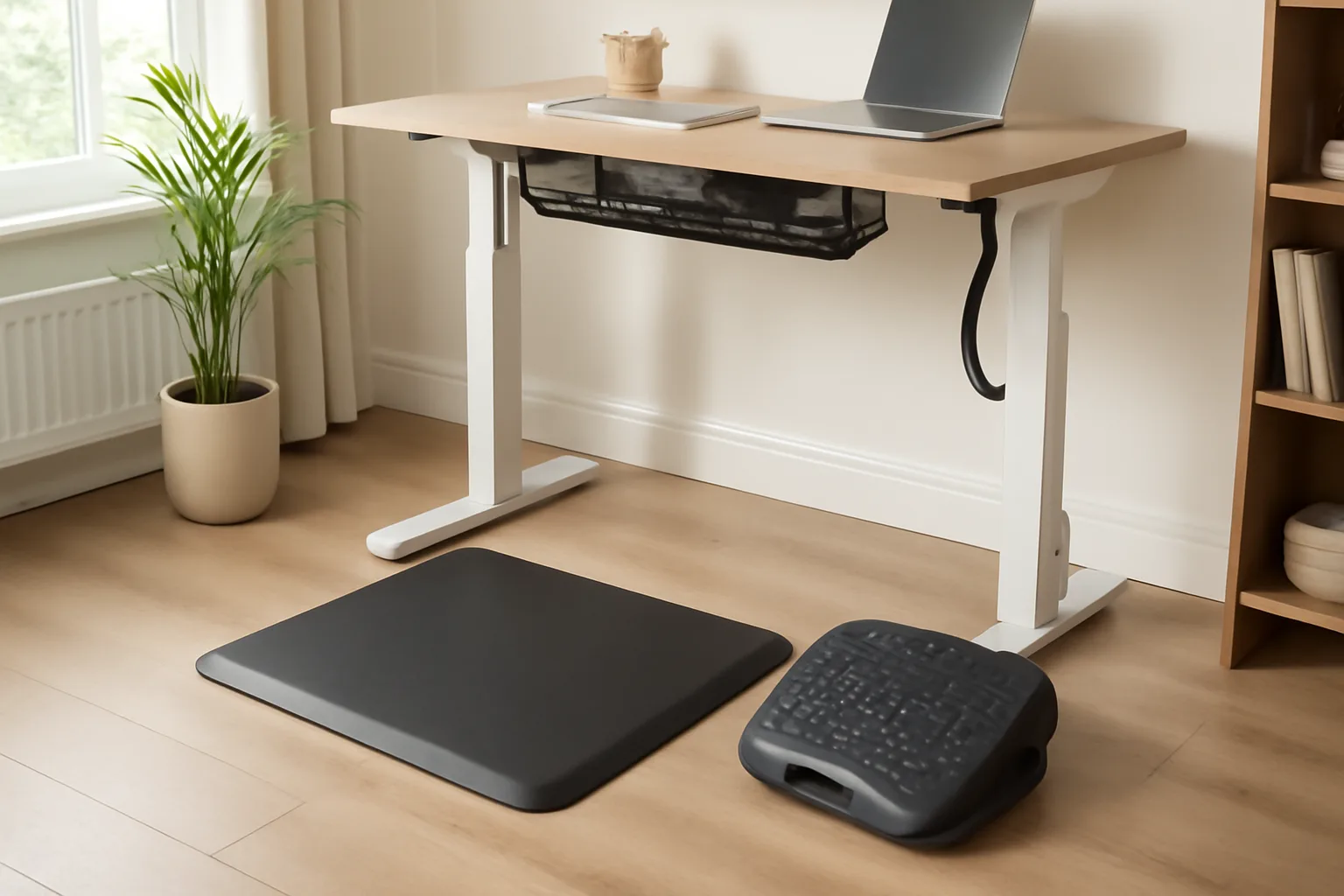
An anti-fatigue mat can help if you stand for several short blocks. Expect £25-£60 for a decent UK mat. It should feel supportive, not like a wobbly cushion.
Shoes matter too. Bare feet on hard flooring can become uncomfortable quickly. Slippers with support, trainers or a mat are better than pretending your laminate floor has suddenly become ergonomic.
A Sensible Sit-Stand Routine for a UK Workday
Do not start by standing half the day. Start small and make the desk part of your task rhythm.
A simple first-week routine
Try this for the first week:
- Morning admin: stand for 15-20 minutes while checking email and planning the day.
- Focused work: sit for deep work, then stand for a short reset between blocks.
- Calls: stand for shorter calls, especially when you do not need detailed typing.
- After lunch: stand for 10-20 minutes to break the post-lunch slump.
- Late afternoon: sit if you are tired; forced standing at 4:30pm helps nobody.
That gives several posture changes without turning the desk into a fitness challenge.
Movement beats static standing
When standing, shift weight, take short walks, stretch calves and reset shoulders. If you are waiting for a file to upload, walk to the kitchen. If a call does not need notes, pace for part of it.
Our Desk Stretches to Prevent Back Pain guide pairs well with this. A standing desk is better when it sits inside a movement routine rather than replacing one.
Watch for warning signs
Scale back if you notice foot pain, knee ache, hip tightness, lower-back fatigue, leg swelling or wrist tension. These are not signs you are “getting used to it”. They are feedback.
The fix may be shorter standing blocks, lower desk height, better footwear, a mat, a monitor arm or more seated work. If symptoms persist, get proper medical advice rather than trying to solve pain with furniture.
What You May Need to Buy Alongside the Desk
The desk is not always the full cost. A cheap standing desk can be good value, but the setup around it matters.
Useful extras and realistic prices
For most UK home offices, I would budget for:
- Monitor arm: £35-£90 for a single arm; more for heavy ultrawide screens.
- Laptop stand: £20-£50 if you use a laptop as your main screen.
- Keyboard and mouse: £15-£80 depending on whether you want basic or ergonomic kit.
- Cable tray and ties: £20-£50 all in.
- Anti-fatigue mat: £25-£60 if you stand regularly.
- Footrest: £15-£35 if your seated setup needs support.
That means a £180 desk may become a £280-£400 workstation once you make it comfortable. It can still be worth it, but the add-ons should be part of the buying decision.
What not to buy first
Do not buy a balance board on day one. They cost roughly £40-£120 and can be useful for some people, but they also add instability. Get the basic desk setup right first.
I would also delay treadmill desks unless you have a specific reason. They cost much more, take space and change how you work. For most people, a normal sit-stand desk plus walking breaks is the cleaner first step.
Who Should Be Careful or Skip One
Standing desks are not suitable for every person or every room.
Be careful if pain or circulation symptoms are already present
If you already have persistent back pain, leg swelling, balance issues, foot problems, varicose veins, pregnancy-related discomfort or a diagnosed condition affecting standing tolerance, treat a standing desk as something to discuss, not a guaranteed fix.
That does not mean you cannot use one. It means you should start gently, watch symptoms and get advice where needed.
Skip it if the room cannot support it
Some UK rooms are just awkward: uneven floors, shallow alcoves, low shelves, too few sockets or no space for cable movement. A standing desk with no cable slack or wall clearance becomes annoying fast.
In those cases, a better fixed desk, monitor arm, chair adjustment and regular movement breaks may be the smarter spend. Our How to Set Up an Ergonomic Home Office on a Budget guide is a better route if money or space is tight.
Skip it if you only want a shortcut
This is the blunt bit. If you will not use the height adjustment, do not buy the desk. Spend the money on a stable fixed desk, a better chair or a proper monitor setup.
A standing desk is only useful if it changes behaviour. The benefit is not ownership. The benefit is the habit it makes easier.
Frequently Asked Questions
Are standing desks actually good for you? They can be good for you if they help you change position, move more and improve workstation setup. They are not automatically healthy if you stand still for long periods or use poor screen and keyboard heights.
How long should you stand at a standing desk? Start with 15-20 minutes at a time, then sit before discomfort starts. Many people do better with several short standing blocks than one long session.
Can a standing desk help back pain? It may help some people by reducing long static sitting and improving desk height control, but it can also worsen symptoms if set up badly. Persistent back pain needs proper advice, not just a new desk.
What are the risks of standing desks? The main risks are standing too long, foot or leg discomfort, lower-back fatigue, poor wrist position, screen-height problems and assuming the desk fixes everything else.
Do I need an anti-fatigue mat? You do not need one immediately, but a £25-£60 anti-fatigue mat can help if you stand regularly on hard flooring. Shorter standing blocks and supportive footwear matter too.
Is an electric standing desk better than a manual one? For daily use, yes. Electric desks are easier to adjust and more likely to be used properly. Manual desks can be fine for occasional standing, but frequent crank adjustment gets tedious.