You’ve seen the headlines. “Sitting is the new smoking.” “Standing desks will save your life.” You’ve probably also seen the counter-headlines: “Standing desks don’t actually help” and “Standing all day is just as bad.” So which is it? After wading through the actual research — not the clickbait — the answer is more nuanced than either camp wants to admit.
In This Article
- The Short Answer
- What the Research Actually Says About Sitting
- What the Research Says About Standing
- The Real Villain: Staying Still
- Standing Desks: What They Fix and What They Don’t
- Sitting Desks: The Case for Keeping Your Chair
- The Sit-Stand Compromise
- How Long Should You Stand vs Sit?
- Posture Matters More Than Position
- Who Should Avoid Standing Desks?
- Who Benefits Most from Standing Desks?
- The Anti-Fatigue Mat Question
- Movement Habits That Beat Both Options
- Cost Comparison: Standing vs Sitting Setups
- Frequently Asked Questions
- Where the Science Lands
The Short Answer
Neither standing all day nor sitting all day is healthy. The science consistently points to the same conclusion: alternating between sitting and standing throughout the day is better than committing to either one exclusively. The ideal ratio is roughly 20-30 minutes of standing for every 45-60 minutes of sitting, with short movement breaks peppered in.
If you’re currently sitting all day and wondering whether to buy a standing desk, the honest answer is: a sit-stand desk helps, but only if you actually use the standing function. A £500 standing desk that stays in the down position is just an expensive regular desk.
What the Research Actually Says About Sitting
The “sitting is the new smoking” tagline makes for a dramatic headline, but it oversimplifies what the research actually found.
The Large-Scale Studies
The most cited research comes from a 2012 meta-analysis published in Diabetologia, which found that prolonged sitting was associated with a 112% increase in type 2 diabetes risk and a 147% increase in cardiovascular events. These are relative risk increases, which sound alarming — and they are — but they need context.
The key word is “prolonged.” The studies tracked people who sat for 8-12 hours per day with minimal breaks. Office workers who sat for similar total hours but took regular walking breaks showed much lower risk increases. It’s not sitting itself that’s the problem — it’s uninterrupted sitting.
What Happens to Your Body
When you sit for extended periods without moving:
- Metabolic rate drops — your body burns about 50 fewer calories per hour compared to standing. Over a full workday, that’s 400 calories, which adds up across months
- Blood flow slows — particularly in your legs. This increases the risk of deep vein thrombosis, though the absolute risk for healthy adults remains low
- Muscles disengage — your glutes, core, and leg muscles essentially switch off. Over years, this contributes to muscle weakness and back pain
- Insulin sensitivity decreases — even a single day of prolonged sitting measurably reduces your body’s ability to regulate blood sugar
The NHS guidance on sedentary behaviour summarises the health risks clearly and recommends breaking up long periods of sitting with activity.
The Important Caveat
Most of these studies compare prolonged sitters against active people — not against prolonged standers. The control group is typically people who walk, move, and exercise regularly, not people who swapped their chair for a standing desk. This distinction matters, and it’s where the standing desk marketing gets misleading.
What the Research Says About Standing
Standing desk advocates often cite calorie burn and metabolic benefits. The reality is more modest than the marketing suggests.
Calorie Burn: The Disappointing Truth
Standing burns about 0.15 more calories per minute than sitting. That works out to roughly 9 extra calories per hour, or about 54 extra calories over a six-hour workday. That’s less than a digestive biscuit. If weight loss is your primary motivation for a standing desk, you’ll need a different strategy.
Actual Health Benefits
Where standing does help, the benefits are real but specific:
- Reduced lower back pain — multiple studies show that sit-stand desk users report 32-54% reduction in lower back pain, depending on the study. This is the most consistently supported benefit
- Improved energy and alertness — a 2016 study in Preventive Medicine Reports found standing desk users reported less fatigue and more energy throughout the day
- Slight improvements in blood sugar regulation — standing after meals blunts the blood sugar spike compared to sitting, which benefits metabolic health over time
- Psychological benefits — many standing desk users report feeling more engaged and productive, though the research on actual productivity is mixed
The Downsides Nobody Mentions
Standing all day creates its own set of problems:
- Varicose veins — prolonged standing increases pressure on leg veins. Hairdressers, shop workers, and factory line staff have known this for decades
- Foot and joint pain — standing on hard floors for hours loads your ankles, knees, and hips. After about 90 minutes, most people start shifting their weight and fidgeting
- Lower limb swelling — your legs can swell noticeably after prolonged standing, particularly in warm environments
- Fatigue — standing requires about 20% more energy than sitting. By mid-afternoon, that cumulative effort makes you tired in a different way than sitting does
The Real Villain: Staying Still
Here’s what the research keeps pointing to when you strip away the sitting-vs-standing debate: the worst thing for your body is maintaining any single position for too long.
Why Movement Trumps Position
Your body is designed for varied movement, not static positions. Whether you’re sitting or standing, staying still for more than 45-60 minutes triggers the same cascade of reduced blood flow, muscle disengagement, and metabolic slowdown. If you are exploring this area, our guide on Monitor Size Guide: What Size Do You Need for Your Desk? covers the essentials. If you are exploring this area, our guide on Monitor Size Guide: What Size Do You Need for Your Desk? covers the essentials.
A 2015 study in the Clinical Journal of the American Society of Nephrology found that replacing just two minutes of sitting with walking every hour was associated with a 33% reduction in mortality risk. Not standing — walking. The act of transitioning and moving is what matters, not which static position you choose.
The Practical Implication
This means a person who sits but takes a five-minute walk every hour is probably healthier than someone who stands rigidly at a standing desk for four hours straight. The desk type matters less than the movement pattern.
Standing Desks: What They Fix and What They Don’t
If you’re considering a standing desk, it helps to be clear-eyed about what it can and can’t do for you.
What Standing Desks Are Good For
- Back pain from sitting — if your lower back hurts after long sitting sessions, standing breaks can provide real relief. This is the strongest evidence-based reason to get one
- Encouraging position changes — the simple act of having the option to stand makes you more likely to move and shift throughout the day
- Afternoon energy — standing for 20-30 minutes after lunch can help you avoid the post-lunch slump that sitting exacerbates
- Posture awareness — people tend to be more conscious of their posture when standing, which can carry over to better sitting habits
If you’re interested, our roundup of the best standing desks tested for UK home offices covers the options at every price point.
What Standing Desks Won’t Fix
- Weight loss — the calorie difference is negligible. Exercise and diet are what matter
- General fitness — standing is not exercise. Your Apple Watch doesn’t count it toward your move ring for good reason
- Neck and shoulder pain — these are usually caused by monitor height and keyboard position, not sitting vs standing. A poorly set up standing desk can make neck pain worse
- Productivity — the research on whether standing improves or impairs focus is genuinely mixed. Some people think better on their feet; others find standing distracting

Sitting Desks: The Case for Keeping Your Chair
Before you bin your desk chair, consider that sitting has its own underappreciated advantages for certain types of work.
Fine Motor Tasks
Detailed work — precision mouse movements, handwriting, drawing, small component assembly — is easier when your arms are supported and your body is stable. Standing introduces micro-movements and subtle swaying that can interfere with fine motor control.
Deep Focus Work
Many people find it easier to enter a state of deep concentration while seated. The physical comfort of a good chair removes bodily distraction, letting your brain focus entirely on the task. Programmers, writers, and designers often report that their best focused work happens sitting down.
Accessibility and Comfort
Not everyone can stand for extended periods. People with plantar fasciitis, varicose veins, pregnancy, joint conditions, or balance issues may find standing desks impractical or painful. A good ergonomic chair with proper lumbar support remains the right choice for many people.
The Sit-Stand Compromise
The evidence strongly favours a middle ground: a height-adjustable desk that lets you alternate between sitting and standing throughout the day.
Why Sit-Stand Desks Work
The benefit isn’t the standing itself — it’s the transition. Every time you raise or lower your desk, you’re:
- Engaging different muscle groups
- Changing the load distribution on your spine
- Stimulating blood flow
- Breaking a static posture pattern
A sit-stand desk essentially nudges you into the movement pattern that the research says is healthiest, without requiring you to remember to take walking breaks (though you should still do those too).
Budget-Friendly Alternatives
Full sit-stand desks start around £250-400 for decent electric models. If that’s beyond your budget, a sit-stand desk converter sits on top of your existing desk and lets you raise your monitor and keyboard. These run about £80-200 and achieve a similar effect, though they’re less elegant and take up more desk space.
How Long Should You Stand vs Sit?
The research suggests several evidence-based ratios, and the right one depends on your fitness, comfort, and the type of work you do.
The Research-Based Ratios
- Beginners: 15 minutes standing per hour, 45 minutes sitting. Build up gradually over 2-3 weeks
- Established users: 20-30 minutes standing per hour, 30-40 minutes sitting. This is the ratio most studies used
- Maximum recommended standing: No more than 4 hours total per day. Beyond this, the downsides of prolonged standing start outweighing the benefits
Practical Scheduling
The easiest approach is to use time blocks:
- Start the day sitting — your body has been horizontal for 7-8 hours, so ease into it
- Stand for the mid-morning block — you’re energised and standing feels natural
- Sit for focused afternoon work — deeper concentration tasks suit sitting
- Stand again for the late afternoon — it combats the 3pm energy dip
- Move between blocks — even a 30-second walk to the kitchen counts
Don’t overthink the timing. The goal is variety, not precision. If you’ve been standing for 40 minutes and feel fine, keep going. If you’re uncomfortable after 15 minutes, sit down. Your body is better at signalling what it needs than any timer app.
Posture Matters More Than Position
Whether you sit or stand, poor posture will cause problems. Good posture in either position will prevent most of the issues that people blame on their desk type.
Standing Posture Basics
- Feet shoulder-width apart — weight evenly distributed, not leaning to one side
- Knees slightly soft — locked knees restrict blood flow and stress the joint
- Pelvis neutral — no excessive forward tilt or backward lean
- Shoulders back and down — not hunched forward toward the screen
- Monitor at eye level — the top of the screen should be at or slightly below eye height
Seated Posture Basics
- Feet flat on the floor — or on a footrest if your chair is too high
- Knees at 90-100 degrees — thighs roughly parallel to the floor
- Back supported — lumbar support in the curve of your lower back, not a gap between your back and the chair
- Elbows at 90 degrees — forearms parallel to the desk surface
- Monitor arm’s length away — close enough to read without leaning forward
Our guide on common standing desk mistakes covers the postural errors that trip most people up.
Who Should Avoid Standing Desks?
Standing desks aren’t for everyone, and some people are better off sticking with a traditional setup:
- People with varicose veins — standing increases venous pressure in the legs and can worsen existing vein problems
- Those with plantar fasciitis or heel pain — the sustained pressure on the plantar fascia makes symptoms worse. Address the foot condition first
- Pregnant women (later stages) — the additional weight and shifted centre of gravity make prolonged standing uncomfortable and potentially risky
- Anyone with balance disorders — standing desks require steady balance, which some conditions compromise
- People recovering from lower limb surgery — follow your physiotherapist’s guidance on weight-bearing before adding standing desk time
If any of these apply, a good ergonomic chair with a proper setup will serve you better than forcing standing desk use.
Who Benefits Most from Standing Desks?
Conversely, some people get more value from a standing desk than average:
- People with chronic lower back pain — especially if it worsens with sitting and improves with standing or walking. This is the strongest evidence-backed use case
- Those with sedentary jobs and no exercise routine — if you don’t exercise outside work, standing at least adds some physical engagement to your day
- People who feel sluggish after lunch — the post-lunch standing block is surprisingly effective at maintaining energy
- Anyone who fidgets while sitting — restless sitters often find that standing gives them an outlet for that energy without it being disruptive
- Home workers without commute walks — if your commute was previously your main source of daily movement, a standing desk can partially compensate
The Anti-Fatigue Mat Question
If you’re going to stand at a desk, an anti-fatigue mat isn’t optional — it’s essential. Standing on a hard floor for even 30 minutes makes your feet ache, and sore feet kill any motivation to use the standing function.
What to Look For
- Thickness of 19-22mm — thinner mats flatten out quickly, thicker ones feel unstable
- Textured surface — encourages micro-movements and foot repositioning
- Bevelled edges — prevents tripping when you step on and off
- Dense foam core — not soft memory foam, which compresses too much under body weight
Expect to pay £30-60 for a decent one from Amazon UK or Argos. The Ergodriven Topo is popular at around £60, or the ComfiLife at about £35 does the job at a lower price. Don’t stand on carpet instead — it feels softer but doesn’t provide the responsive cushioning that reduces joint strain.
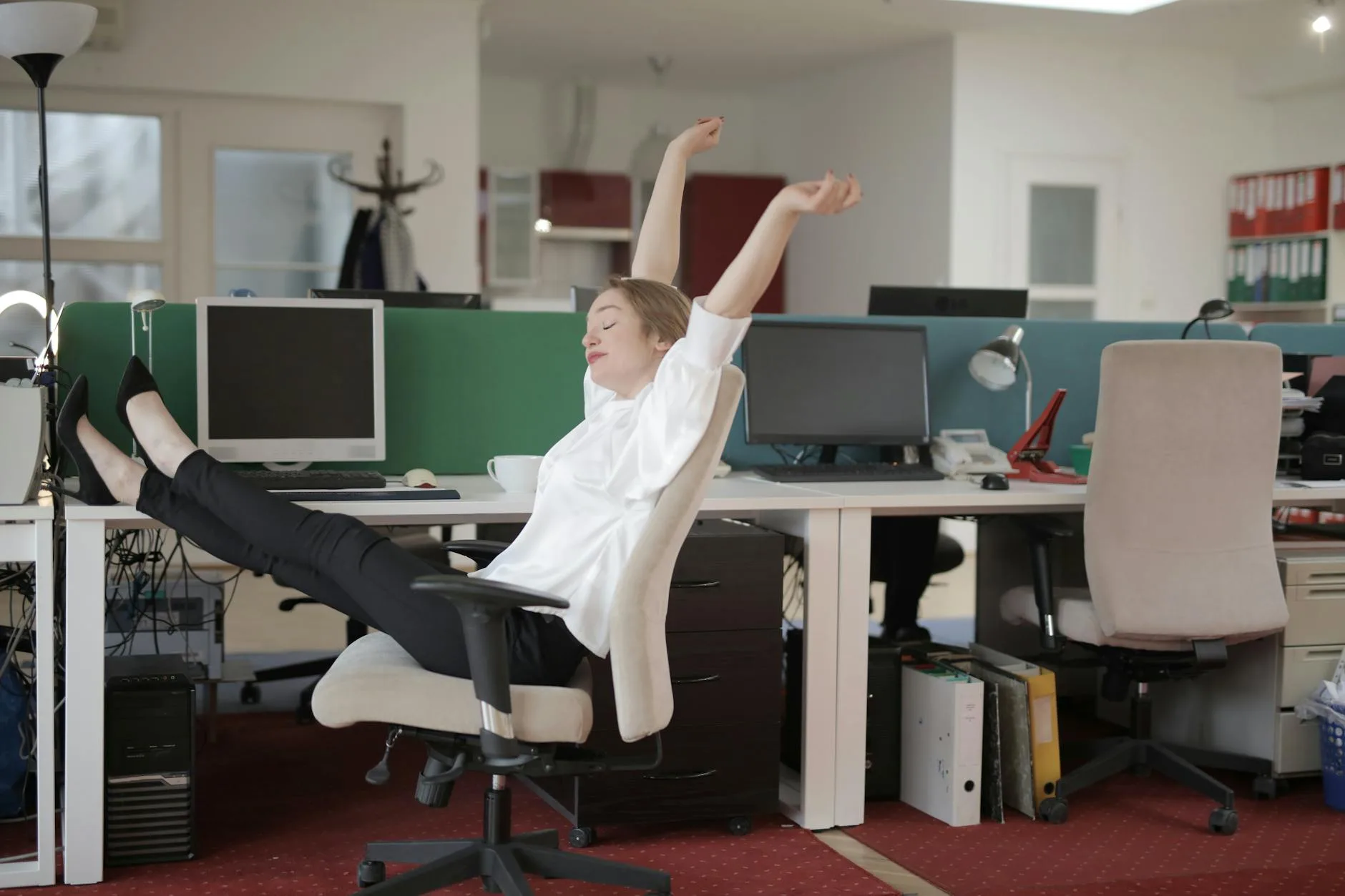
Movement Habits That Beat Both Options
Here’s the uncomfortable truth that neither the sitting camp nor the standing camp wants to hear: regular movement throughout the day matters more than your desk type.
The Five-Minute Rule
Set a reminder to move for at least five minutes every hour. Not stand — move. Walk to the kitchen. Go up and down the stairs. Do some stretches. The specific activity matters less than breaking the static pattern.
Micro-Movements That Help
Even without leaving your desk, these small movements make a measurable difference:
- Calf raises while standing — 10 repetitions every 30 minutes to pump blood back from your legs
- Seated hip circles — rotate your hips in your chair to keep the lower back mobile
- Shoulder rolls — 10 forward, 10 backward to combat the forward slump
- Neck stretches — gentle side-to-side tilts to release tension from screen-staring
- Standing weight shifts — alternate putting your weight on each foot every few minutes
The 8-8-8 Principle
The HSE guidance on workstation health supports the principle that your day should be roughly divided: 8 hours sleeping, 8 hours of varied activity (including work), and no more than 8 hours of any single position. Within your working hours, varying between sitting, standing, and moving keeps you in the healthiest zone.
Cost Comparison: Standing vs Sitting Setups
Before making a decision, it helps to understand what each option actually costs.
Sitting Setup
- Budget chair: £100-200 (Argos or IKEA MARKUS at about £180)
- Mid-range chair: £300-500 (Autonomous ErgoChair at about £350)
- Premium chair: £800-1,400 (Herman Miller Aeron at about £1,200 from John Lewis)
- Standard desk: £50-200
Standing Setup
- Electric sit-stand desk: £250-600 (FlexiSpot E7 at about £400, IKEA BEKANT at about £350)
- Manual crank desk: £150-300 (cheaper but less convenient — you’ll use the standing function less)
- Desk converter: £80-200 (sits on existing desk, no chair replacement needed)
- Anti-fatigue mat: £30-60
The Honest Maths
A full standing desk setup (electric desk + anti-fatigue mat) costs about £300-500 for a decent one. A good ergonomic chair costs £200-500. Doing both — which the evidence suggests is ideal — runs £500-1,000 total. If budget is tight, a desk converter (£100-150) on your existing desk with your existing chair is the most cost-effective way to get the sit-stand benefits.
Frequently Asked Questions
Is standing at a desk all day healthier than sitting? No. Standing all day carries its own health risks including varicose veins, foot pain, and lower limb swelling. The research consistently shows that alternating between sitting and standing is healthier than doing either exclusively. Aim for 20-30 minutes of standing per hour of sitting.
Do standing desks help you lose weight? The calorie difference is minimal — about 54 extra calories over a six-hour workday, which is less than a digestive biscuit. Standing desks have real health benefits, but meaningful weight loss isn’t one of them. Exercise and dietary changes are far more effective.
How long does it take to get used to a standing desk? Most people need two to three weeks to build up comfortably. Start with 15 minutes of standing per hour and increase gradually. Pushing through discomfort on day one often puts people off standing desks entirely. Use an anti-fatigue mat from the start.
Can a standing desk fix my back pain? It can help certain types of back pain, particularly lower back pain that worsens with sitting. Studies show 32-54% reduction in lower back pain for sit-stand desk users. However, back pain caused by poor posture, muscle weakness, or disc issues needs targeted treatment — a desk change alone won’t resolve the underlying cause.
What shoes should I wear at a standing desk? Supportive shoes with cushioned soles work best. Avoid standing barefoot on hard floors or in flat shoes like Converse. Trainers with arch support, or dedicated indoor shoes with cushioning, make a noticeable difference to comfort. Many home workers keep a dedicated pair of supportive slippers at their desk.
Where the Science Lands
The standing desk vs sitting desk debate generates more heat than light, mostly because both sides cherry-pick the research that supports their position. When you look at the evidence as a whole, the conclusion is clear: the best desk is one that lets you do both.
Standing desks don’t burn meaningful calories. They don’t replace exercise. They won’t transform your health on their own. But they do reduce back pain for many people, encourage position changes, and — when used properly — help you move more throughout the day.
If you already have a regular desk and a decent chair, adding a standing desk setup doesn’t have to mean replacing everything. A converter on your existing desk gets you 80% of the benefit at 30% of the cost.
The single best investment you can make for your health at a desk — whether sitting or standing — is the habit of moving regularly. No desk, however expensive, replaces that.