Ergonomic keyboard layouts involve two different choices: the physical shape of the keys and the characters assigned to them. QWERTY is a character arrangement; a conventional, curved or split keyboard can all use QWERTY. For most people exploring a more comfortable desk position, it makes sense to check keyboard height, mouse reach and typing posture before relearning every letter.
A wave-shaped board is the least disruptive change. A fixed split lets the hands approach the keys at different angles; a fully separate split allows each half to be placed independently. Ortholinear keys form a grid and take more practice. None is a treatment for pain. If symptoms persist, follow the NHS guidance on repetitive strain injury rather than relying on a keyboard purchase.
Our top picks

Easiest transition — Logitech Wave Keys
A familiar QWERTY board with a gentle wave and cushioned palm rest.

Wired fixed split — Perixx PERIBOARD-512
A full-size UK QWERTY keyboard with a connected, angled split.

Compact fixed split — Kensington Pro Fit Ergo KB675 EQ
A tenkeyless UK-layout curved keyboard that leaves more mouse space.

Ortholinear experiment — KBDcraft 07 Israfel
A compact 56-key ortholinear board with programmable layers.
In This Article
- Keyboard comparison at a glance
- QWERTY, split and ortholinear: what changes?
- Four keyboards in more detail
- Which keyboard layout should you choose?
- Set up the whole workstation
- Changing layouts without rushing
- Before you buy: layout and fit checks
- The bottom line
- Frequently Asked Questions
Keyboard comparison at a glance
| Keyboard | Physical layout | Key legends | Best for | Main compromise |
|---|---|---|---|---|
| Logitech Wave Keys | Wave-shaped, one piece | UK QWERTY (confirm variant) | A small change from a conventional keyboard | The halves cannot be moved apart or individually angled. |
| Perixx PERIBOARD-512 | Fixed split, full-size | UK QWERTY | A fixed split without batteries or pairing | Wide and fixed; it leaves less room for a nearby mouse. |
| Kensington Pro Fit Ergo KB675 EQ | Curved fixed split, tenkeyless | UK QWERTY | A smaller desk or a mouse kept close to the keyboard | No separate halves, and no dedicated number pad. |
| KBDcraft 07 Israfel | Compact ortholinear grid, one-piece frame | Programmable; key legends may differ from UK QWERTY | An enthusiast ready for a new physical key grid | Missing full-size dedicated keys and a much steeper adjustment. |
These examples span a gentle curve, fixed split and compact ortholinear layout. None has two freely positionable halves. If independent half spacing is your priority, seek a fully split model with the key language and connection you need; do not assume that a fixed-split keyboard offers the same adjustment.
QWERTY, split and ortholinear: what changes?
QWERTY describes the letters, not the keyboard shape
A conventional keyboard usually combines QWERTY letters with staggered physical rows. A split keyboard can keep the same QWERTY mapping while changing the angle between the hands. Colemak and Dvorak change the character mapping instead; they can be tried in software on a standard or split board, provided you can manage any mismatch between keycap labels and typed characters.
Split, tented and curved shapes
A fixed split has two angled key groups connected in one frame. A fully split board gives each hand a separate half, so spacing and angle can be adjusted to shoulder width and comfort. Tenting raises the inner edges of the halves; check whether it is built in or requires accessories. A curved or wave-shaped board changes hand position more gently and may be easier to use alongside a laptop keyboard.
Ortholinear and columnar keys
Ortholinear keys sit in straight rows and columns. Columnar-stagger boards also align keys in columns but offset the columns to account for different finger lengths. Neither layout inherently changes QWERTY lettering, although compact boards often put numbers, symbols or navigation on programmable layers. Key spacing, thumb keys and missing dedicated keys can matter more to day-to-day use than the grid itself.
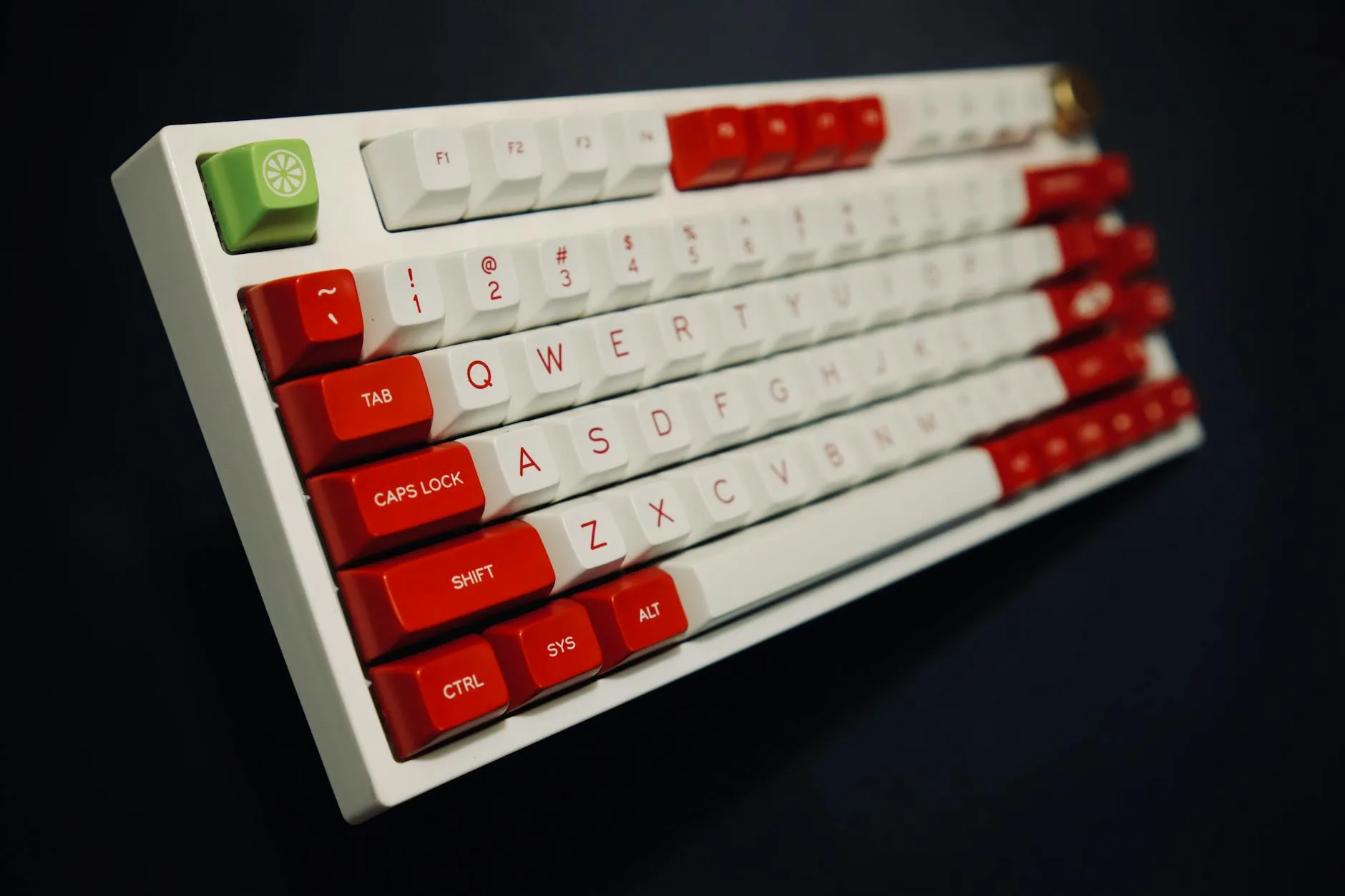
Four keyboards in more detail
Logitech Wave Keys — A gentle QWERTY curve
Wave Keys keeps a conventional one-piece format with QWERTY lettering, but its wave-shaped key rows and cushioned palm rest alter the hand position. It is a sensible first look if you share a computer, move between a laptop and desktop keyboard, or simply do not want a large change in key positions.
Best for: A small change from a conventional keyboard.
Watch out for: It is not a fully split keyboard. You cannot widen the halves to match your shoulders, and its palm rest makes the unit deeper than a plain compact board. Confirm the key legends and receiver arrangement on the variant you buy.
Perixx PERIBOARD-512 — A UK wired fixed split
The PERIBOARD-512 is a connected fixed-split keyboard with UK QWERTY legends, USB-A cable and a full-size number pad. The angled key groups make the split obvious without introducing layers or new letter positions. It suits a stationary desk where a wired connection is welcome.
Best for: A fixed split without batteries or pairing.
Watch out for: The broad frame can push a mouse further from the body. It cannot be separated into two halves, so the angle and spacing must suit you as supplied. Measure the desk and try the mouse position before choosing a full-size split.
Kensington Pro Fit Ergo KB675 EQ — A smaller curved option
Kensington’s KB675 EQ combines a compact tenkeyless body, curved fixed-split key arrangement and built-in wrist support. The UK-layout keyboard can connect wirelessly and leaves more room to bring a mouse close than the full-size Perixx. It fits a smaller desk or a user who does not need a dedicated number pad.
Best for: A smaller desk or a mouse kept close to the keyboard.
Watch out for: The halves are fixed, and the curve will not suit every hand position. A tenkeyless layout also changes how you enter long runs of numbers. Check whether your daily shortcuts and device connection suit this arrangement.
KBDcraft 07 Israfel — A genuine ortholinear trial
The 07 Israfel is a wired 56-key mechanical keyboard with an ortholinear grid in a one-piece frame. Its programmable layers and compact body make it a useful example of how far a physical layout can move from a standard board. It is for someone willing to spend time learning where numbers, navigation and symbols live.
Best for: An enthusiast ready for a new physical key grid.
Watch out for: Do not treat this as an easy drop-in UK office keyboard. Its compact key set relies on layers, and keycap legends or punctuation positions may differ from a UK full-size layout. Check the supplied configuration and software support before buying; a small keyboard is not automatically a more comfortable one.
Which keyboard layout should you choose?
Keep the letters, change the physical shape
If QWERTY already works for you, keep it while you investigate the desk setup. Wave Keys is a modest change. Choose a fixed split such as the PERIBOARD-512 or KB675 when the angled key groups feel preferable and the frame fits your desk. The Perixx retains a number pad; the Kensington trades that for closer mouse reach.
When a fully split or ortholinear board makes sense
A fully split board is the more adjustable route if you want each half at a different position or wider spacing. The four examples here do not offer that; look at the maker’s layout diagram and UK key option before ordering elsewhere. The 07 Israfel is a separate choice: it tests an ortholinear grid but adds a compact-key and layer-learning commitment.
What about Colemak and Dvorak?
Colemak and Dvorak are alternative character maps, not purchases you must make to change keyboard shape. Try a software remap only if you want that particular learning project. Check whether your applications, shortcuts, shared computers and labelled keycaps make it practical. There is no reliable basis for promising a particular speed or pain improvement from a map change.
Set up the whole workstation
The HSE’s display-screen guidance puts the keyboard below elbow height, the screen and keyboard centrally, and the mouse in line with the elbow. Those basics matter whichever key shape you use. Our ergonomic desk setup checklist brings the positions together; the chair-adjustment guide covers seat and armrest position.
- Keep shoulders relaxed: adjust chair and desk height so you do not reach up to the keys.
- Keep the mouse close: a wide keyboard may undo the benefit of a more comfortable hand angle if it pushes the mouse too far away.
- Do not press on the wrist while typing: use a palm support during pauses if it suits you, and check that your hands can move freely.
- Change position and take breaks: a new keyboard does not replace a sensible work routine.
If you mainly type on a laptop, a separate keyboard can let you raise the screen without raising the keys. See our home-office setup guide and monitor-height guide for the surrounding adjustments. For symptoms such as persistent pain, numbness or tingling, speak to a healthcare professional rather than treating any product as a cure.

Changing layouts without rushing
Allow time to adjust to a new physical key shape, but do not rely on a universal adaptation timetable. Start with ordinary low-pressure typing, keep your existing keyboard available, and notice whether reaching for centre keys or a distant mouse changes your posture. If the new board makes you tense your shoulders or grip the keys harder, adjust its position or reconsider the design.
An ortholinear or compact board may require a deliberate plan for symbols, numbers and shortcuts. Test the keys you use in your actual work before moving your whole day onto it. A separate character map such as Colemak adds another learning task; changing shape and mapping together makes it harder to tell which change helps or hinders. Our desk-accessories guide is useful if you are deciding what else belongs on the desk.
If your aim is relief from symptoms, a workstation assessment and clinical advice are more important than persisting with a board that feels wrong. The NHS RSI page explains when to seek help and how activity changes may be considered.
Before you buy: layout and fit checks
Compare the full desk footprint, key legends, number-pad arrangement, connection method and return terms before buying. An angled frame does not guarantee a comfortable wrist position on your desk. Picture where the mouse will sit and whether the key positions suit the shortcuts you use every day.
The Wave Keys, PERIBOARD-512, KB675 EQ and 07 Israfel product pages show their different physical layouts. Check the precise key configuration you need; a product diagram cannot establish how comfortable it will feel to you.
The bottom line
Start with your workstation, then pick the smallest layout change that serves a real need. Wave Keys suits someone who wants a gentler QWERTY shape. The PERIBOARD-512 offers a wired UK fixed split with number pad; the KB675 EQ trades the number pad for a smaller wireless frame. The 07 Israfel is for an interested typist who accepts the ortholinear grid, layers and key-legend trade-offs. For independent half placement, seek a genuinely fully split keyboard rather than treating any of these fixed frames as equivalent.
Frequently Asked Questions
Is QWERTY the opposite of a split keyboard? No. QWERTY describes which characters are assigned to keys. A standard, curved, fixed-split or fully split keyboard can all use QWERTY.
Will a split keyboard prevent repetitive strain injury? No keyboard can guarantee prevention or treat persistent symptoms. A split design can offer a different hand position, but desk height, mouse reach, work routine and individual fit also matter. Seek medical advice for persistent symptoms.
What is the difference between fixed split and fully split? A fixed split connects the angled key groups in one frame. A fully split keyboard has two separate halves whose spacing and angles can be adjusted independently.
Is an ortholinear keyboard faster to type on? Not necessarily. The keys form a grid, which changes finger movement and takes practice. Speed and comfort vary by person; try your usual shortcuts and symbols before committing.
Do I need to learn Colemak or Dvorak for an ergonomic keyboard? No. Those are optional character mappings. You can keep QWERTY on a physically curved, split or ortholinear keyboard.
What should UK buyers check before ordering? Check the exact key legends and punctuation positions, board dimensions, number-pad arrangement, connection method and return terms. Compact boards may depend on layers for everyday keys.