The best desk lamp for eye strain is not the brightest lamp on the shelf; it is the one that gives you controllable, even light without bouncing glare back from your monitor. For most UK desks, that means an adjustable LED lamp with dimming, a warm-to-neutral colour range, a head you can aim precisely, and enough reach to light paperwork without shining into your eyes.
In This Article
- What Eye-Comfort Lighting Actually Means
- Best Desk Lamp for Eye Strain: The Features That Matter
- Brightness, Colour Temperature and CRI Explained
- Where to Put the Lamp on Your Desk
- Which Type of Desk Lamp Should You Buy?
- What I Would Buy at Each Budget
- Bottom Line
- Frequently Asked Questions
What Eye-Comfort Lighting Actually Means
“Eye comfort” sounds like packaging fluff until you sit through a winter afternoon with a dim room, a bright monitor and a glossy notebook catching every reflection. A good desk lamp does not cure eye strain on its own, but it can remove one of the most irritating causes: uneven contrast between the screen, the desk surface and the room around you.
The goal is balanced task lighting. Your monitor should not be the only bright object in a dark corner, and your lamp should not be so strong that white paper looks like a torch. The useful middle ground is a light you can tune as daylight changes.
The four things that matter
For a normal home office, I would judge a desk lamp on four points:
- Control: dimming matters more than maximum output because the right brightness at 9am is usually wrong at 5pm.
- Spread: a narrow spotlight creates hard shadows; a wider head or diffused LED bar lights more of the desk.
- Positioning: the lamp needs enough reach to sit beside or behind the monitor without shining straight at the screen.
- Colour quality: neutral white is better for work than a very orange bedside glow or a harsh blue-white strip.
That is why a £15 IKEA FORSÅ can be perfectly usable with the right bulb, while a £100 smart lamp can still be annoying if its head is fixed in the wrong place. The lamp has to fit your desk layout first.
What a desk lamp will not fix
Lighting is only one part of visual comfort. DeskSetupLab already has separate guides on reducing eye strain with screen settings, reducing monitor glare and monitor brightness and contrast. This article is narrower: how to choose and place the lamp itself.
The UK’s display screen equipment guidance treats lighting and glare as part of workstation risk, not just interior design. The HSE display screen equipment guidance specifically points to glare, screen position, blinds and more suitable lighting as ways to deal with visual problems. That is the right mindset. Buy the lamp after you understand the problem it needs to solve.
Best Desk Lamp for Eye Strain: The Features That Matter
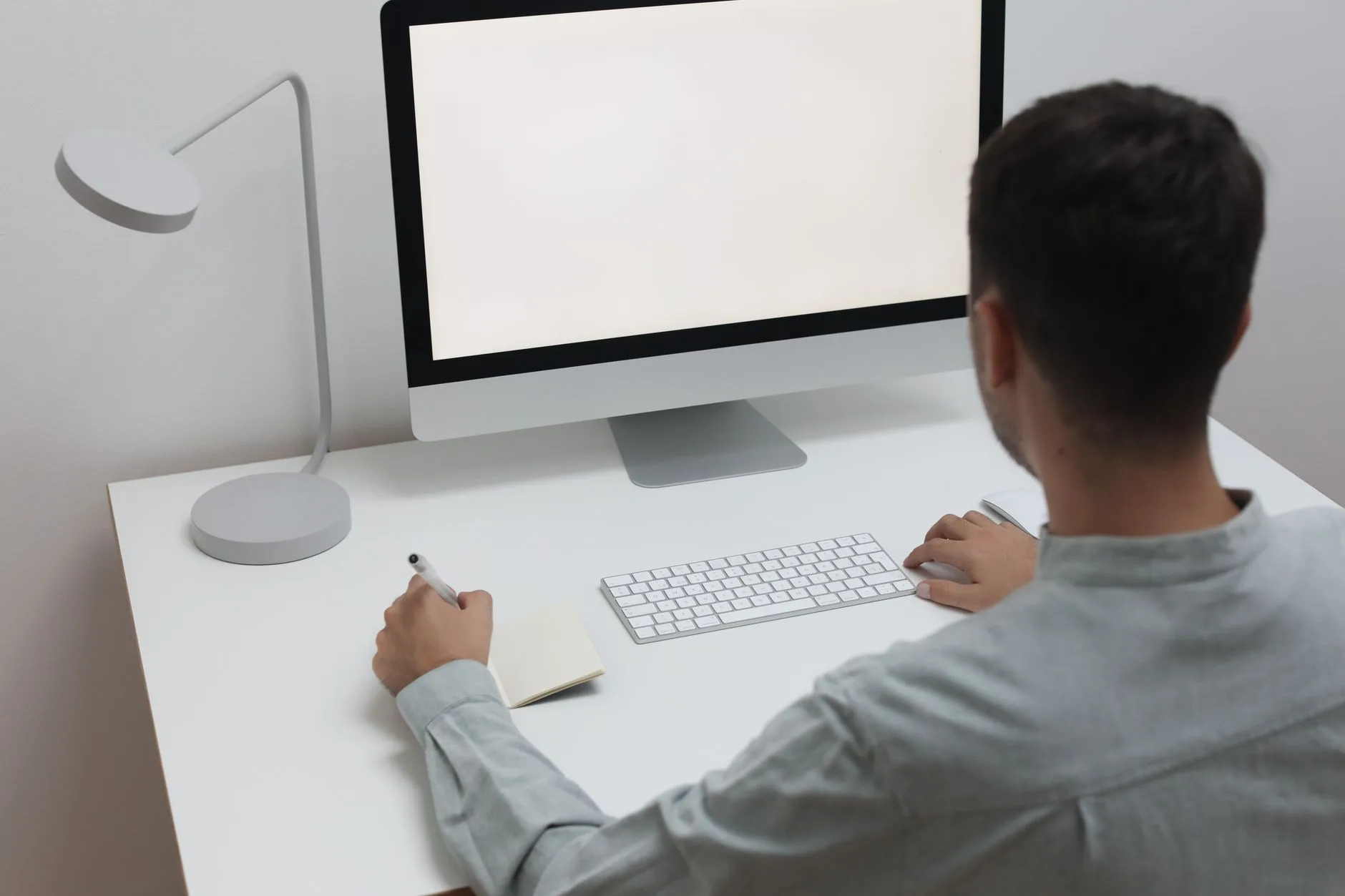
The best desk lamp for eye strain should let you change brightness, aim the beam, and avoid glare without making the desk feel like an operating theatre. Ignore claims about “eye protection” unless the lamp gives you real controls you will use every day.
Dimming beats raw brightness
A desk lamp that only has on/off control is a poor fit for screen work. You need lower output for evening admin, more light for reading paper documents, and something in between when the room is already bright.
Look for:
- At least three brightness levels: enough for basic work, though a smooth dimmer is nicer.
- Memory mode: useful if the lamp remembers your last setting instead of blasting full power every morning.
- Physical controls: touch sliders are neat, but a simple button you can find without looking is often better.
Budget LED clamp lamps on Amazon UK often cost about £20-£40 and usually offer five colour modes plus several brightness levels. Some are excellent value, but check that the arm is not floppy. A cheap light that droops towards the keyboard becomes annoying fast.
A wide light source is kinder than a pin beam
Old-school task lamps with a small bulb can work for handwriting or soldering, but they create a hot spot. For office use, a wider LED head spreads light across the keyboard, notebook and mouse area more evenly.
The BenQ e-Reading style of lamp is built around this idea: a broad curved head that washes the desk rather than spotlighting one A4 page. It is expensive, usually around £199 in the UK, but the idea behind it is sound. If you use a large desk, a wide head is more useful than decorative looks.
The arm has to reach over real desk clutter
Measure your desk before buying. It sounds dull, but it prevents the classic mistake: a lamp that looks fine in product photos but cannot clear a monitor arm, laptop stand or desk shelf.
A lamp for eye comfort needs:
- Height: enough clearance to keep the light source above your line of sight.
- Reach: enough arm length to place the head over the work area, not right beside the base.
- Swivel: the head should rotate away from the screen when glare appears.
- Stable joints: especially on spring-arm lamps, where loose joints turn tiny adjustments into a faff.
If your desk is already full, a clamp lamp usually wins. A base lamp takes 15-25cm of surface space before you have even opened the notebook.
Brightness, Colour Temperature and CRI Explained
Lamp specs can be useful, but only if you know which ones matter. Lumens, kelvin and CRI are not magic numbers. They are shopping filters.
Lumens: how much light you get
For desk work, I would not obsess over a single lumen target. A lamp around 400-800 lumens is normally enough for reading and keyboard work if it is close to the surface. Bigger rooms and darker walls need more ambient light, not just a stronger beam on the desk.
The trap is using one intense lamp in a dark room. That creates high contrast: bright paper, dark room, glowing monitor. If your eyes keep bouncing between those brightness levels, fatigue builds. A £10-£20 floor uplighter or a second soft lamp across the room can sometimes help more than upgrading the desk lamp.
Colour temperature: warm, neutral or cool
Colour temperature is measured in kelvin. In plain terms:
- 2700K-3000K: warm, relaxed light; good for evenings, less good for colour-critical work.
- 3500K-4500K: neutral white; my preferred range for normal desk work.
- 5000K-6500K: cool daylight; useful for detail tasks, but it can feel harsh late at night.
If you work long days, buy a lamp with adjustable colour temperature. You do not need circus-level RGB. You need warm, neutral and cool white options that do not flicker or hum.
CRI: why colours can look wrong
CRI, or colour rendering index, tells you how accurately colours appear under a light. For writing emails it barely matters. For photo editing, drawing, craft work, model painting or checking fabric samples, it matters a lot.
Aim for CRI 90+ if colour matters. Dyson’s Solarcycle Morph desk light, for example, claims over 90 CRI and costs £499.99 direct from Dyson UK. That is premium money, and I would not recommend it for a simple admin desk, but the spec is meaningful if you need accurate colour and automatic daylight tracking.
For a normal home office, a decent adjustable LED around £30-£80 is the sensible band. Spend more only if the arm design, light spread or colour accuracy solves a real problem on your desk.
Where to Put the Lamp on Your Desk
Placement is where good lamps get ruined. A lamp behind the monitor can flare into your eyes. A lamp directly in front can reflect off the screen. A lamp on your writing-hand side can cast your own hand shadow across the page.
The UK HSE’s lighting guidance warns that directional light can bounce off reflective surfaces such as display screens and cause glare, and recommends controlling the angle of the light source. That is simple advice, and it matches what works on real desks: side lighting usually beats lighting from directly in front or behind the screen.
Start from your dominant hand
If you write with your right hand, put the lamp on the left where possible. If you write with your left hand, put it on the right. That stops your hand casting a shadow over notebooks, sketchpads and paperwork.
Screen-only workers can be more flexible. The main rule is to keep the light off the monitor surface. Sit in your normal position, turn the lamp on, and tilt the monitor slightly. If you can see a bright reflection, move the lamp before blaming the screen.
Watch glossy desks and white walls
White desktops, glass tops and glossy monitor bezels make glare worse. A dark felt or cork desk mat can soften reflections for £15-£40 and may do more for comfort than buying a brighter lamp. DeskSetupLab’s guide to desk mat materials is relevant here because surface finish changes how light behaves.
For wall-facing desks, avoid firing a cool-white lamp straight at a white wall behind the screen. It can create a bright halo around the monitor. A softer ambient lamp elsewhere in the room usually feels better.
Match the lamp to monitor height
A low lamp beside a high monitor often shines into the lower bezel and keyboard. A tall lamp beside a low laptop can shine into your eyes. If you already use a monitor arm, laptop riser or shelf, check the lamp height against the screen setup.
For more on screen position, the guides to monitor height ergonomics and positioning monitors to avoid neck pain sit alongside this lamp advice. The lamp should support the setup, not force you to lean around it.
Which Type of Desk Lamp Should You Buy?
There is no single best lamp style. The right choice depends on desk depth, monitor size, paperwork and how much surface space you can give up.
Clamp lamps
Clamp lamps are my first pick for small UK home offices because they free up desk space. A decent LED clamp lamp costs about £20-£50 on Amazon UK, and better metal-arm models from lighting brands can run £60-£120.
Choose one if:
- Your desk is shallow: the clamp keeps the base off the work surface.
- You use a large desk mat: no base digging into the mat edge.
- You need reach: long arms can place light over notebooks or a keyboard tray.
The downside is clamp compatibility. Thick solid-wood desks, rounded edges and cable trays can make clamping awkward. Check the maximum clamp opening before buying.
Base lamps
Base lamps are easier to move and kinder to rented furniture. The IKEA FORSÅ is the obvious budget example: around £15-£17 depending on finish, adjustable, metal, and far better than the price suggests. Add a good LED bulb for £3-£8 and it becomes a proper work lamp, not just a decorative desk object.
The weakness is space. A heavy base is good for stability but annoying on a 100cm desk. If you already have a keyboard, mouse, notebook, mug, laptop stand and half a life on the desk, a base lamp may be one item too many.
Monitor light bars
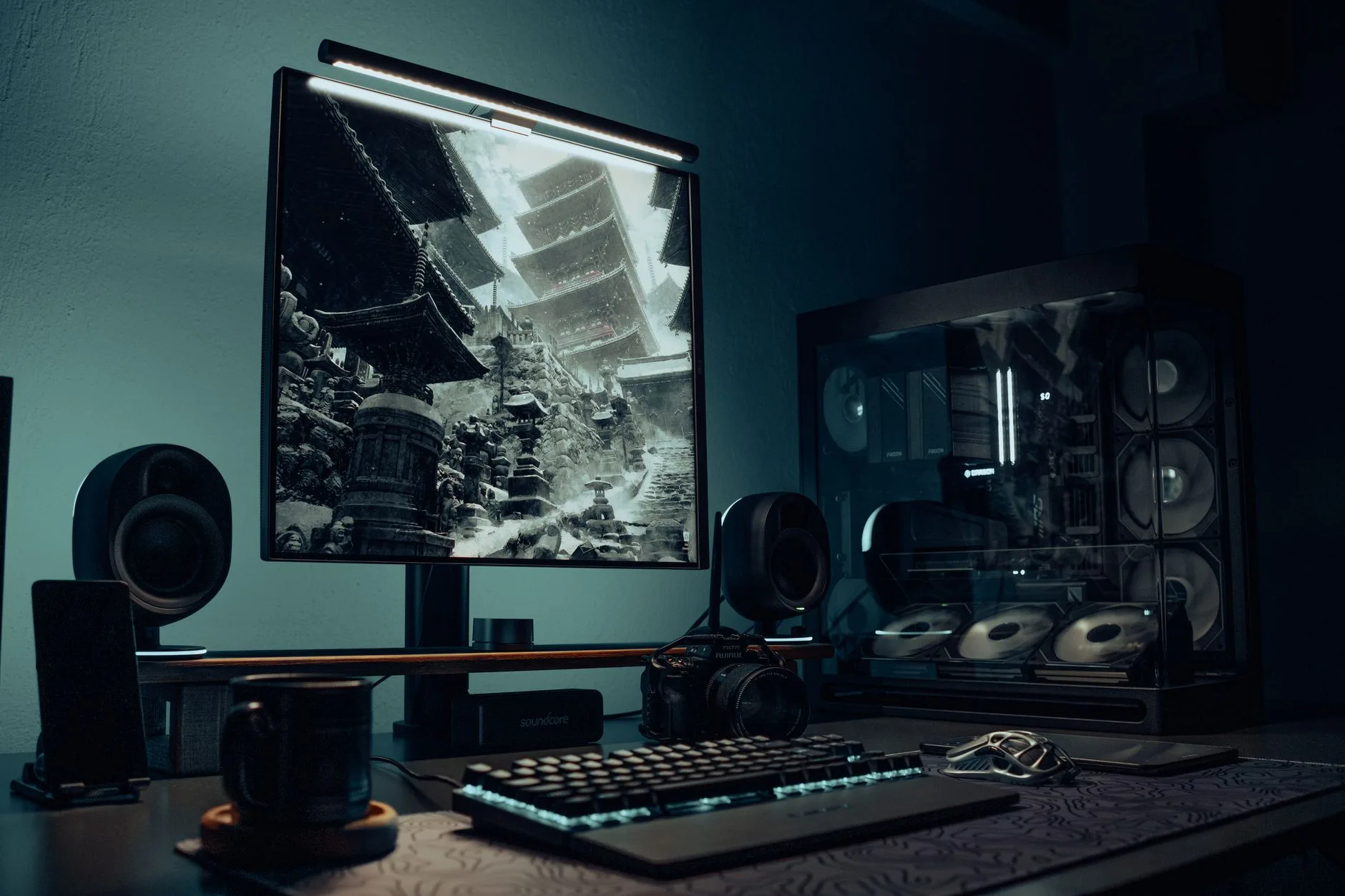
Monitor light bars sit on top of the screen and throw light down onto the desk. They are tidy, and decent versions usually cost £35-£100. I like them for minimalist setups, especially where there is no room for a lamp arm.
They are not perfect. Some do not fit curved monitors, thick webcams or very slim laptop screens. Cheap ones can create reflections if the angle is poor. If your monitor has a built-in webcam hump or a stacked dual-screen layout, measure first.
Premium daylight-tracking lamps
Premium lamps such as the Dyson Solarcycle Morph desk light are for people who want automatic brightness and colour adjustment, high colour quality and a design object on the desk. At £499.99, it is hard to justify for basic office work. For design, craft or a high-end studio desk, I can see the appeal.
The more realistic premium choice for many desk workers is a wide-head LED like the BenQ e-Reading lamp at about £199. It is still expensive, but it solves a practical problem: lighting a wide desk evenly without needing two lamps.
What I Would Buy at Each Budget
If I were buying for a UK home office, I would spend according to the desk problem, not the product category. A lamp for a child’s homework desk, a compact flat-share setup and a dual-monitor work desk do not need the same answer.
Under £25: IKEA FORSÅ or a basic adjustable LED
For a tight budget, I would buy the IKEA FORSÅ at about £15-£17 and fit a decent LED bulb. It is not dimmable unless you choose the right bulb and switch setup, but the arm is useful, the base is stable, and it does not pretend to be smarter than it is.
If you need built-in dimming, a basic Amazon UK LED desk lamp around £20-£25 is fine for student desks, occasional admin and small bedrooms. I would avoid the very cheapest folding plastic lamps if you work full days; the hinges and touch controls often feel tired after a few months.
£30-£80: the sweet spot for most people
This is where most buyers should stay. Look for an adjustable LED lamp from Amazon UK, John Lewis, IKEA or a known lighting brand with:
- Multiple brightness levels so you can tune it through the day.
- Warm-to-cool white rather than one fixed cold setting.
- A long enough arm for your monitor and notebook layout.
- A return policy because glare problems only show up on your actual desk.
I would take a plainer £50 lamp with a better arm over a £70 lamp with app controls. Nobody needs another app to turn on a desk light.
£100-£220: wide coverage and nicer controls
Spend in this band if you use a large desk, do craft work, switch between paper and screen all day, or hate uneven shadows. The BenQ e-Reading lamp around £199 is the kind of product that makes sense here because the wide head and auto-dimming are not gimmicks; they change how the desk is lit.
Anglepoise-style lamps also sit in this higher range, often around £120-£250 depending on model and retailer. They are lovely to use and repairable in spirit, but they still need the right bulb. A classic arm with a poor bulb is just an expensive shadow maker.
£400+: only if the lamp is part of the workstation
The Dyson Solarcycle Morph at £499.99 is not a casual purchase. I would only buy it if you care about design, colour rendering, daylight tracking and long LED life enough to make the price feel rational. For most home workers, the same money is better split between a good lamp, a better chair setup and a monitor arm.
If your whole desk is uncomfortable, start with the ergonomic desk setup checklist before dropping £500 on lighting. A premium lamp cannot compensate for a screen at the wrong height or a chair that leaves your shoulders up by your ears.
Bottom Line
Buy the lamp that controls glare, not the one with the loudest brightness claim. For most UK desks, the sensible answer is a dimmable LED lamp in the £30-£80 range, placed to the side of the monitor and opposite your writing hand.
My budget pick would be the IKEA FORSÅ with a good LED bulb. My practical upgrade would be a clamp or wide-head dimmable LED around £50-£100. My premium pick would be the BenQ e-Reading style of lamp if the desk is wide enough to need that spread. I would only go Dyson-level if the lamp is doing studio, design or colour-sensitive work as well as normal office duty.
Do that before chasing marketing terms. Your eyes care about controllable light, fewer reflections and a comfortable contrast between the screen and the room. The box copy can wait.
Frequently Asked Questions
Which desk lamp helps most with eye strain? Choose a dimmable LED lamp with adjustable colour temperature, a movable head and enough reach to sit beside the monitor without causing glare.
Is warm or cool light better for desk work? Neutral white around 3500K-4500K is the safest all-day choice. Warm light feels nicer in the evening, while cool daylight can help with detail tasks but may feel harsh.
Should a desk lamp be on the left or right? Put it opposite your writing hand if you use paper. Right-handed people usually want the lamp on the left; left-handed people usually want it on the right.
Are monitor light bars good for eye comfort? They can be good on small desks because they light the keyboard and paperwork without taking surface space, but they must fit the monitor and avoid screen reflections.
How much should I spend on a desk lamp? Most people should spend £30-£80. Go cheaper for occasional use, and spend £100+ only if you need wide coverage, better colour quality or a stronger adjustable arm.
Can a desk lamp replace proper room lighting? No. A desk lamp helps with task lighting, but a very bright lamp in a dark room can make contrast worse. Use soft ambient light as well if the room feels gloomy.