If you want one FlexiSpot standing desk for an ordinary UK home office, start with a complete desk rather than a frame you must finish yourself. The 140 × 70cm bamboo-top model with drawer is the most practical choice here if that footprint fits your room. The EC5-series frame makes more sense when you already have a compatible top, while the QS2 is for a genuine corner layout. Those are three different purchases; comparing them as if they were three grades of the same desk would lead you astray.
This FlexiSpot standing desk review compares the package you actually receive, room fit, controls and the compromises at standing height. We have not assembled or long-term tested these exact variants. Check the current dimensions, seller and return conditions before ordering: a heavy desk that does not fit your room is an expensive thing to send back.
Contents
- Direct answer
- FlexiSpot models compared
- Three desk reviews
- Frame-only versus complete desks
- Stability and daily use
- Height and workspace fit
- Assembly and returns
- Final verdict
- Frequently asked questions
FlexiSpot Standing Desk Review: Our Direct Answer
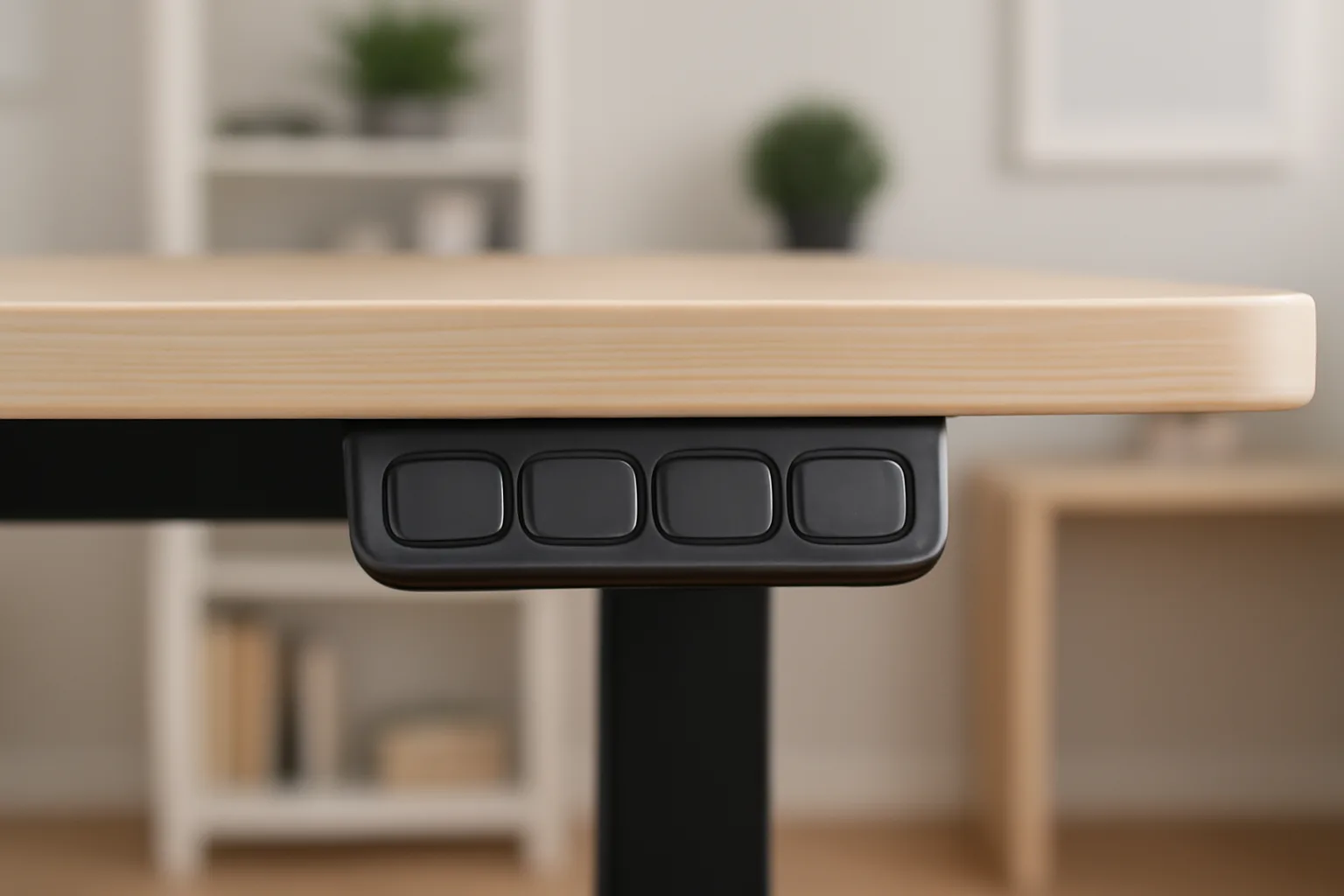
Choose the 140 × 70cm bamboo-top desk with drawer if you want a complete work surface, electric adjustment, somewhere to put small items and a footprint suited to one or two monitors. It is the least complicated route from box to working desk of these three. The drawer and charging controls are conveniences; do not buy it on those alone if the 70cm depth or fixed top size is wrong for your screens.
Choose the EC5-series three-stage frame only if you want to supply a desktop yourself. The frame-only package is not a cheap complete desk. Check your top’s dimensions, weight, fixing method and whether you are comfortable drilling or mounting it. Choose the QS2 L-shaped desk if the return really uses a corner and you need separate zones for screens and paperwork. Its 180 × 110cm layout needs much more floor space and a more considered assembly plan.
The older shorthand of “E5 budget, E7 best, E7 Pro premium” is not a substitute for matching the exact desk or frame sold today. Model names, desktop packages and seller terms differ. If you specifically want an E7 or E7 Pro, compare its current manufacturer specification and delivery package separately; none of the three linked products below should be described as one.
Three FlexiSpot Standing Desk Choices at a Glance
| Model | What you receive | Best for | Footprint / top | Main trade-off |
|---|---|---|---|---|
| Bamboo-top desk with drawer | Electric desk, bamboo top and drawer | Ready-to-use home office | 140 × 70cm top | Fixed layout; confirm exact controls |
| EC5-series three-stage frame | White electric frame only | Own desktop and customised size | Desktop not included | You must source and fit the top |
| QS2 L-shaped desk | Four-leg electric desk with split top | True corner workstation | 180 × 110cm layout | More space and assembly required |
The dimensions above identify the selected packages, not a promise that every colour or bundle shares the same parts. Measure your usable floor area and allow room for a chair, monitor arm and moving cables. If a seller substitutes a different top size or frame, repeat the fit check before buying.
Our Three FlexiSpot Desk Recommendations
FlexiSpot bamboo-top desk with drawer — Best complete desk
This white-frame, bamboo-top variant is sold as a complete 140 × 70cm desk with an integrated drawer and USB charging controls. The top is deep enough to be worth considering for a monitor, keyboard and paperwork, and the drawer keeps small accessories off the surface. For most people who simply want to replace a fixed home-office desk, it is the cleanest purchase in this shortlist.
Do not assume the drawer provides cable management for everything underneath. Check where its housing sits relative to your knees, monitor-arm clamp and any cable tray. The seller’s detail text conflicts on some measurements and load figures, so confirm the exact current specification and what comes in the box before ordering. A large complete desk is also harder to move or return than a small accessory.

Choose it if: You want a complete electric desk with a 140 × 70cm top and small-item storage.
Skip it if: You need a different desktop size, a very low seated height or a custom top.
Main trade-off: Convenience and storage come with less configuration freedom.
FlexiSpot EC5-series white frame — Best frame-only build
This is a white, three-stage, dual-motor EC5-series frame. The key words are frame only: no desktop is included. It is the sensible route if you already have a suitable top or want to choose one for a particular room, finish or monitor layout.
A frame-only build asks more of the buyer. Verify the compatible top-size range and total supported load for this exact frame, then account for the weight of the top as well as screens and accessories. Plan the fixing points, cable slack and control position before assembly. If you would need to buy tools, a top and delivery separately, compare that total with a complete desk rather than treating the frame price as the final cost.

Choose it if: You want to choose or reuse a compatible desktop.
Skip it if: You need a desk ready to use with a surface included.
Main trade-off: Customisation trades away the simplicity of a complete package.
FlexiSpot QS2 L-shaped desk — Best corner workstation
The selected white QS2 is a four-leg electric desk with a split L-shaped top in a 180 × 110cm layout. It is for a workspace where the return earns its keep: two work zones, a large screen plus documents, or a corner that a straight desk leaves underused.
Check the orientation of the return, socket location and door clearance before you commit. A split top has seams, so place monitor stands, arms and writing areas where they are properly supported. This is not the option to squeeze into a narrow home office just because the surface sounds generous; the footprint and assembly burden are real.

Choose it if: Your room has space for a true corner desk and you use both arms of the L.
Skip it if: You move often or only need a laptop-sized surface.
Main trade-off: Useful work area at the cost of floor space and a larger build.
Frame Only or Complete Desk: What Changes?
The most expensive buying mistake is treating a frame price and a complete-desk price as comparable. A frame-only order still needs a suitable top, fixings, perhaps a drill, and time to check alignment. It may be the better long-term choice when you want a specific wood finish or deeper surface, but it is not automatically the cheaper one.
- Check the box: confirm whether the desktop, control panel, cable parts and fixings are included. Read the package description for the exact colour and size, not another variation.
- Check the room: mark out the top on the floor, including chair clearance and the moving range. A 180 × 110cm L-shape uses a room differently from a 140 × 70cm straight desk.
- Check your equipment: include the top itself, monitors, arm, speakers and any PC tower in the total load. Avoid placing a monitor-arm clamp across a joint or unsupported edge.
If your choice is really about how a desk fits an existing room, our budget-versus-premium desk comparison gives the wider trade-offs. For the top itself, the monitor-size guide helps work backwards from screen distance rather than buying the biggest desk you can afford.
Stability, Motors and Everyday Use
An electric desk can feel sound at sitting height yet show movement when fully raised, especially with a wide top and a monitor on a long arm. The answer is not simply to buy the heaviest frame. Floor level, correct assembly, desktop stiffness and how the monitor is mounted all change what you feel when typing. Our standing-desk stability guide explains those factors in more detail.
For these three choices, the distinction is practical: the EC5 frame gives you control over the top but also responsibility for fitting it correctly; the bamboo-top desk arrives as a matched package; the QS2’s four legs support a wider corner arrangement, but its seams and larger span still deserve careful setup. None should be promised wobble-free at every height. If a desk rocks at sitting height, first check level feet, tightened fasteners and floor contact.
Memory presets are useful because they make a height change a single action. Set one seated position and one standing position that keep your shoulders relaxed. Keep power cables and drawers clear of the moving frame; anti-collision features are a backup, not permission to ignore obstructions.
Height Range and Ergonomic Fit
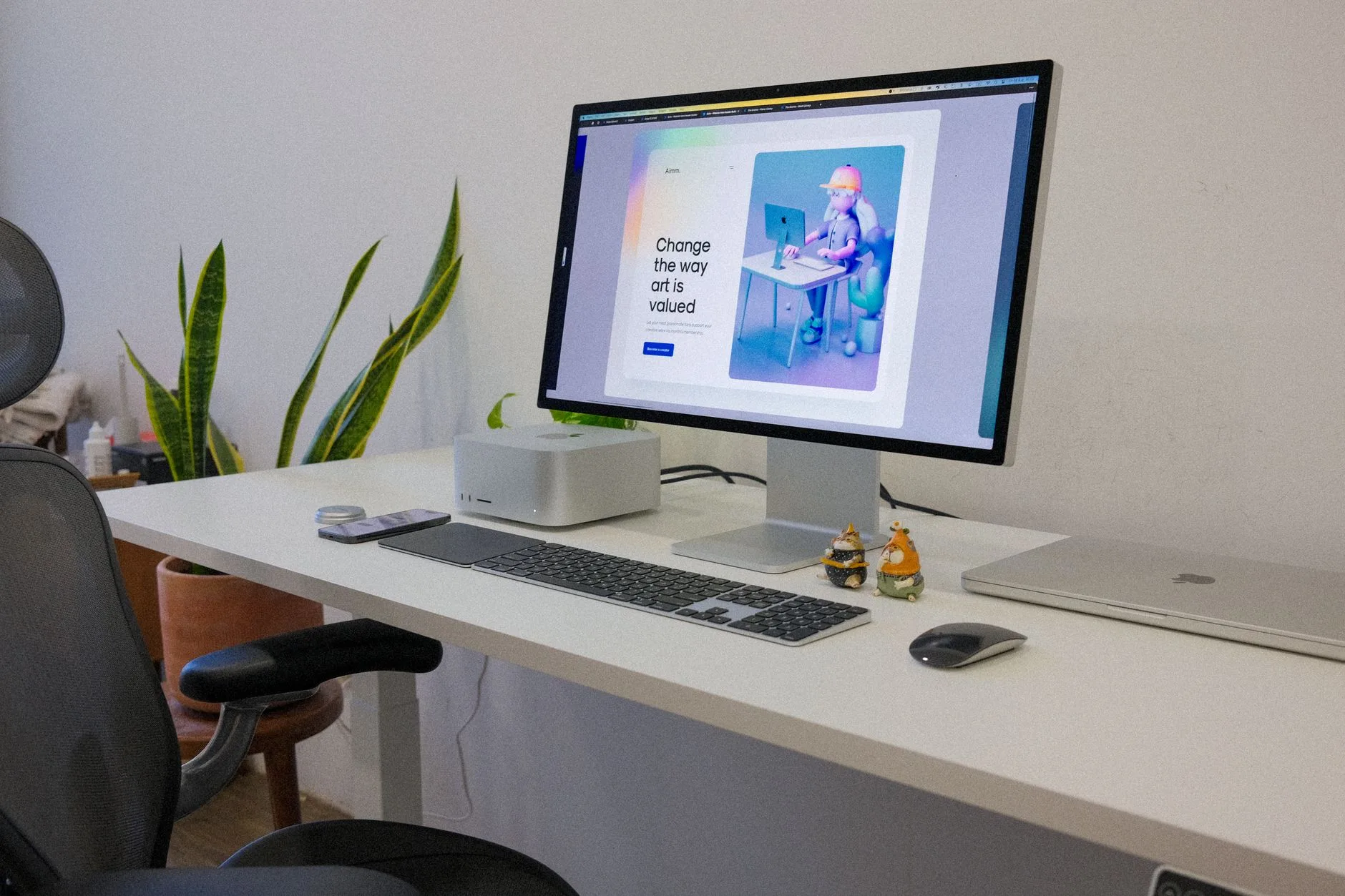
The best desk is one that reaches a comfortable seated keyboard height as well as a useful standing position. A frame with a high minimum may leave a shorter user reaching up even when the desk is fully lowered. Check the exact variant’s published height range against your elbow height with your usual chair and footwear, and remember that a thick desktop adds height above the frame measurement.
The HSE’s display-screen guidance is a sound starting point: set the whole workstation, not just the desk. Keep wrists in a neutral position, support your lower back when seated and put the screen at a comfortable viewing height. A monitor arm can help, but one that flexes or is clamped to a weak edge can make the setup feel unstable. See our standing-desk setup ideas for the arrangement around the desk.
Standing all day is not the goal. Change position, take breaks and move around. The NHS sitting exercises are a reminder that movement matters more than finding one supposedly perfect posture. If the chair and screen position are wrong, a motorised desk does not fix them by itself.
Assembly, Warranty and Returns
Make space to unpack the boxes and check for damage or missing parts before assembly. Build the desk on a blanket or other soft surface, align the frame before fully tightening fasteners and get help lifting a large top. Route cables with enough slack for the entire travel range. Do not drill a desktop until you have confirmed its thickness and the fixing pattern.
For a bulky desk, check who sells and dispatches the exact product and what the current return route costs. A brand warranty and a marketplace seller’s return process are different things. Confirm the current coverage for the frame, motors and controls, and whether a used or assembled desk can be returned without collection charges. Do this before the boxes are opened, particularly for the large QS2.
If the package still feels wrong, compare another route before settling. Our standing-desk roundup covers more brands; the UPLIFT review and Autonomous SmartDesk review explore different electric options. If you may not use the lift at all, even a simpler fixed setup such as the IKEA Linnmon deserves consideration.
If you expect to move house soon, a frame and top can be easier to handle separately, but only if you are willing to dismantle and reassemble them. If you rarely plan to stand, a fixed desk and a better chair may be a wiser spend. Our budget home-office guide helps prioritise the whole workstation.
Which FlexiSpot Desk Should You Buy?
For most home offices that fit a 140 × 70cm top, choose the bamboo-top desk with drawer: it is complete, reasonably spacious and does not require a separate desktop hunt. Pick the EC5-series frame if choosing your own top is the point. Buy the QS2 L-shaped desk only when you have measured a corner and will use the return. The most important distinction is not a motor-count badge; it is whether the package, size and return terms match your actual workspace.
Frequently Asked Questions
Is a FlexiSpot standing desk worth it?
It can be if you will use the height adjustment and the exact desk fits your room and workstation. A standing desk is not a substitute for a suitable chair, screen position and movement breaks.
Does the EC5-series frame include a desktop?
No. The white three-stage EC5-series product compared here is a frame-only package. Check the compatible desktop size, fittings and total cost before buying.
Which of these desks is best for a home office?
The 140 × 70cm bamboo-top desk with drawer is the easiest complete-desk choice for many home offices. The EC5 frame suits a custom top, while the QS2 needs a genuine corner layout.
Will a FlexiSpot desk wobble at standing height?
Movement depends on the desk, height, floor, assembly, desktop and monitor arms. No electric desk should be assumed completely wobble-free; check the setup and use the correct load limits.
Does a standing desk fix back pain?
No. It can help you vary posture, but it is not a medical treatment. Set the whole workstation to fit you, change position and seek appropriate professional advice for persistent pain.
What should I check before ordering a large electric desk?
Measure the desk footprint and height range, confirm what is in the box, check your equipment load and inspect the exact seller’s delivery, warranty and return terms.